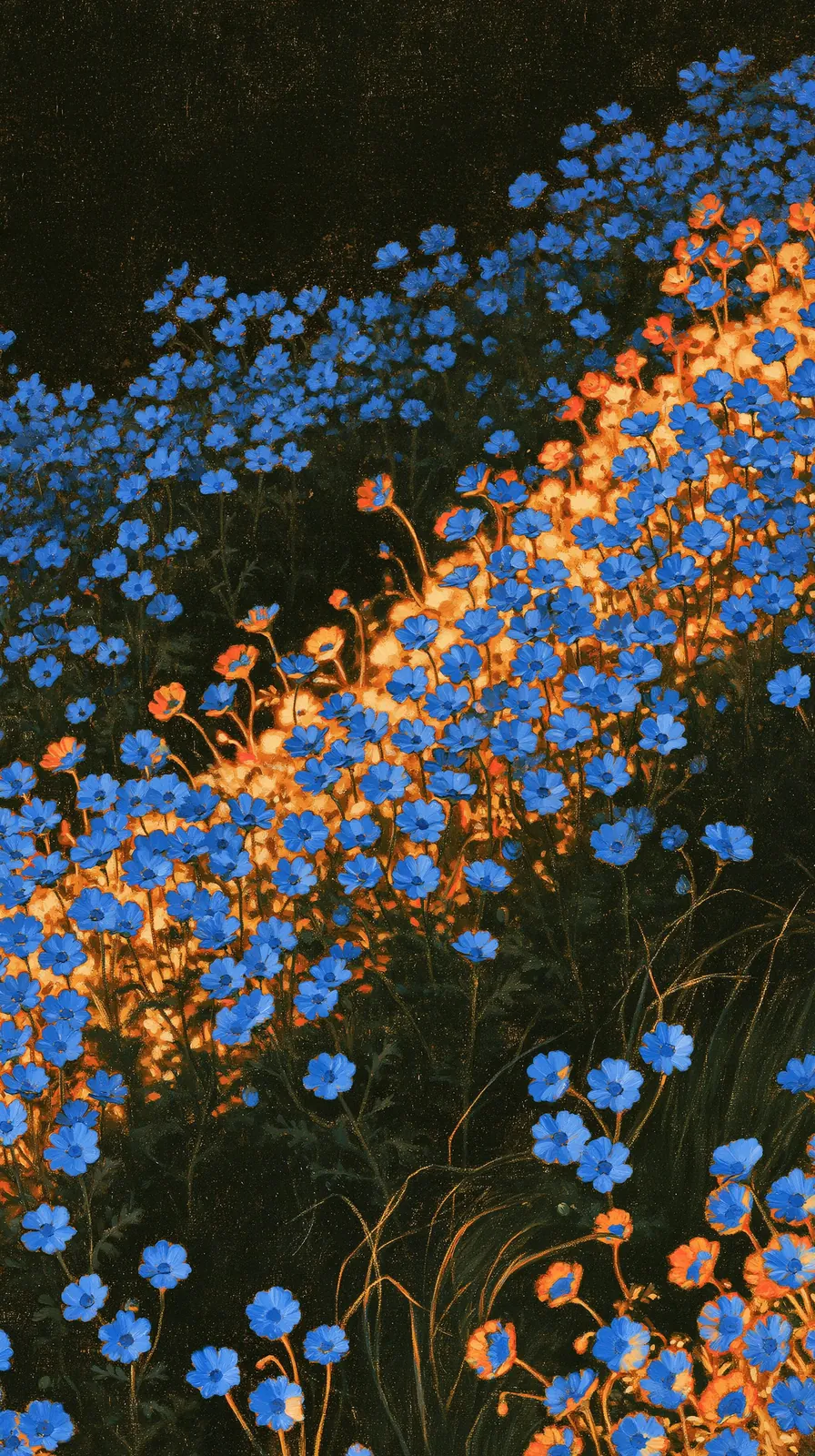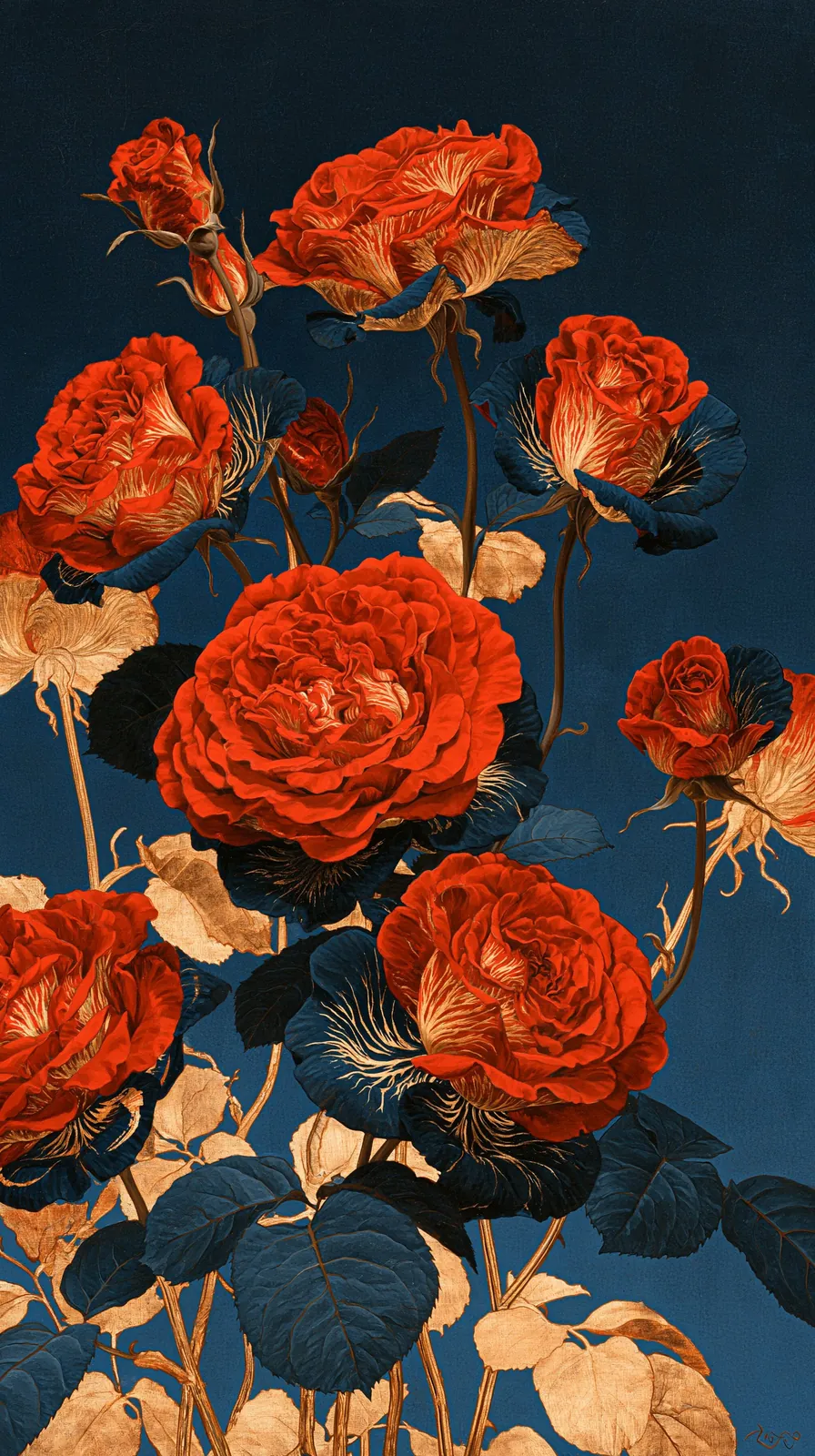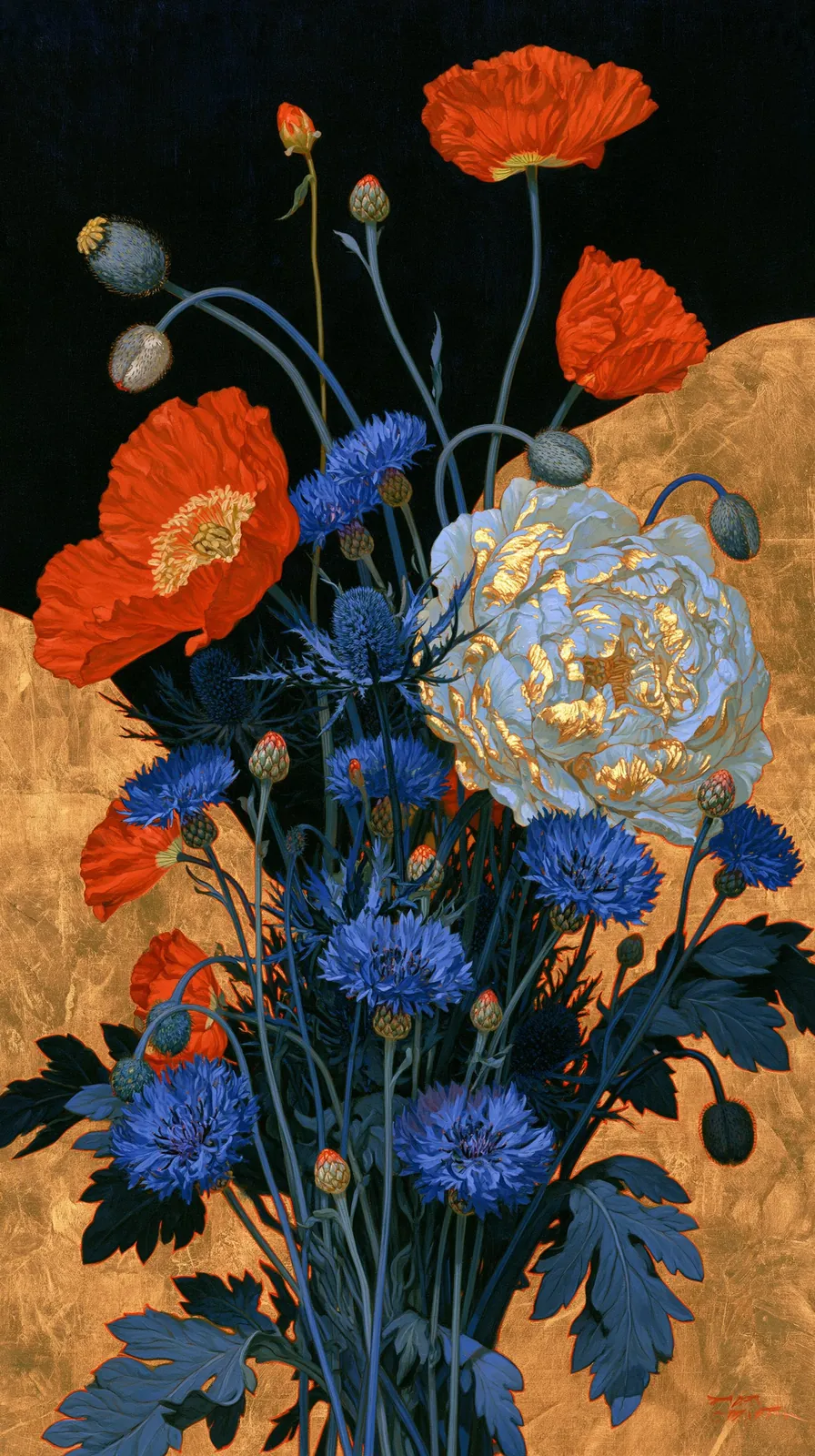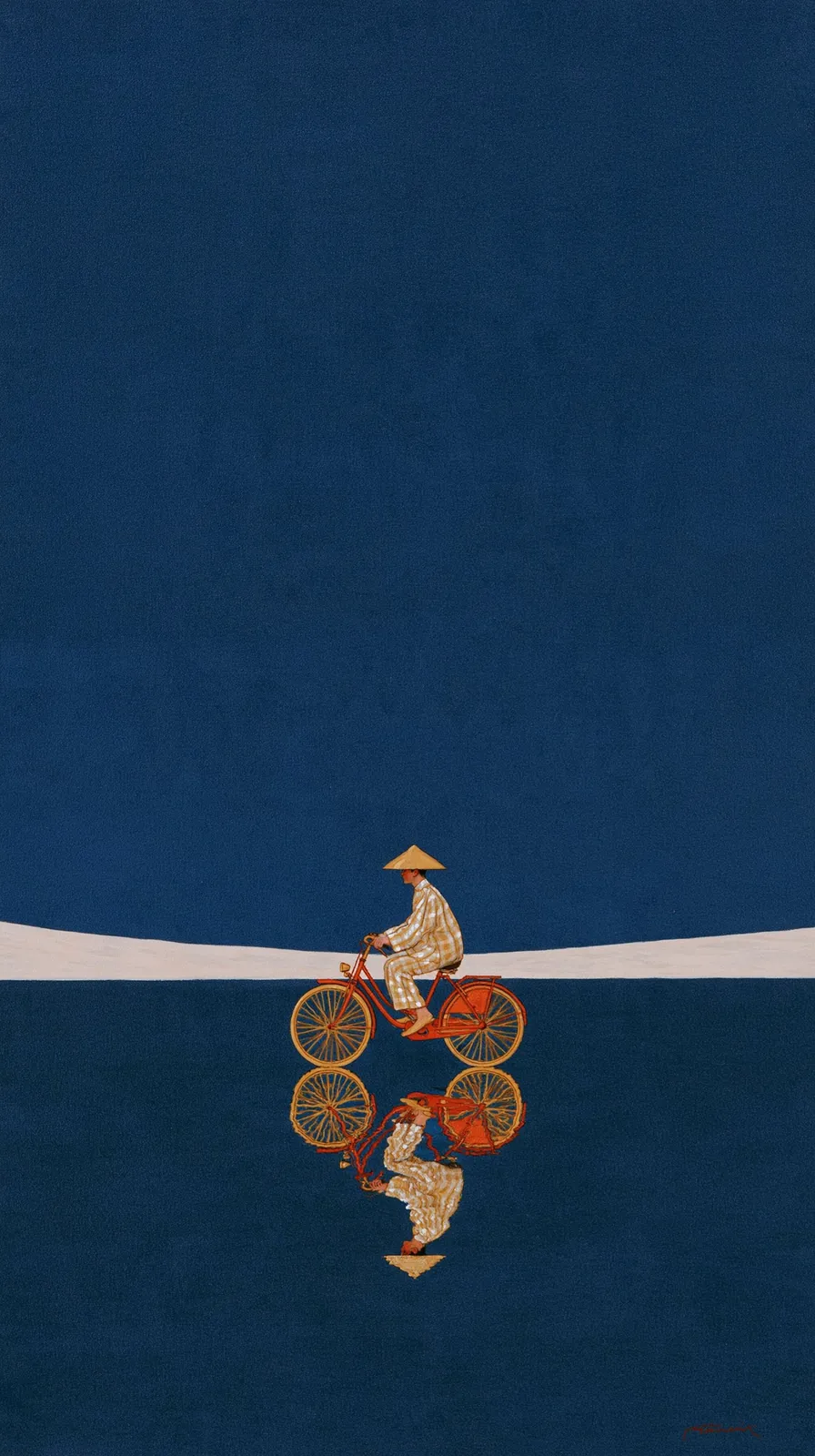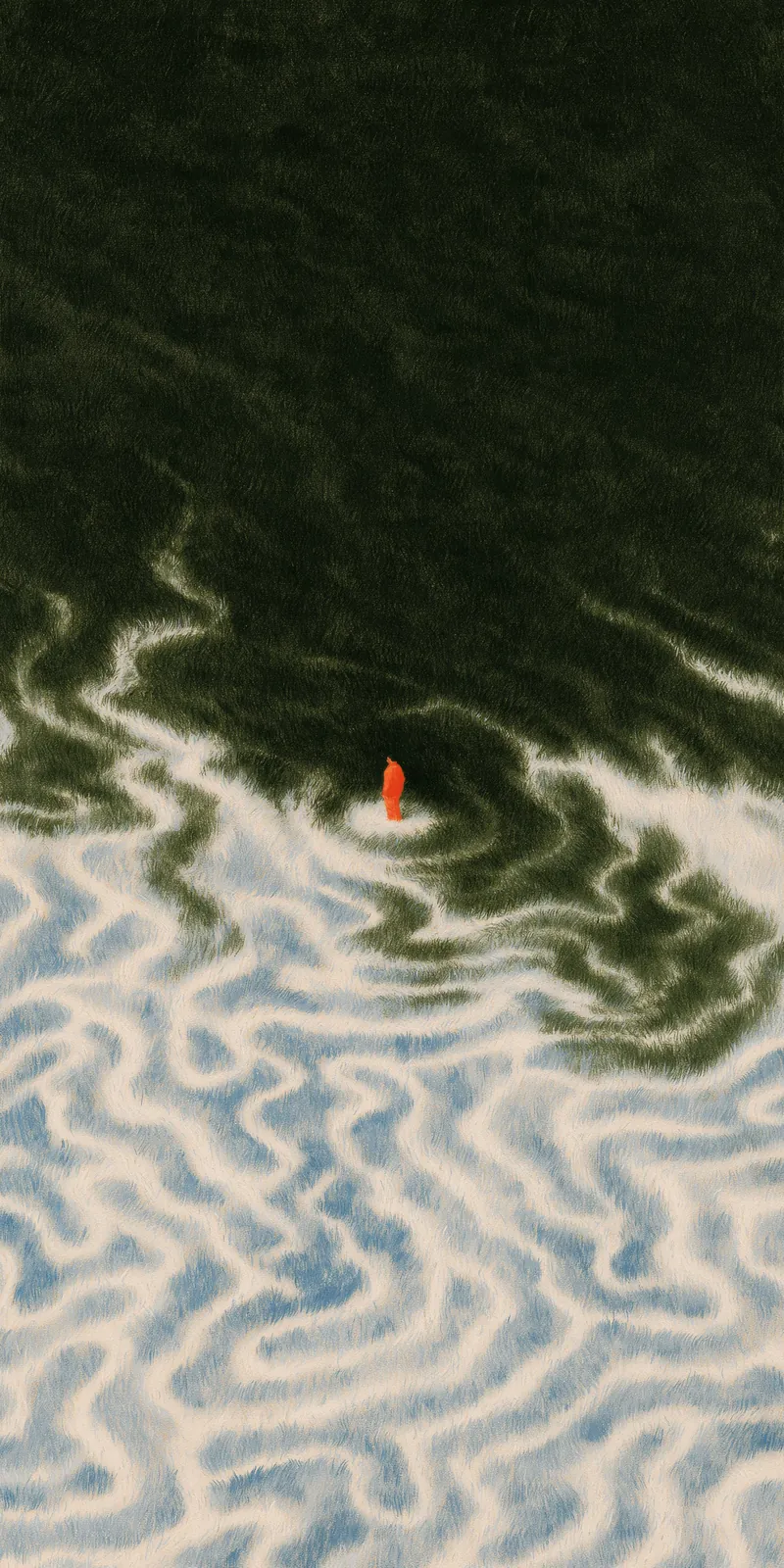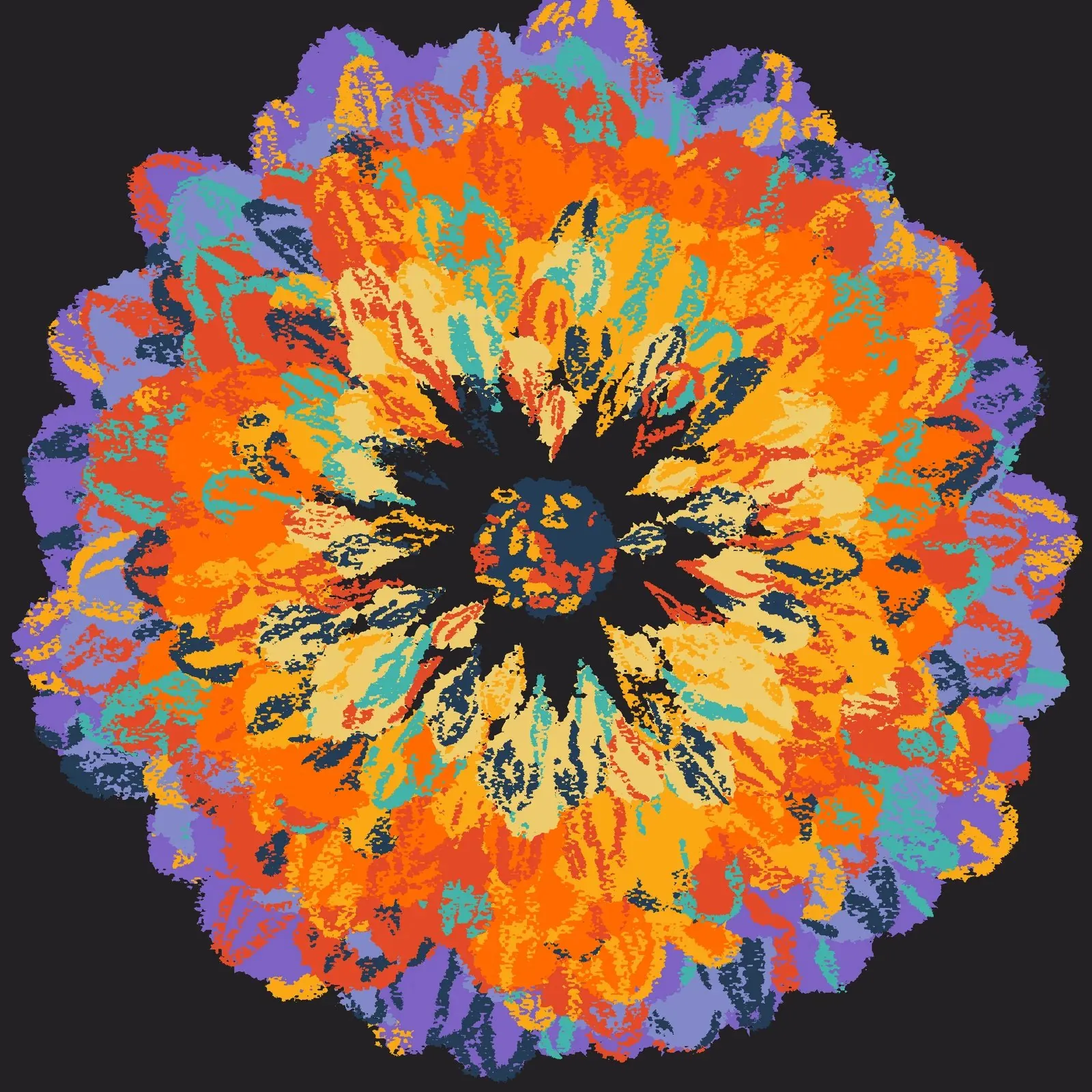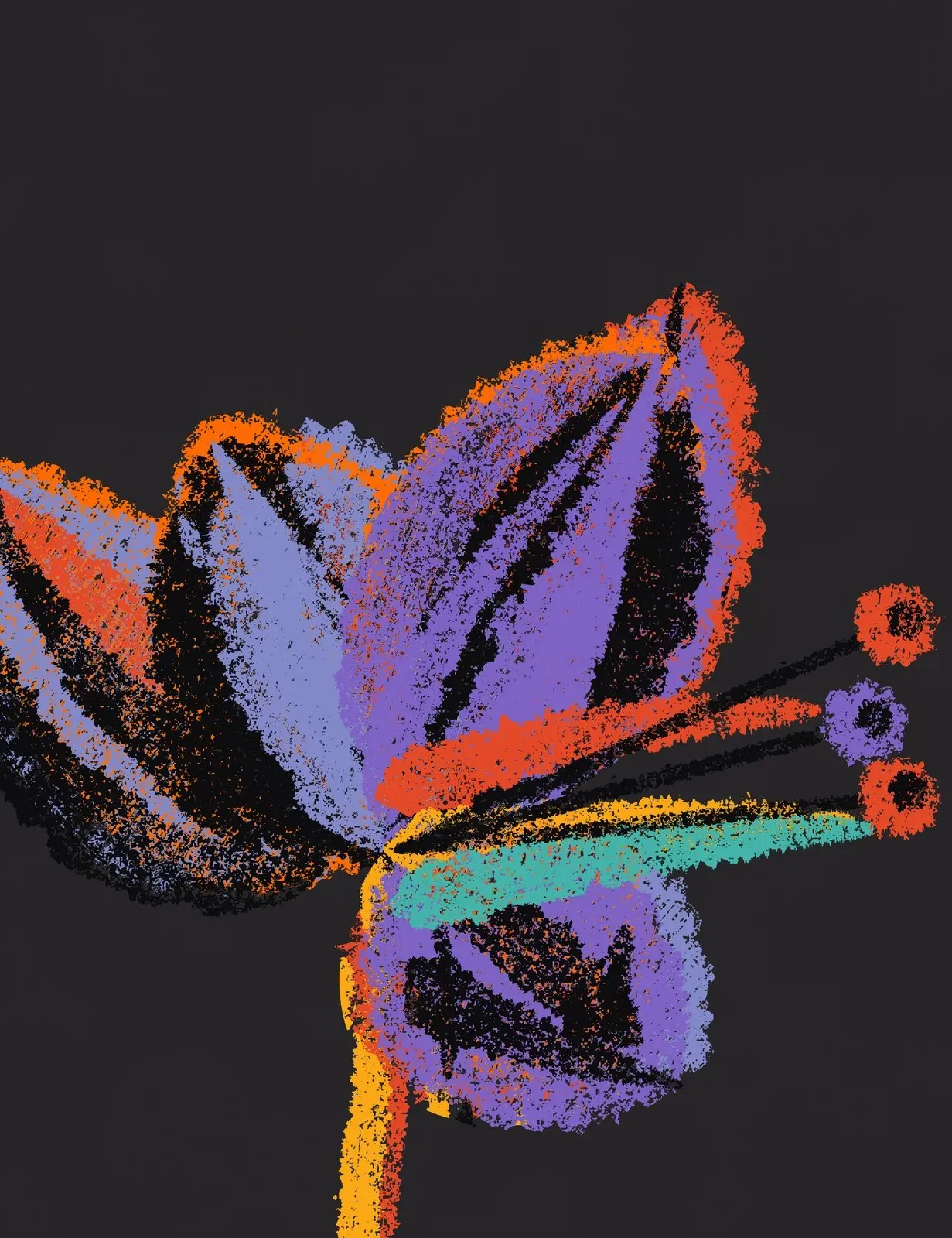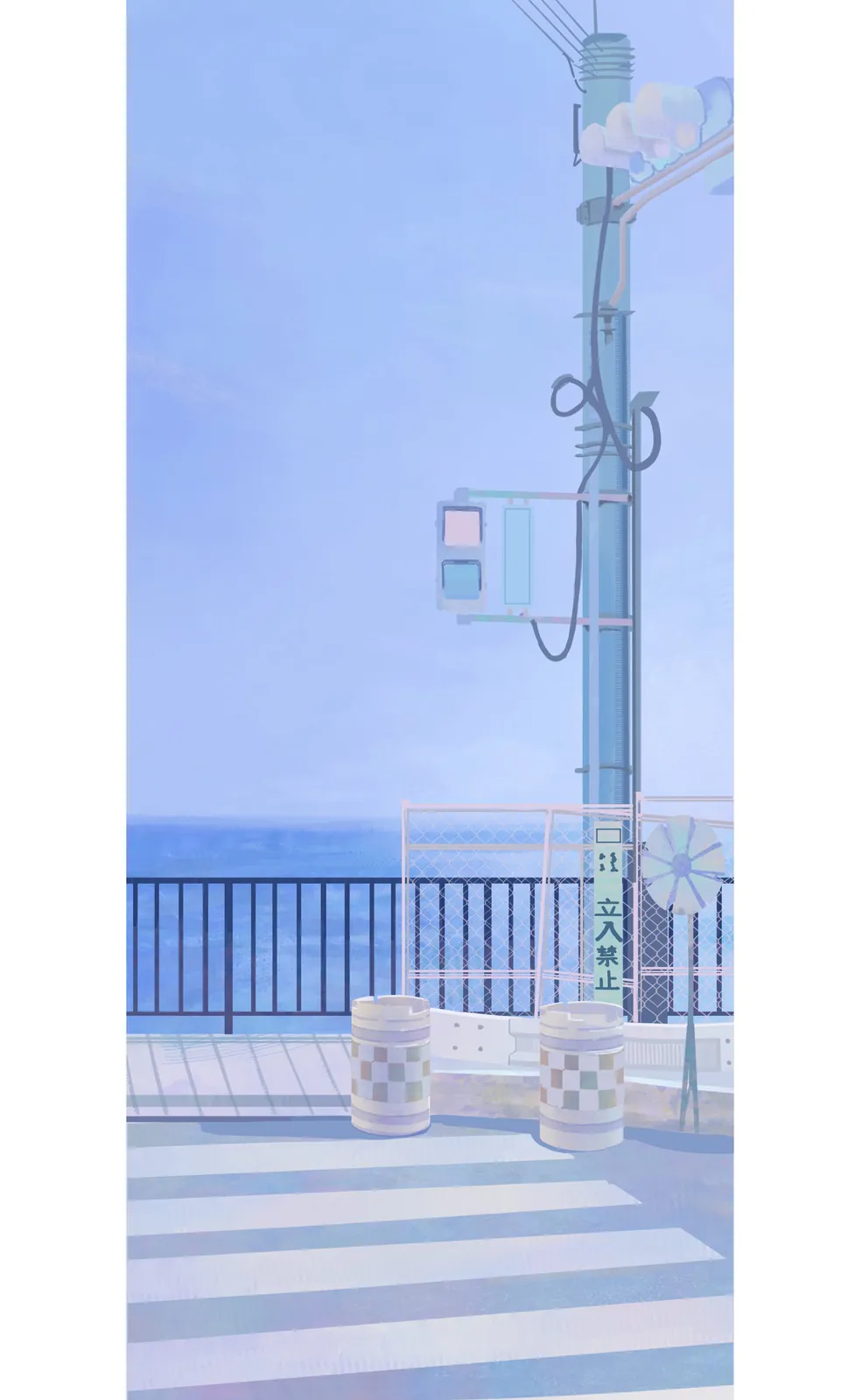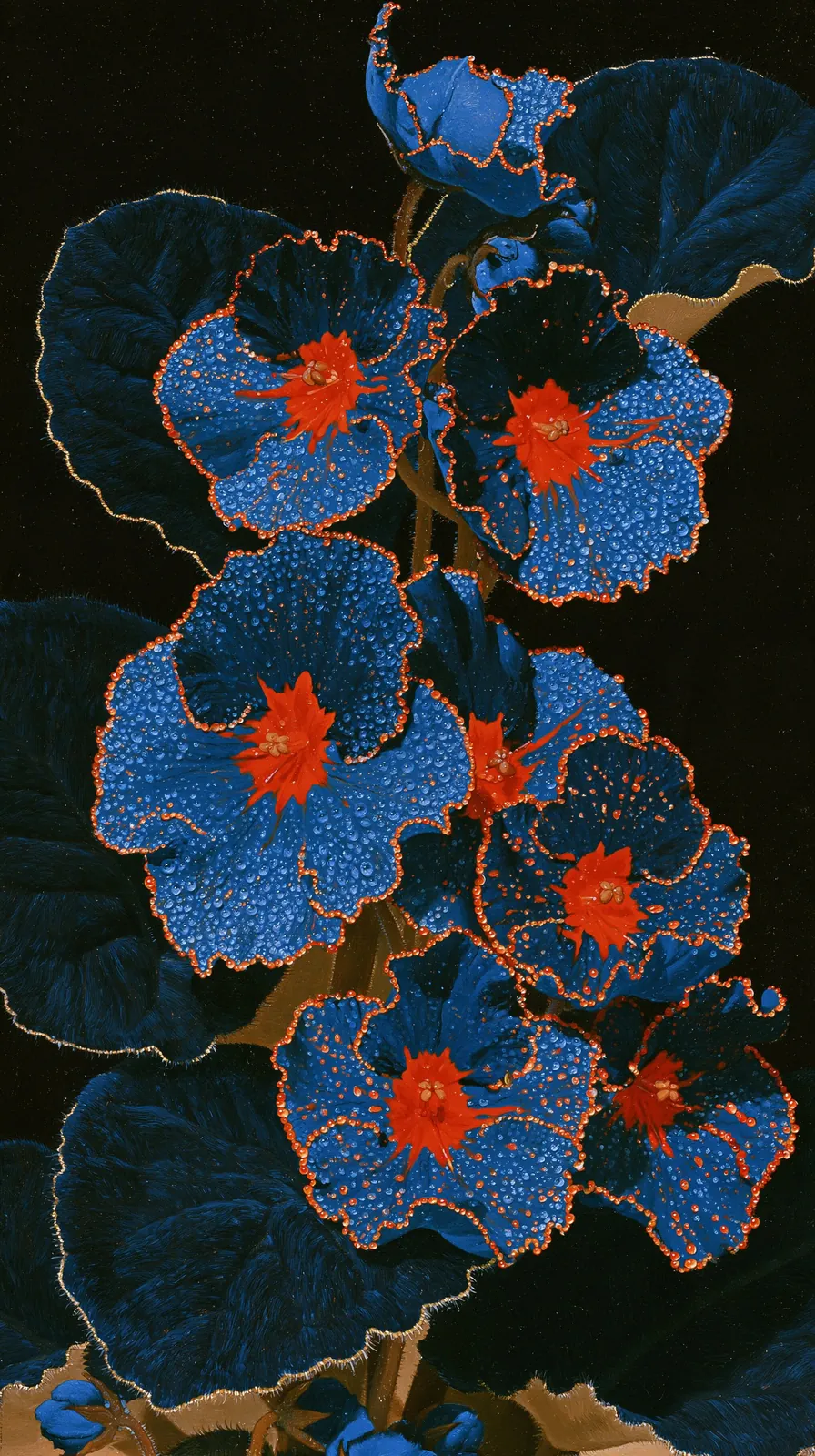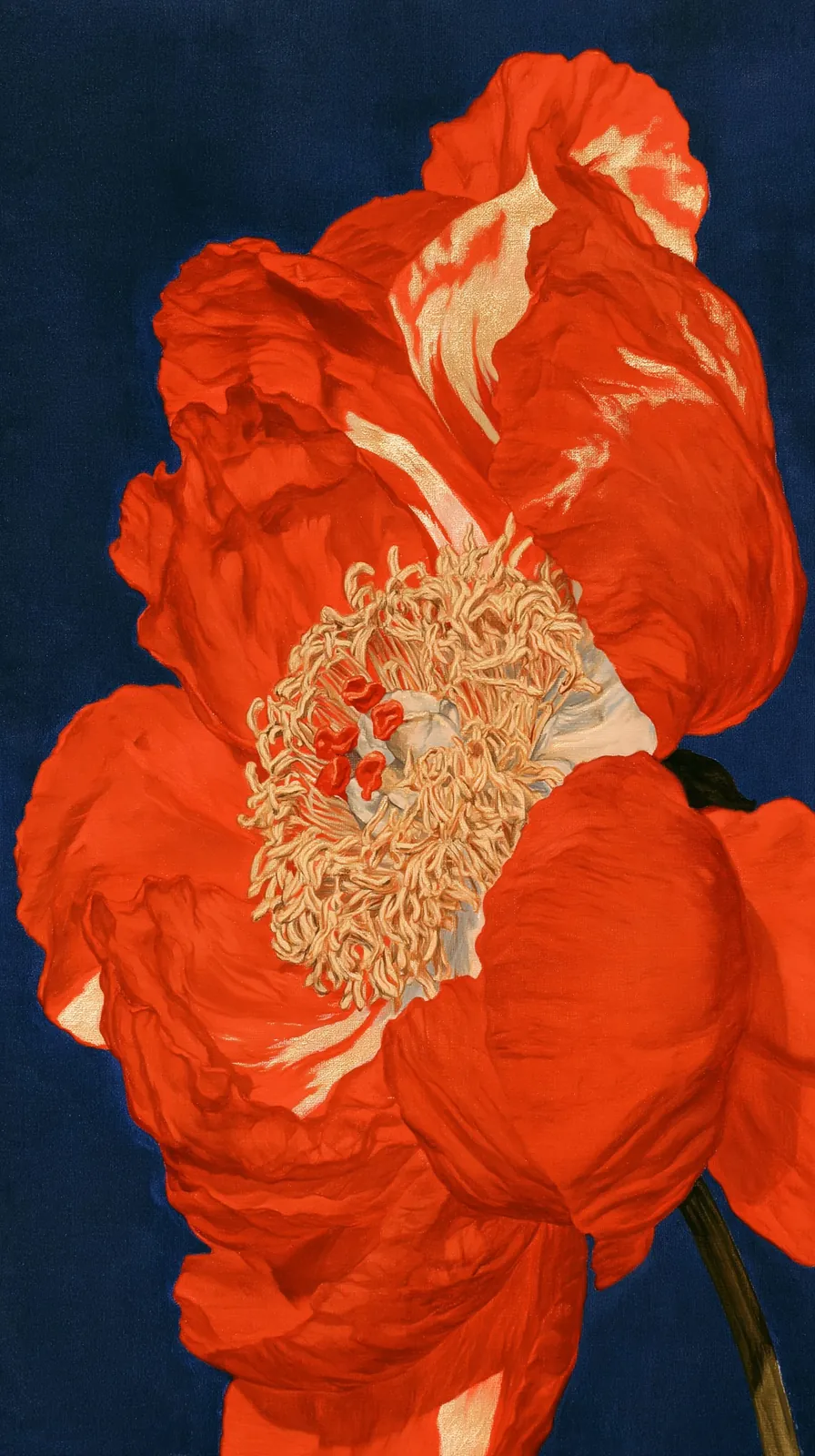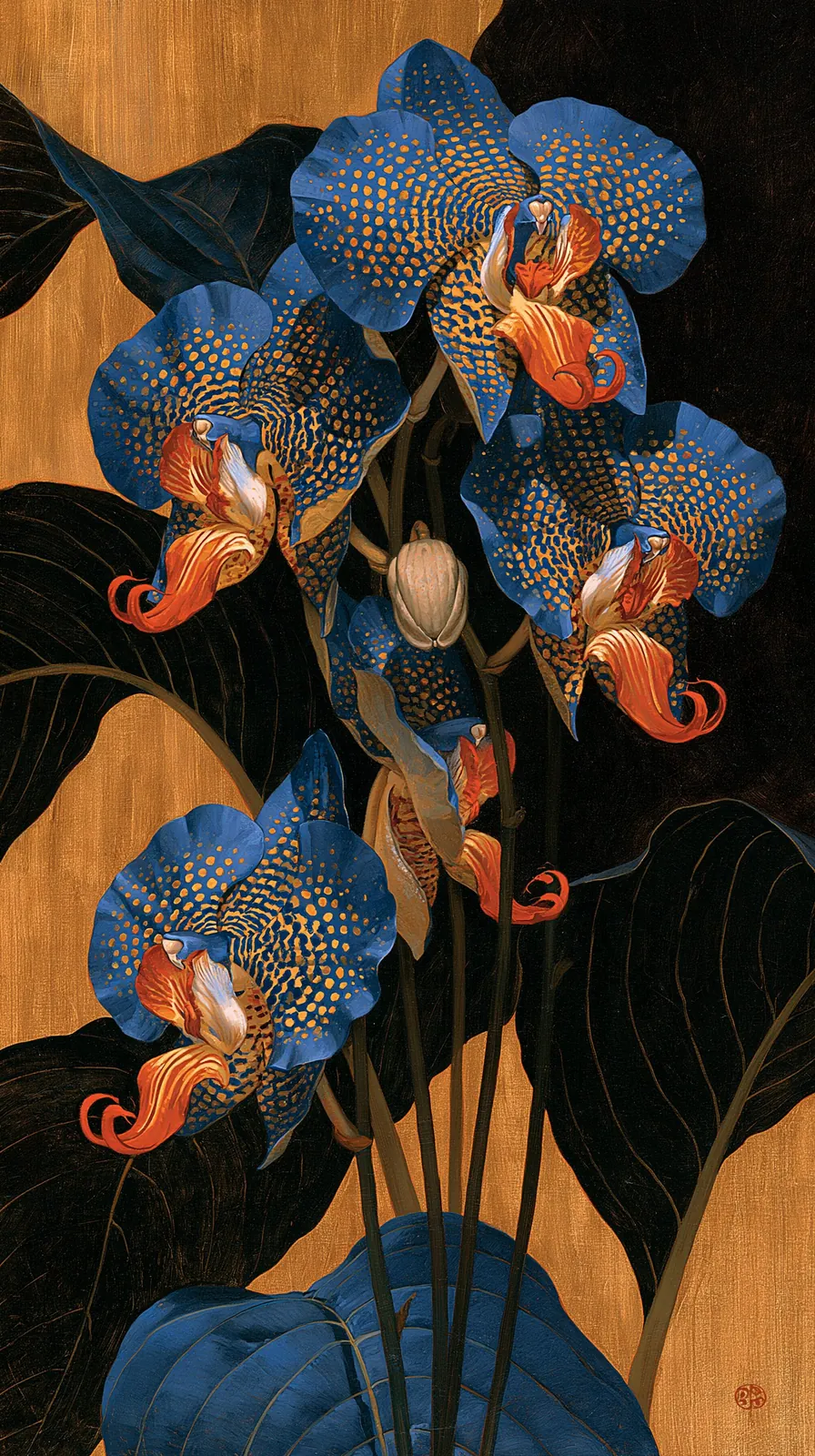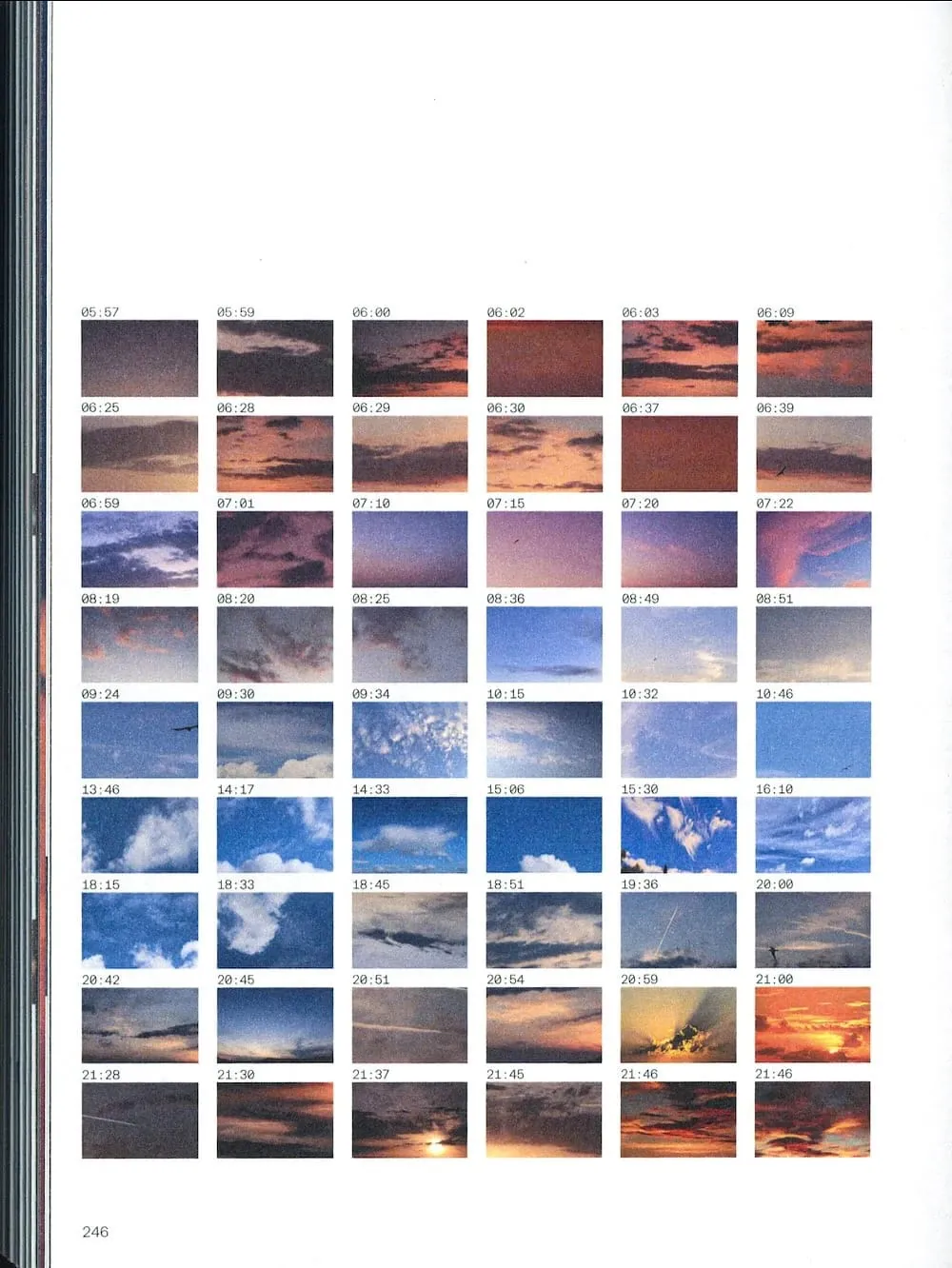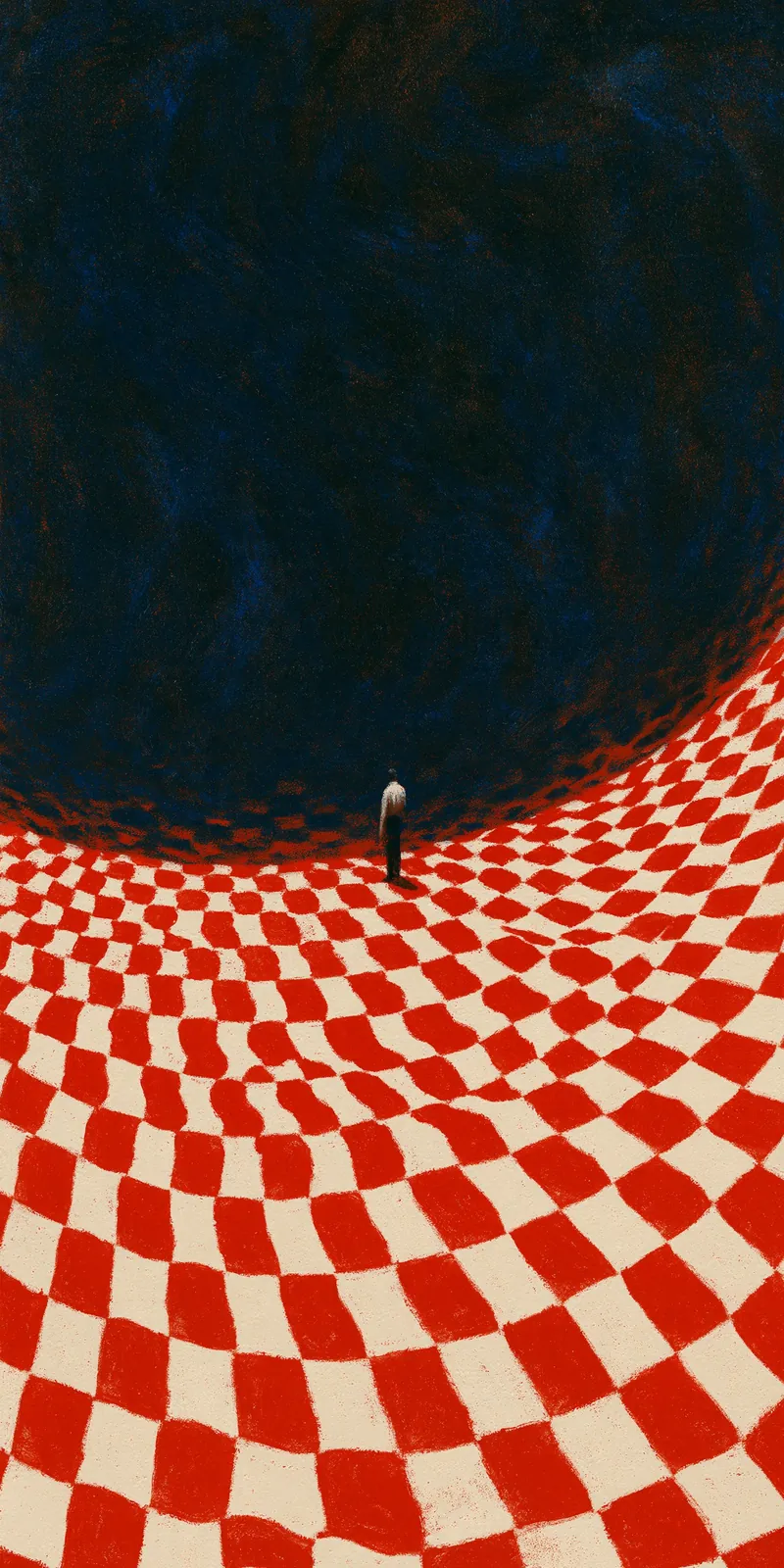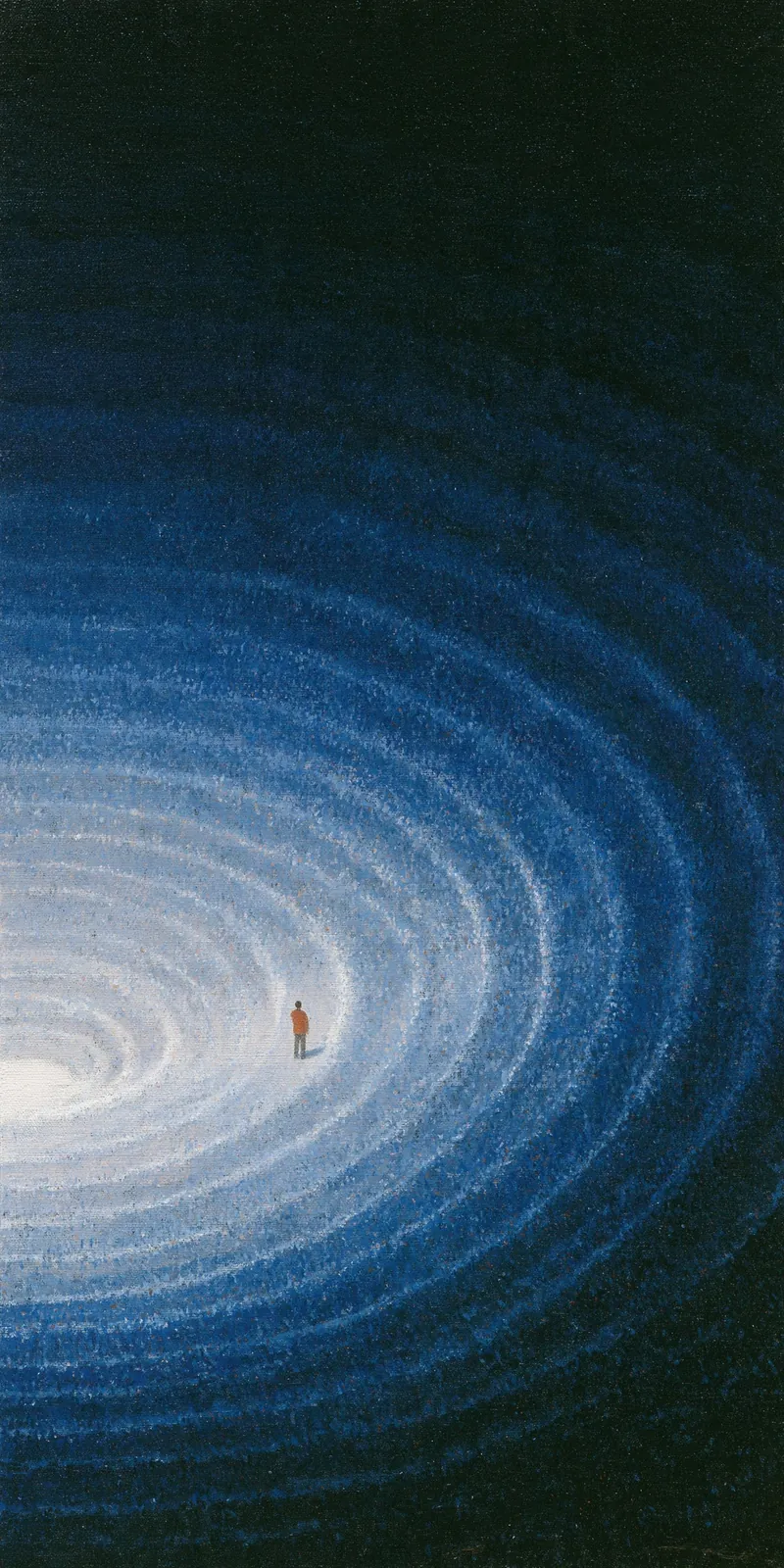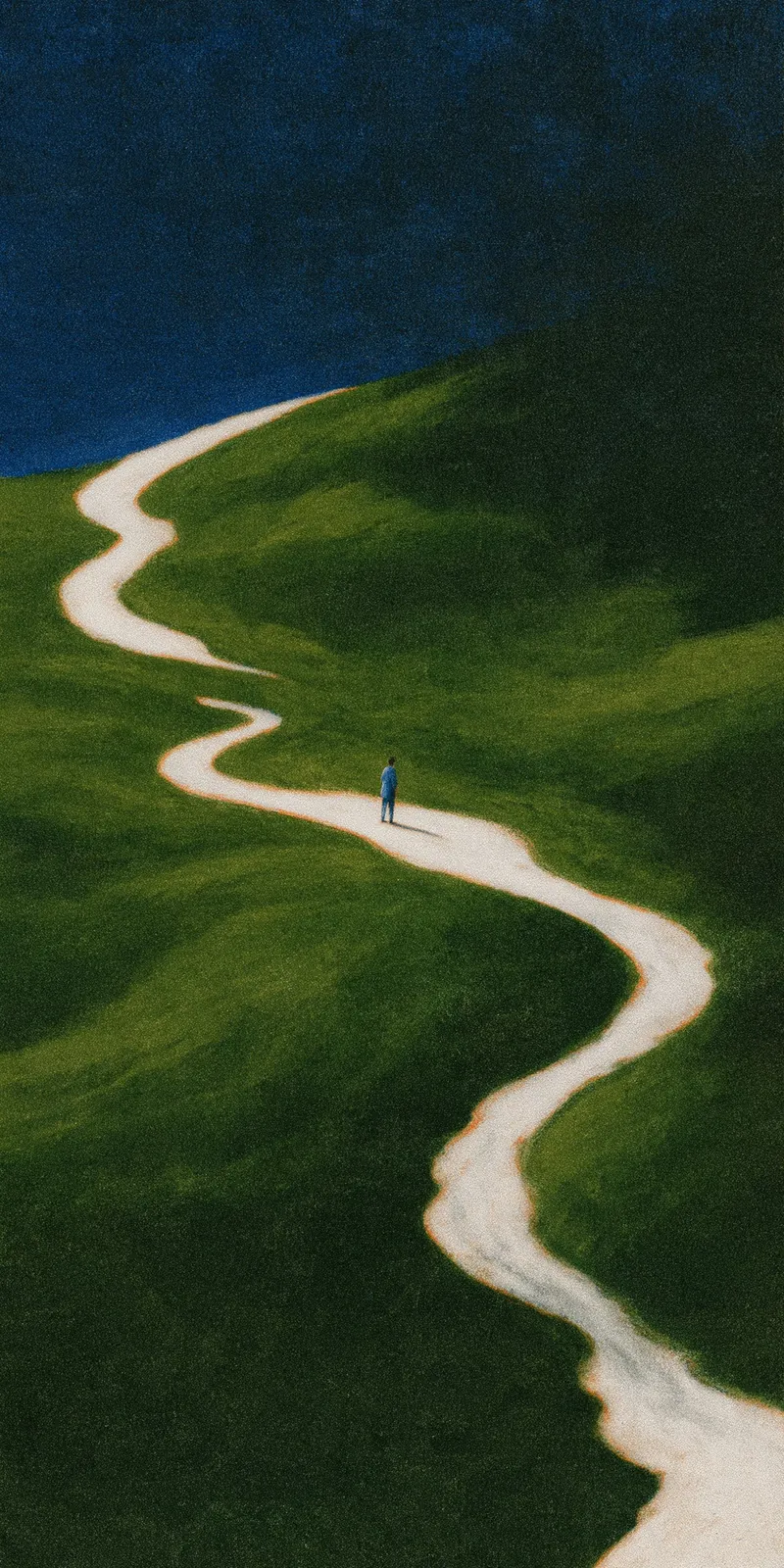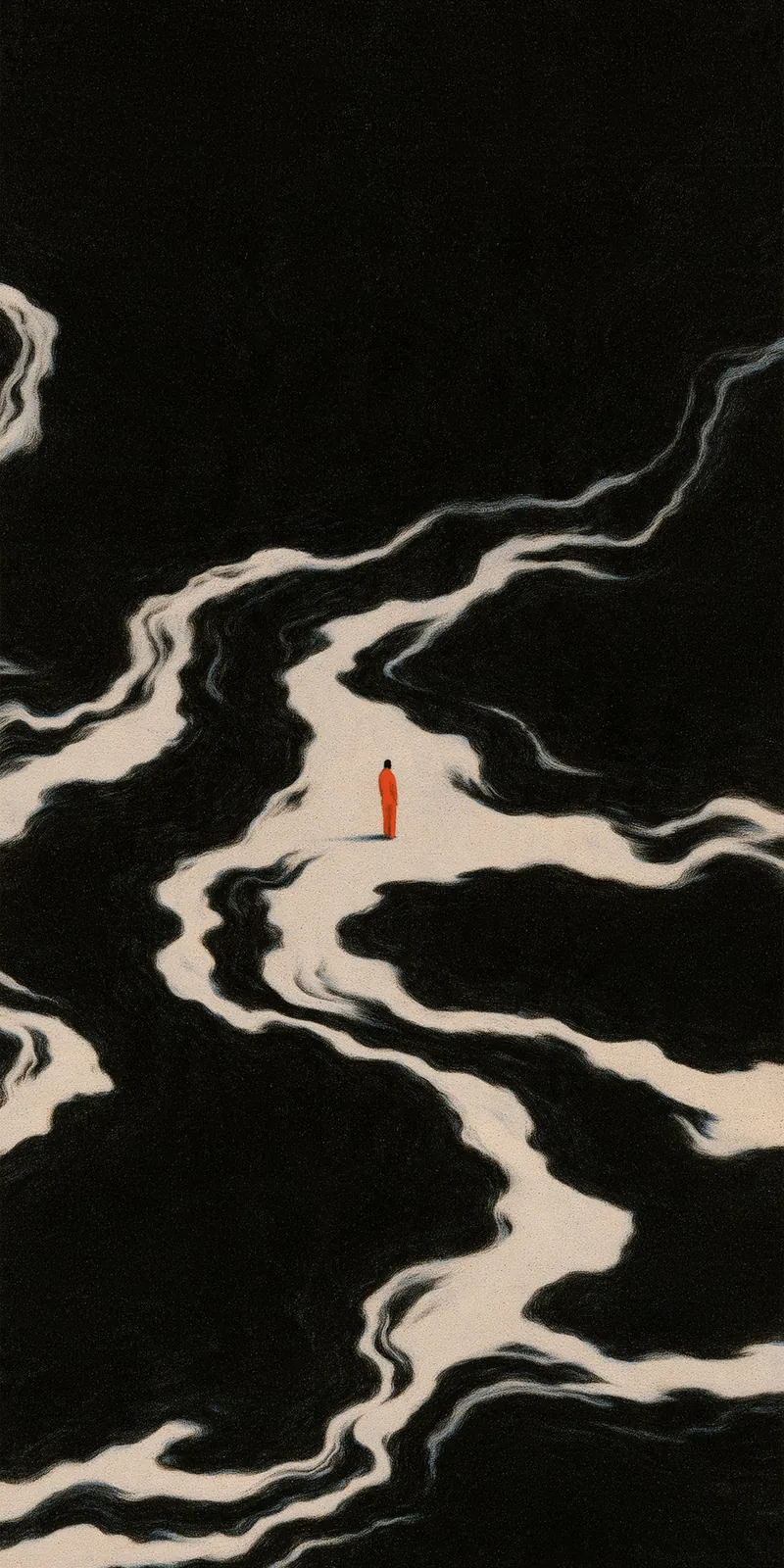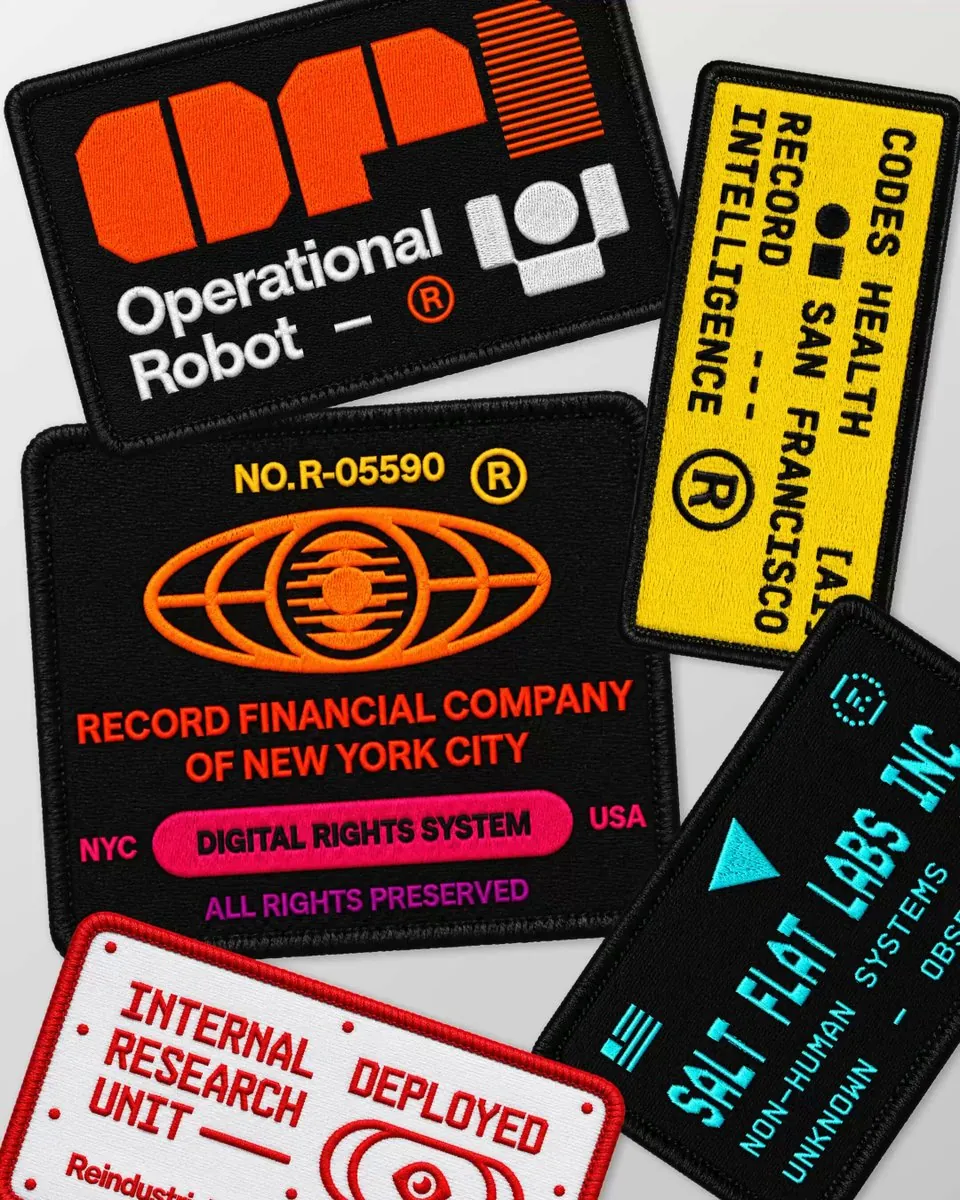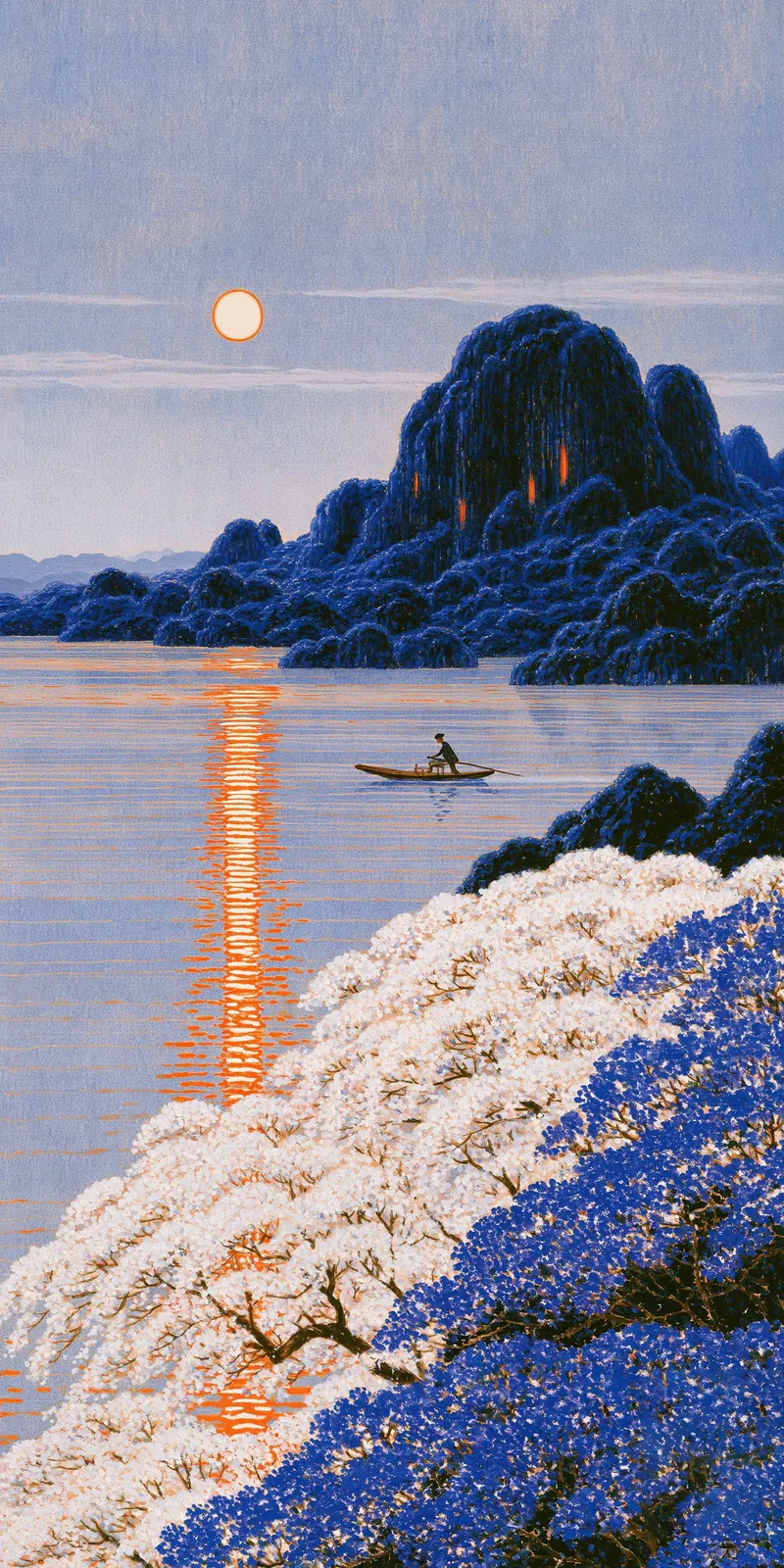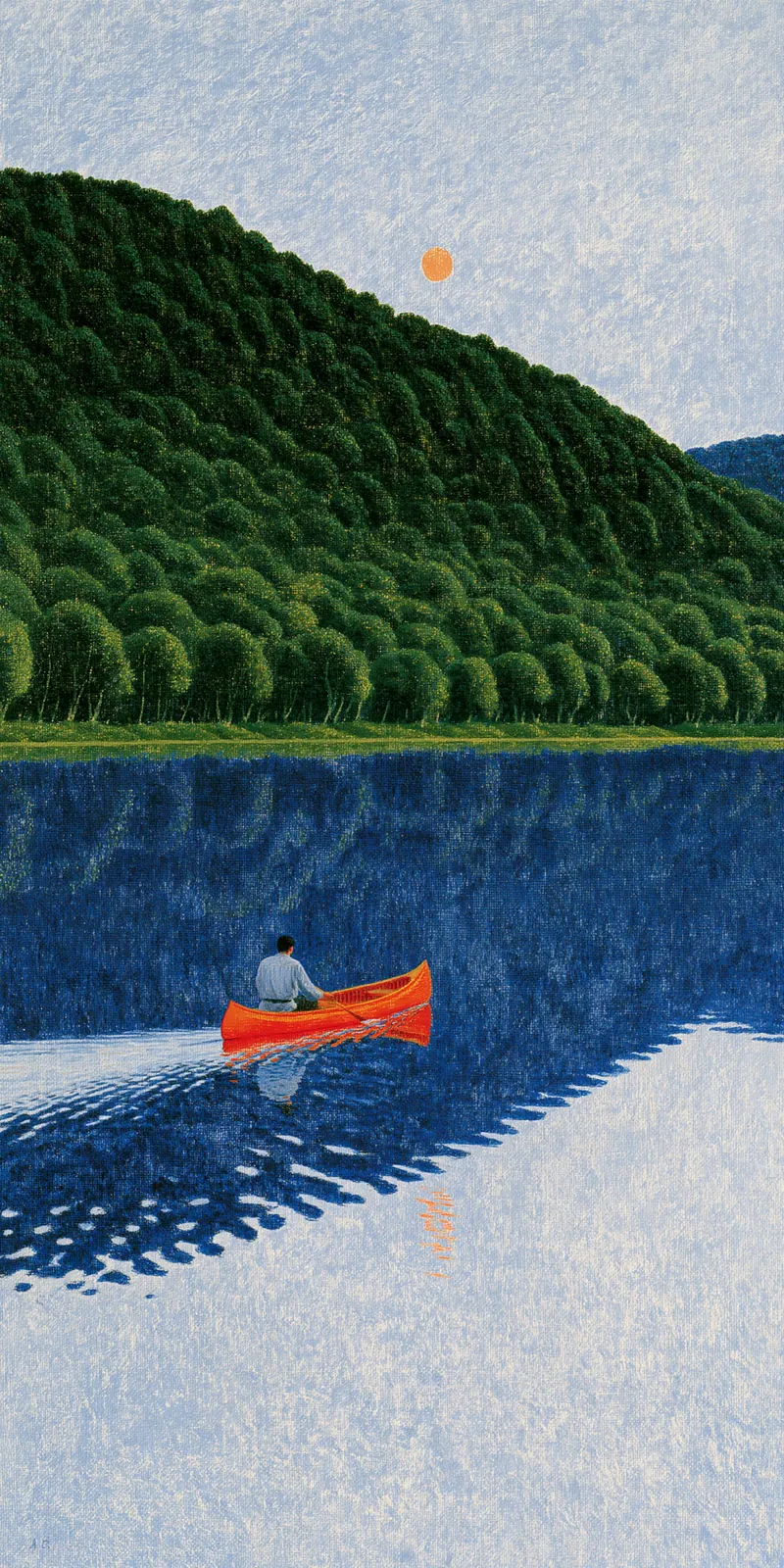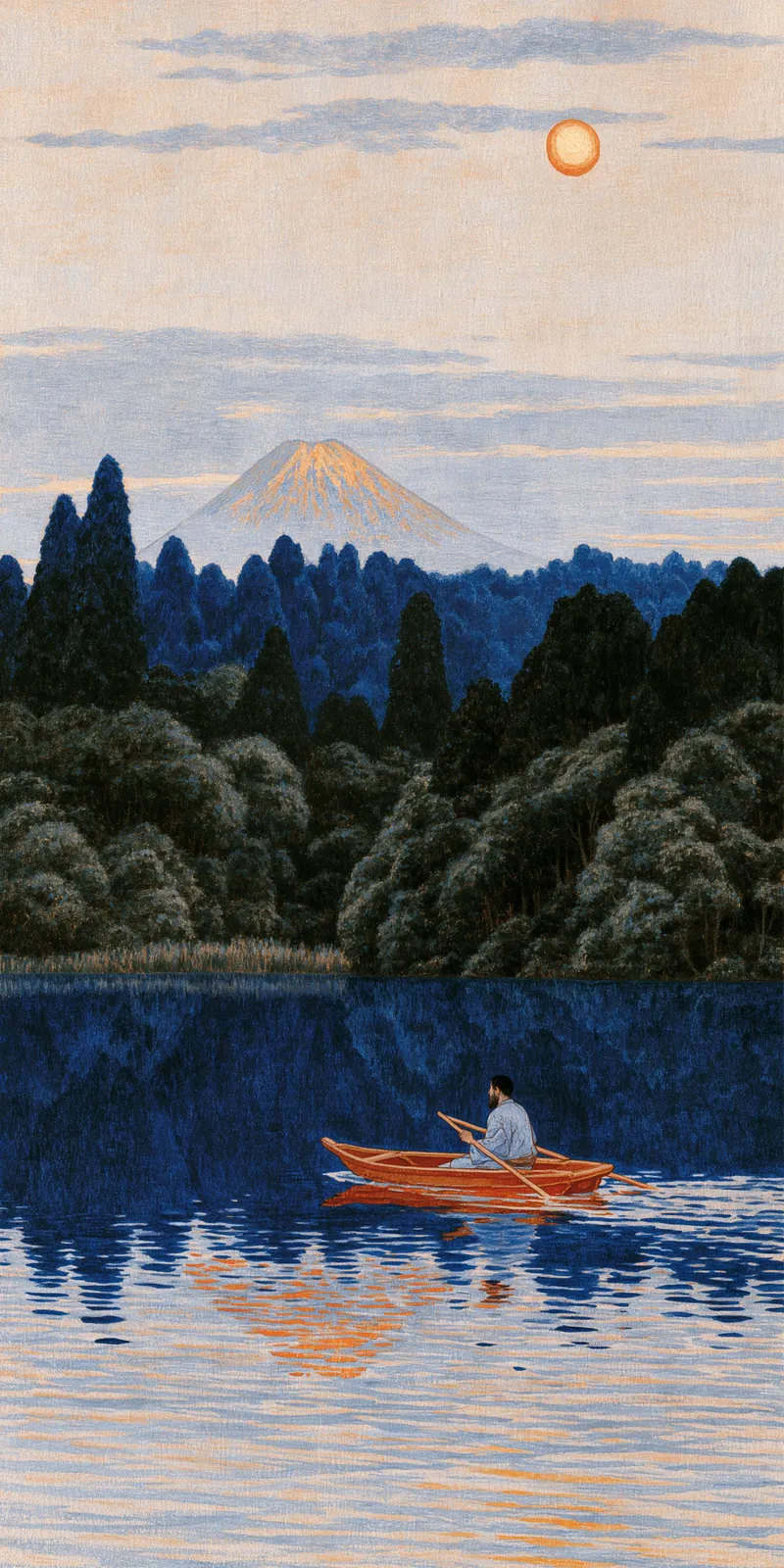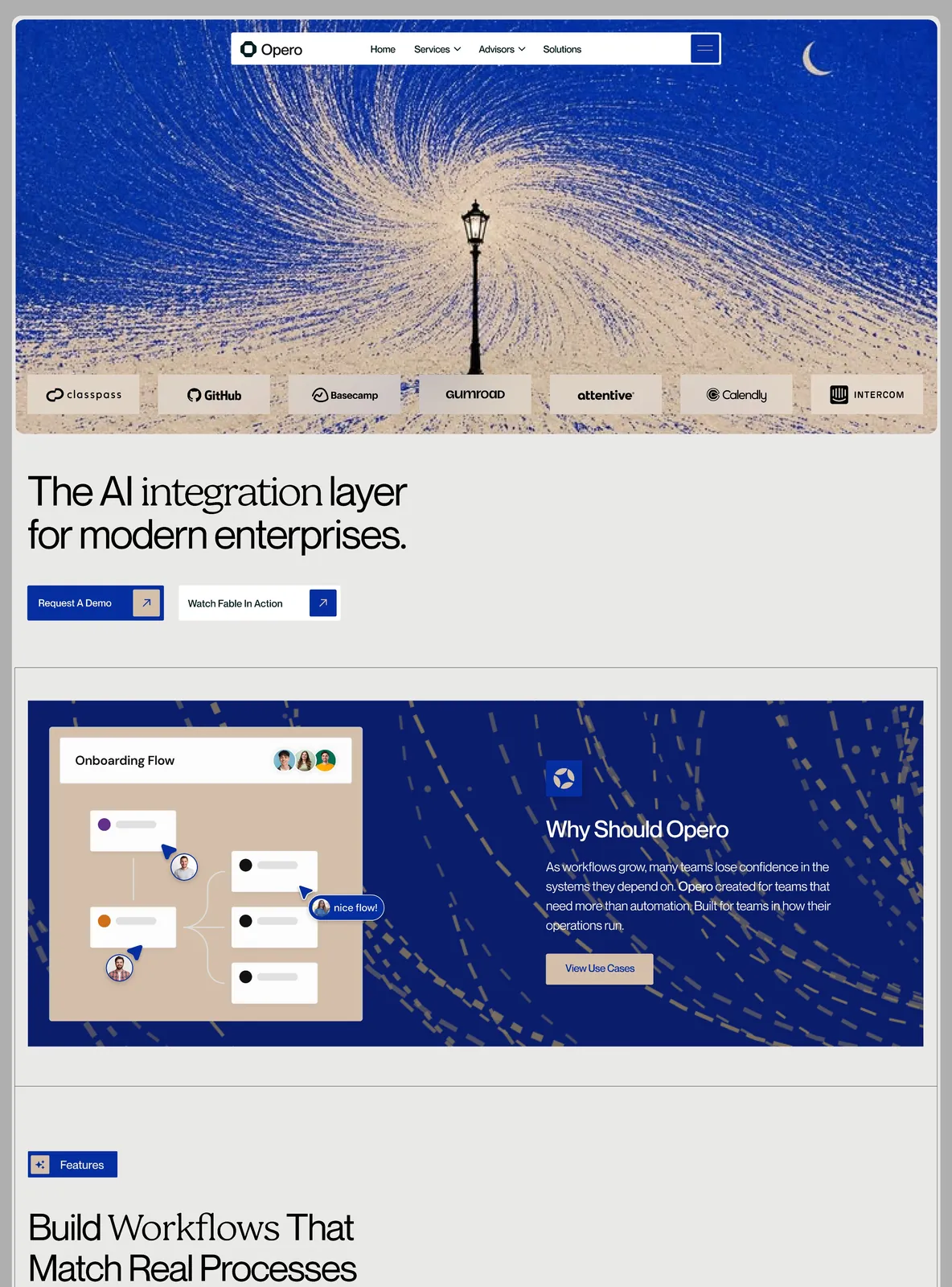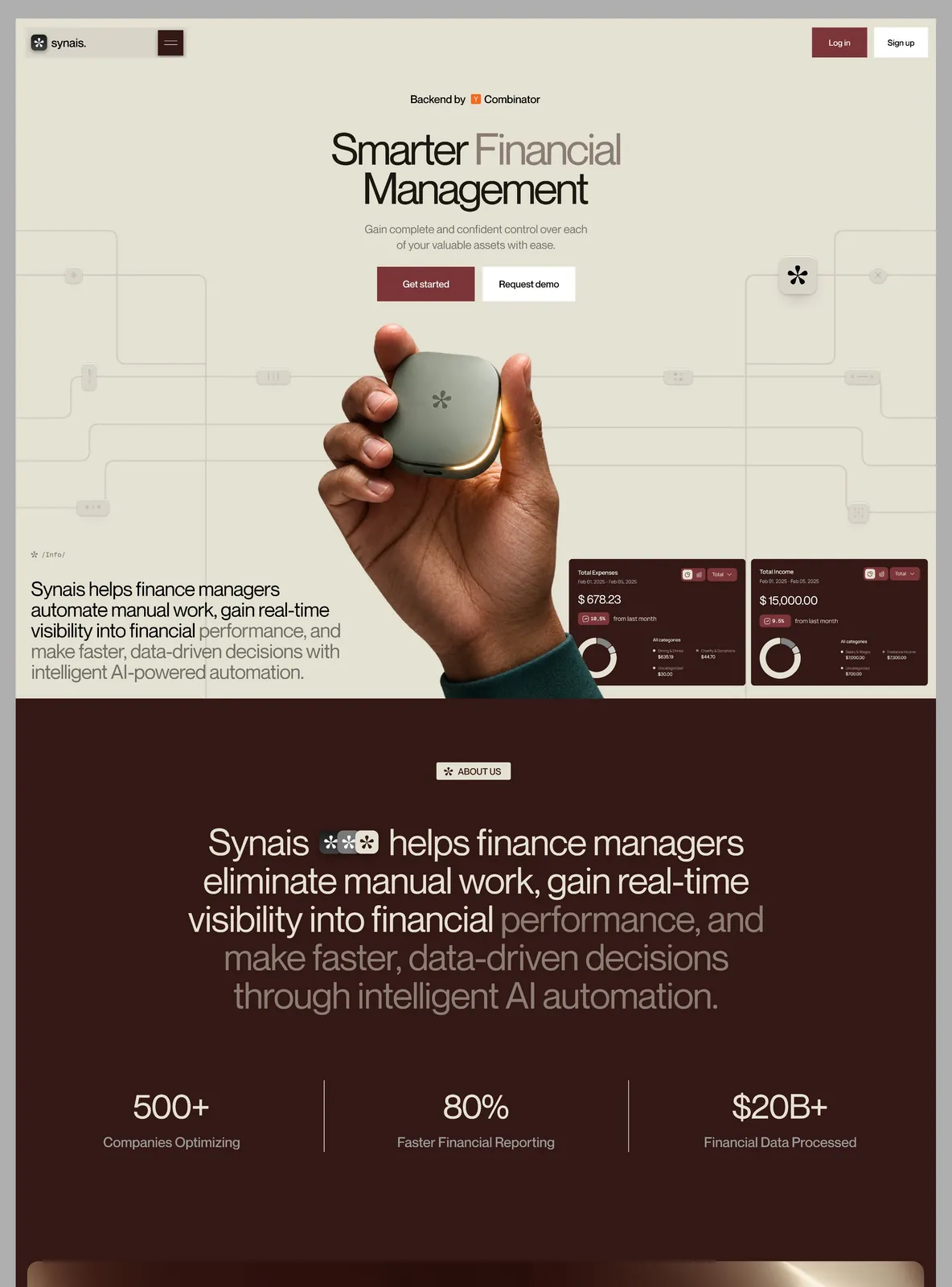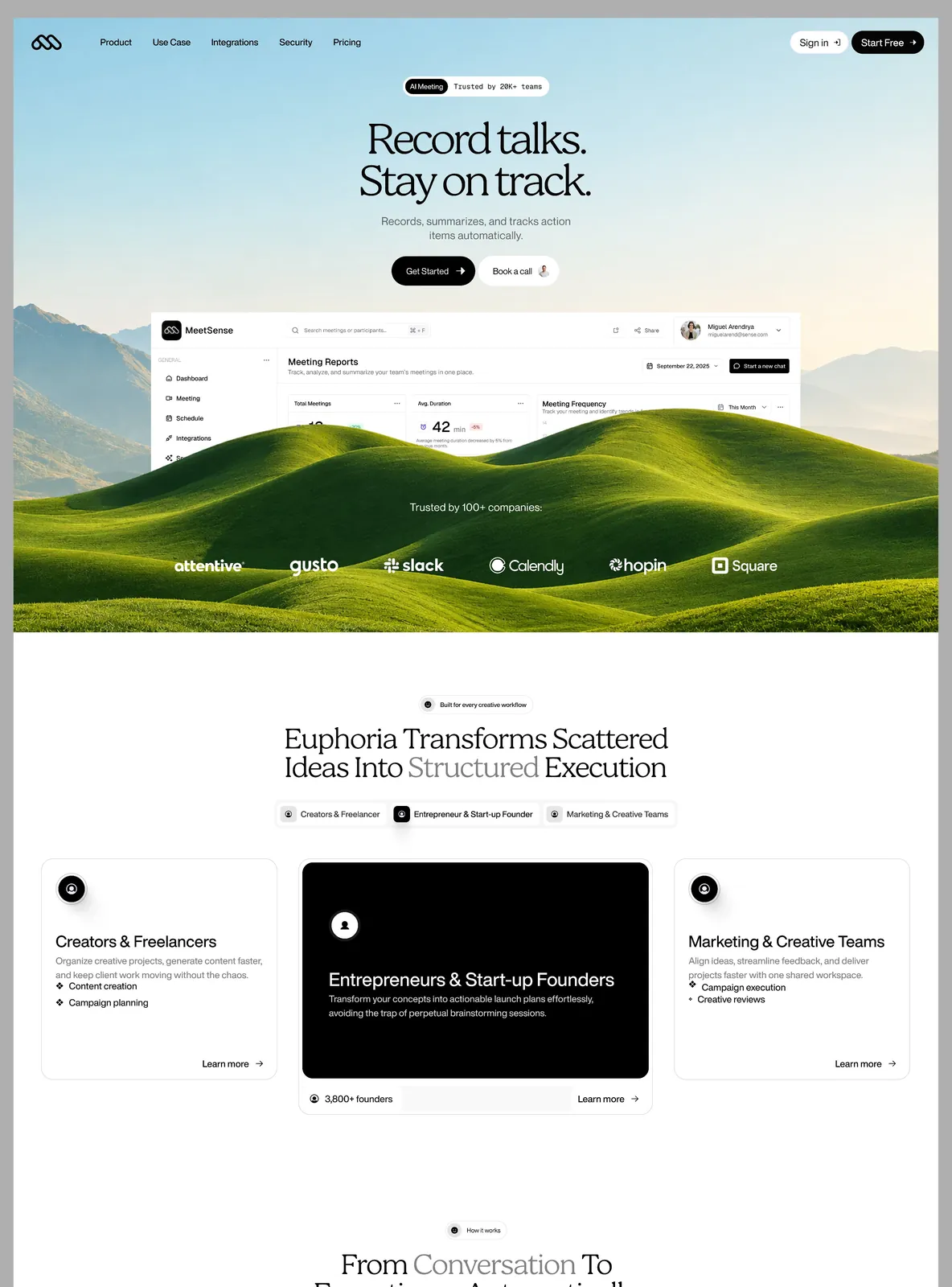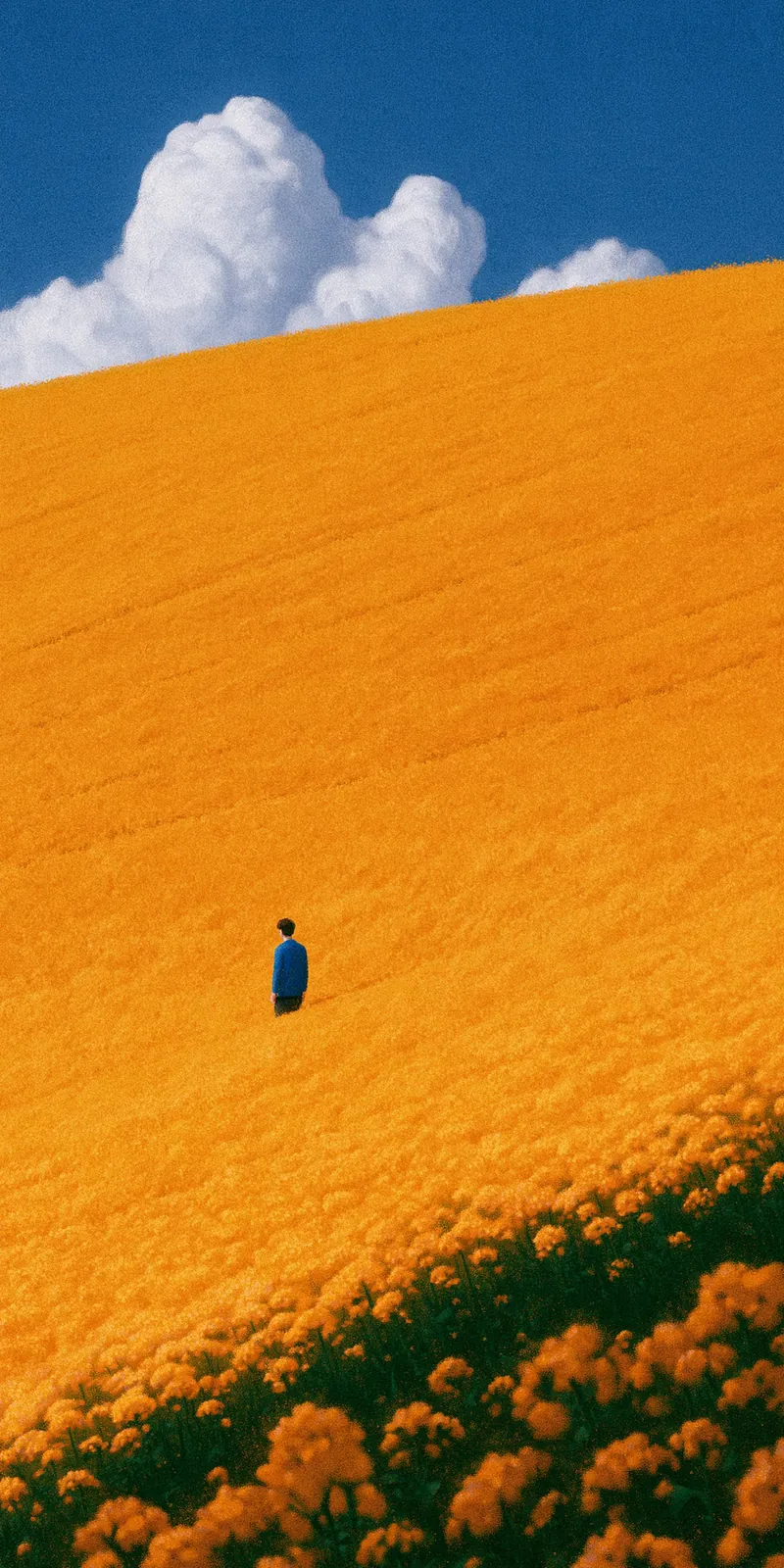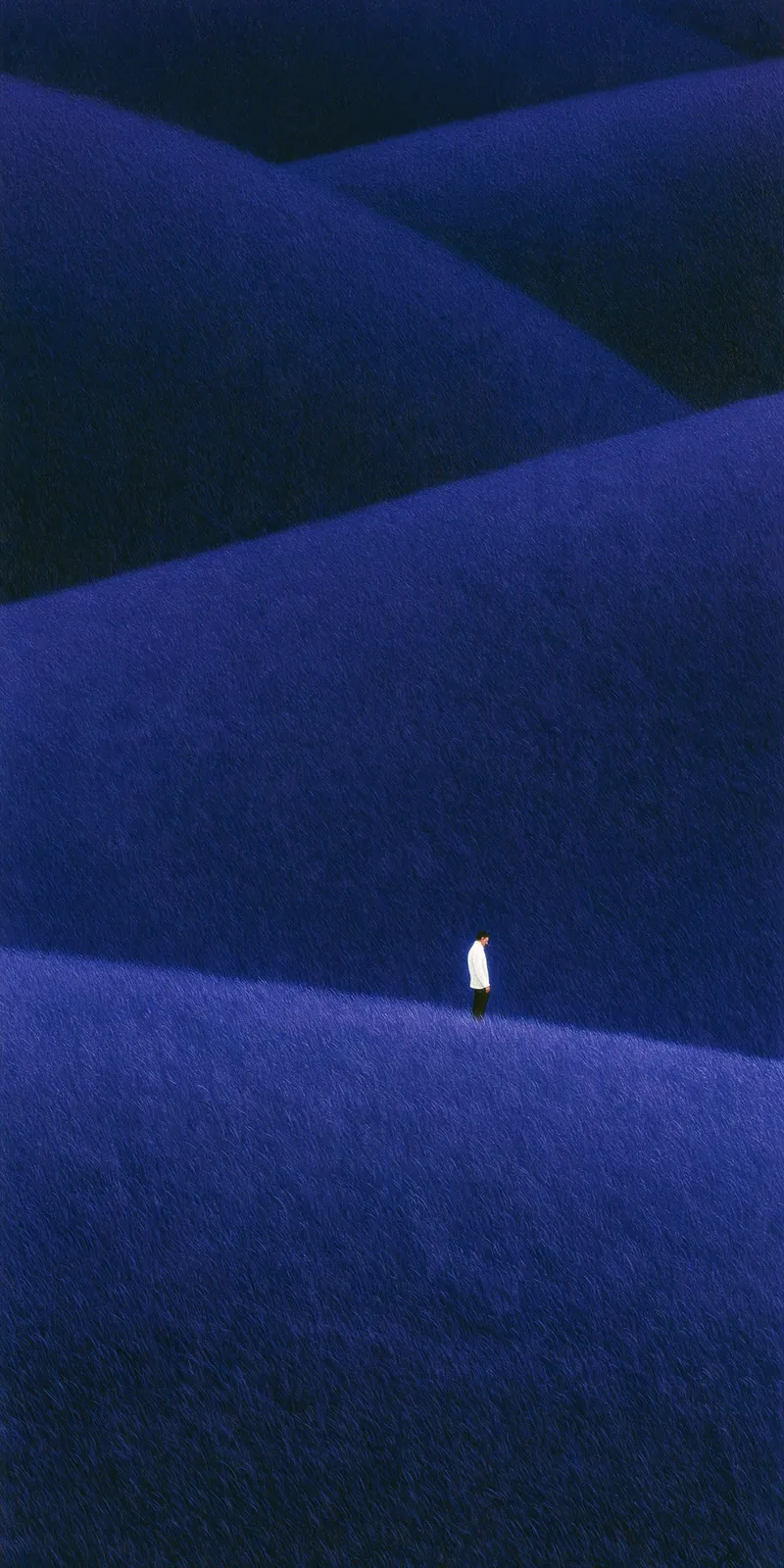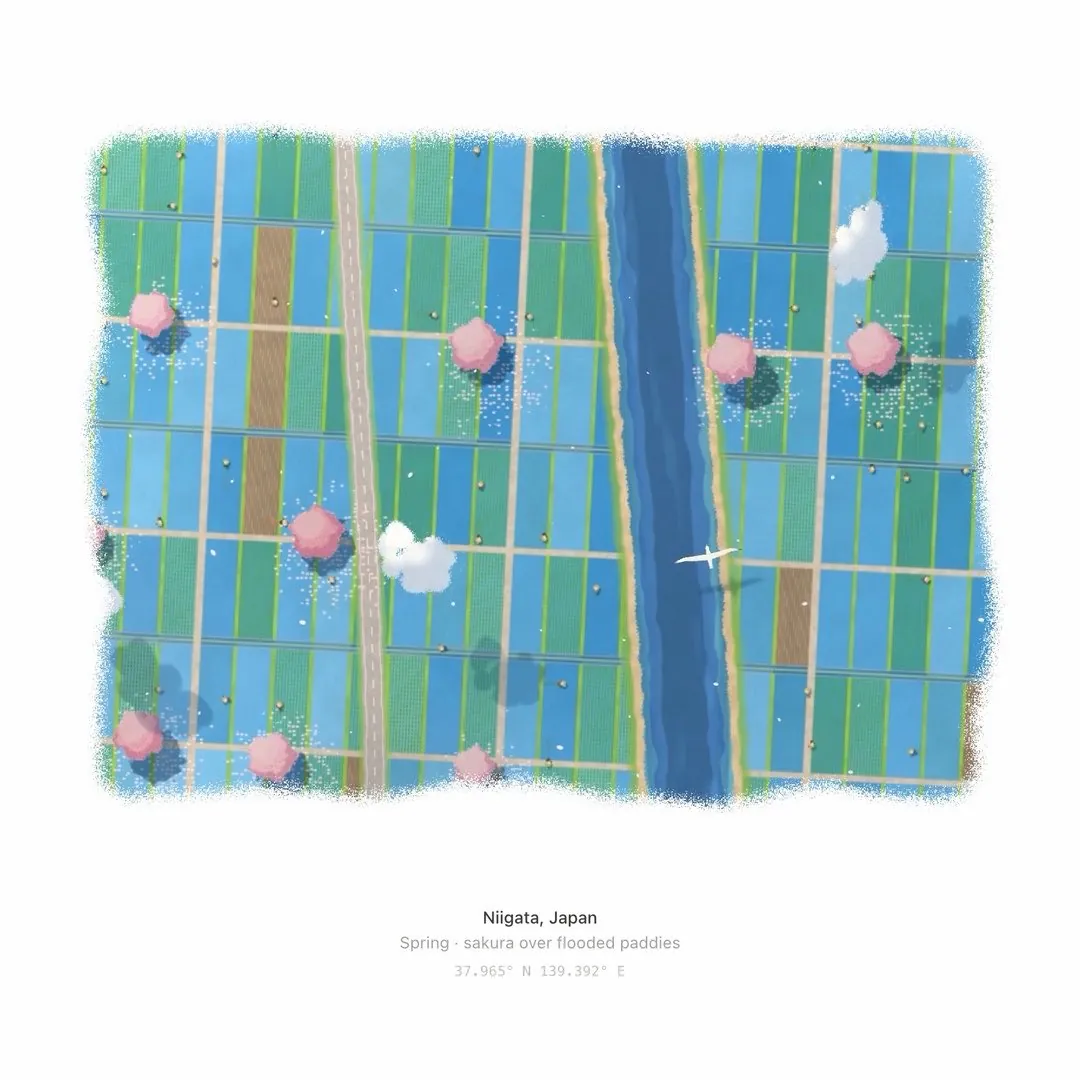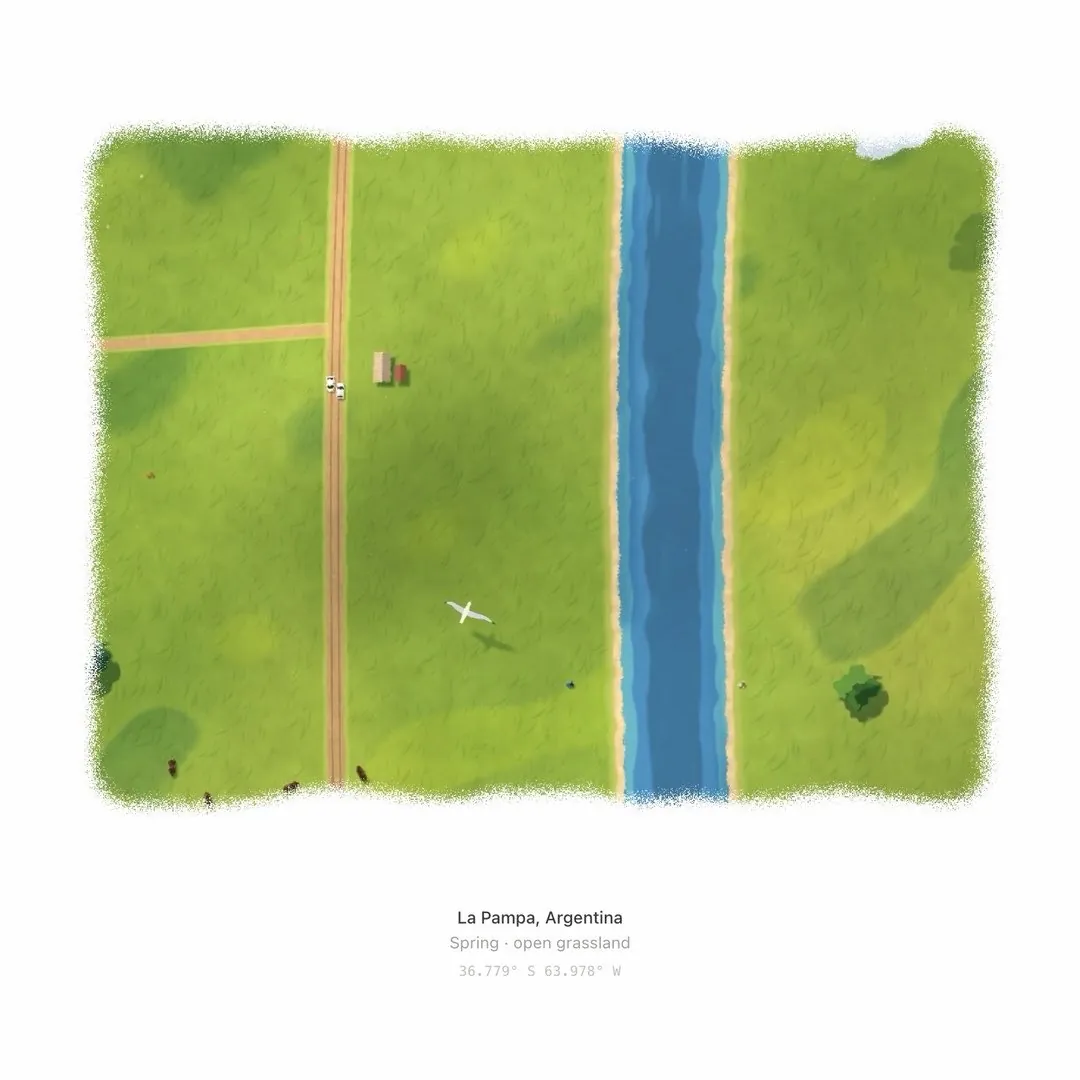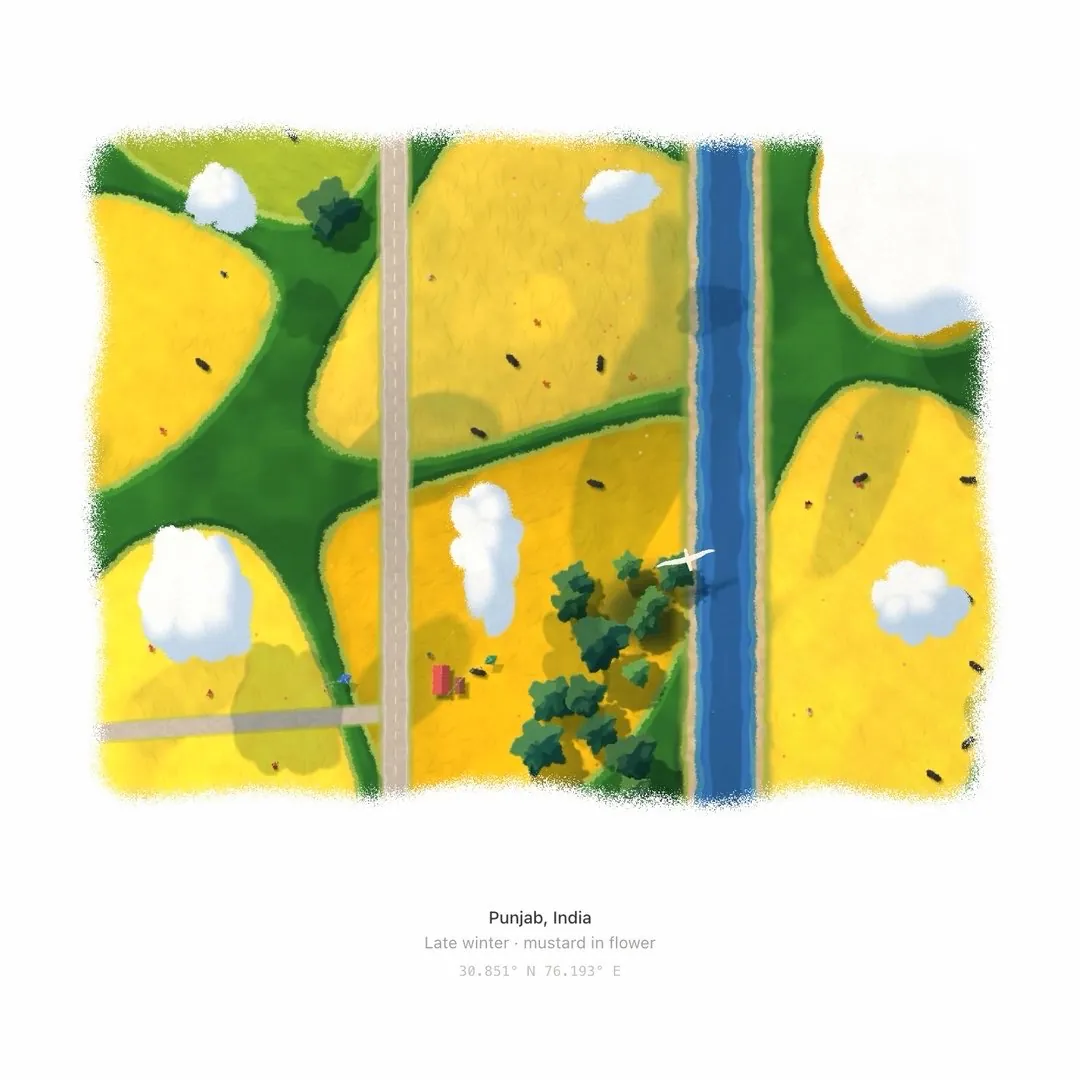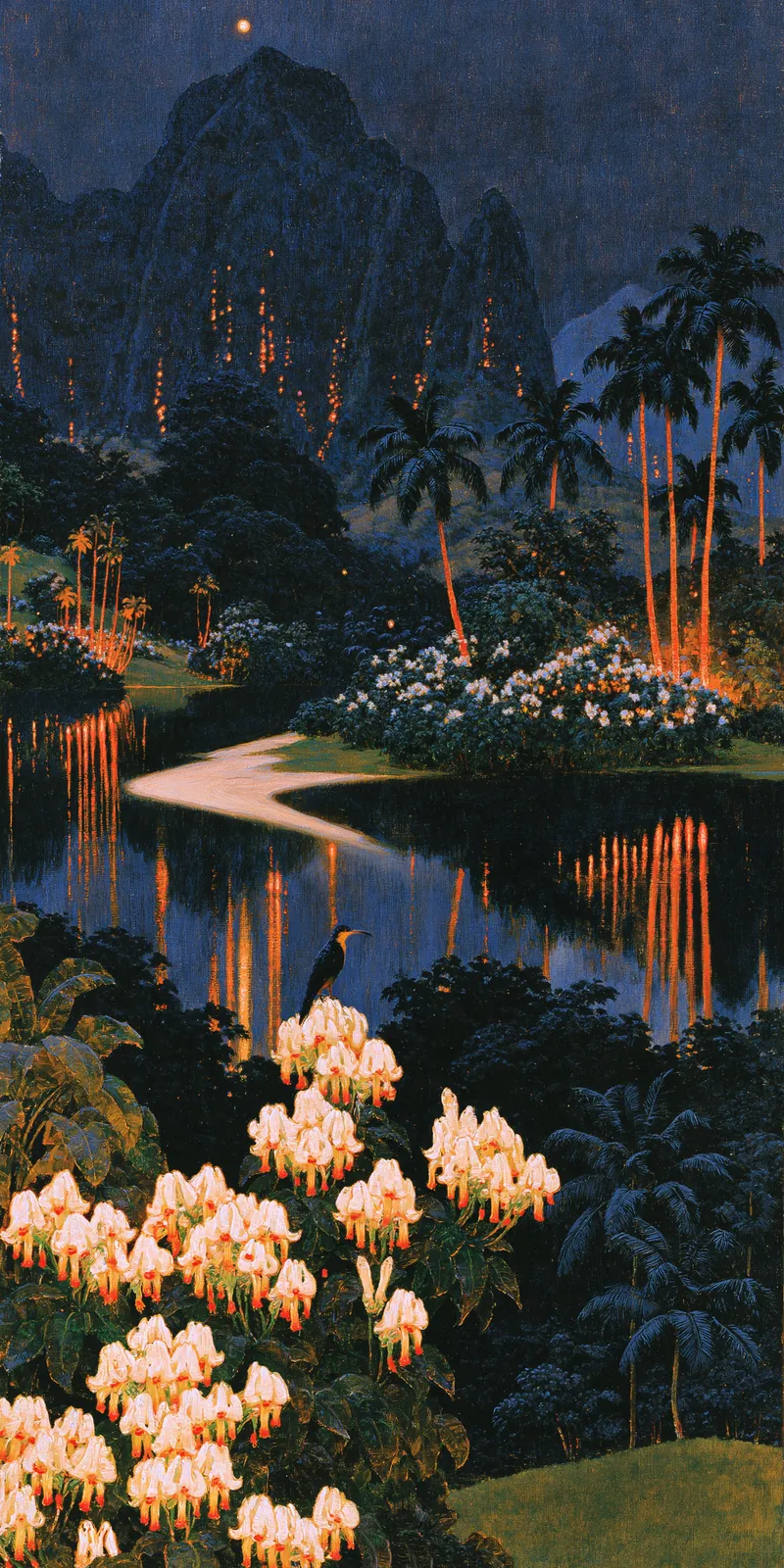
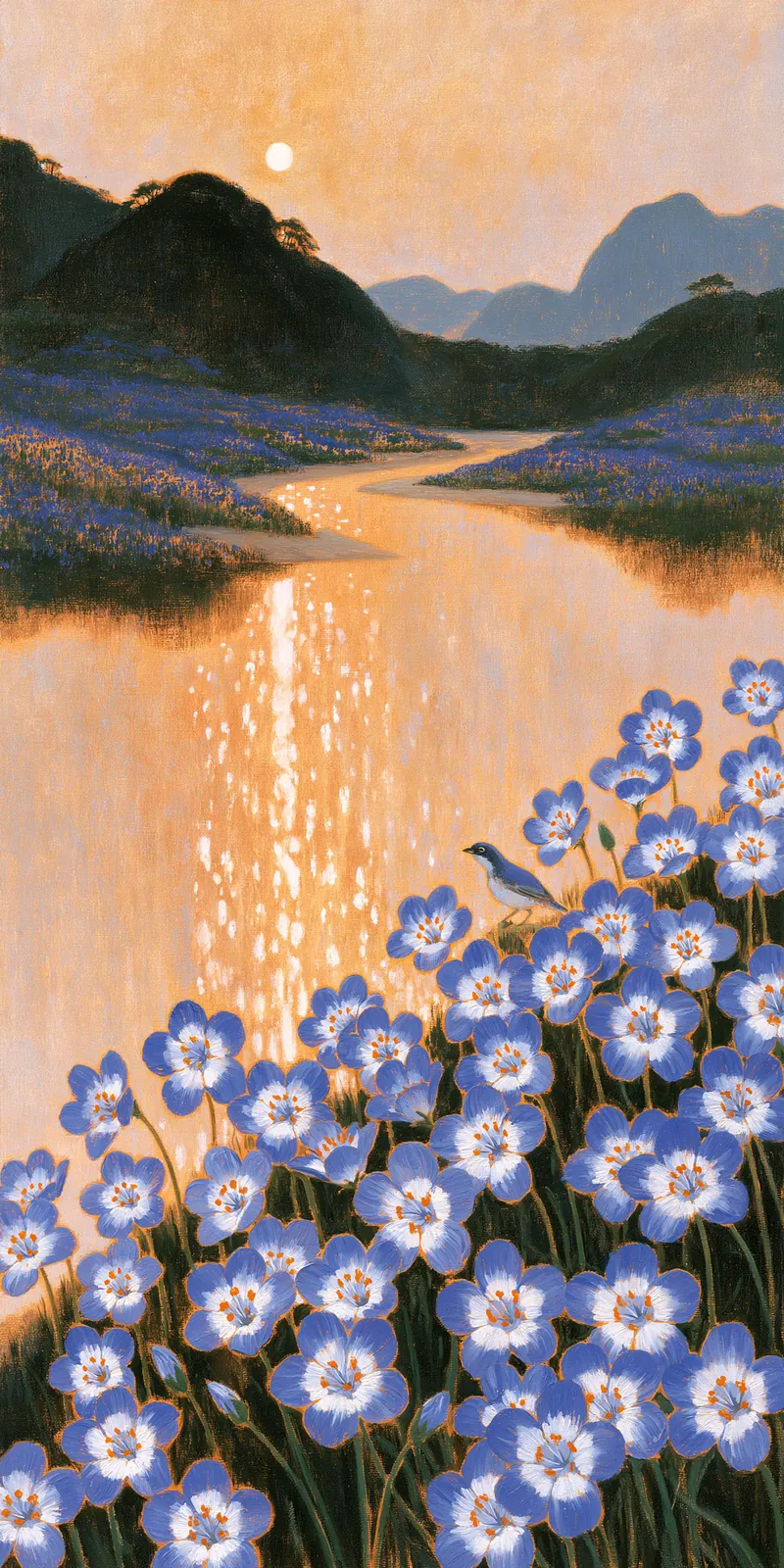
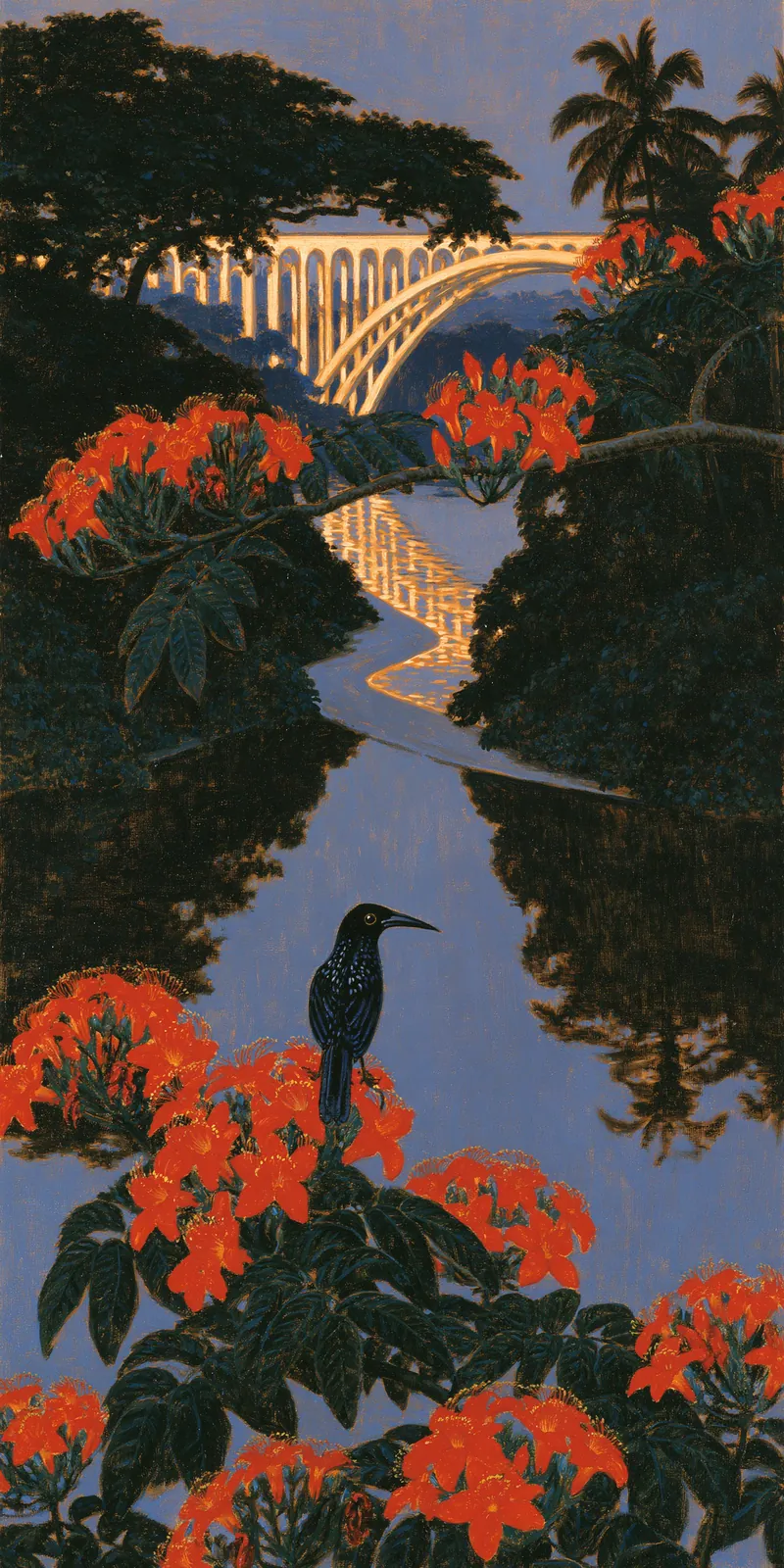
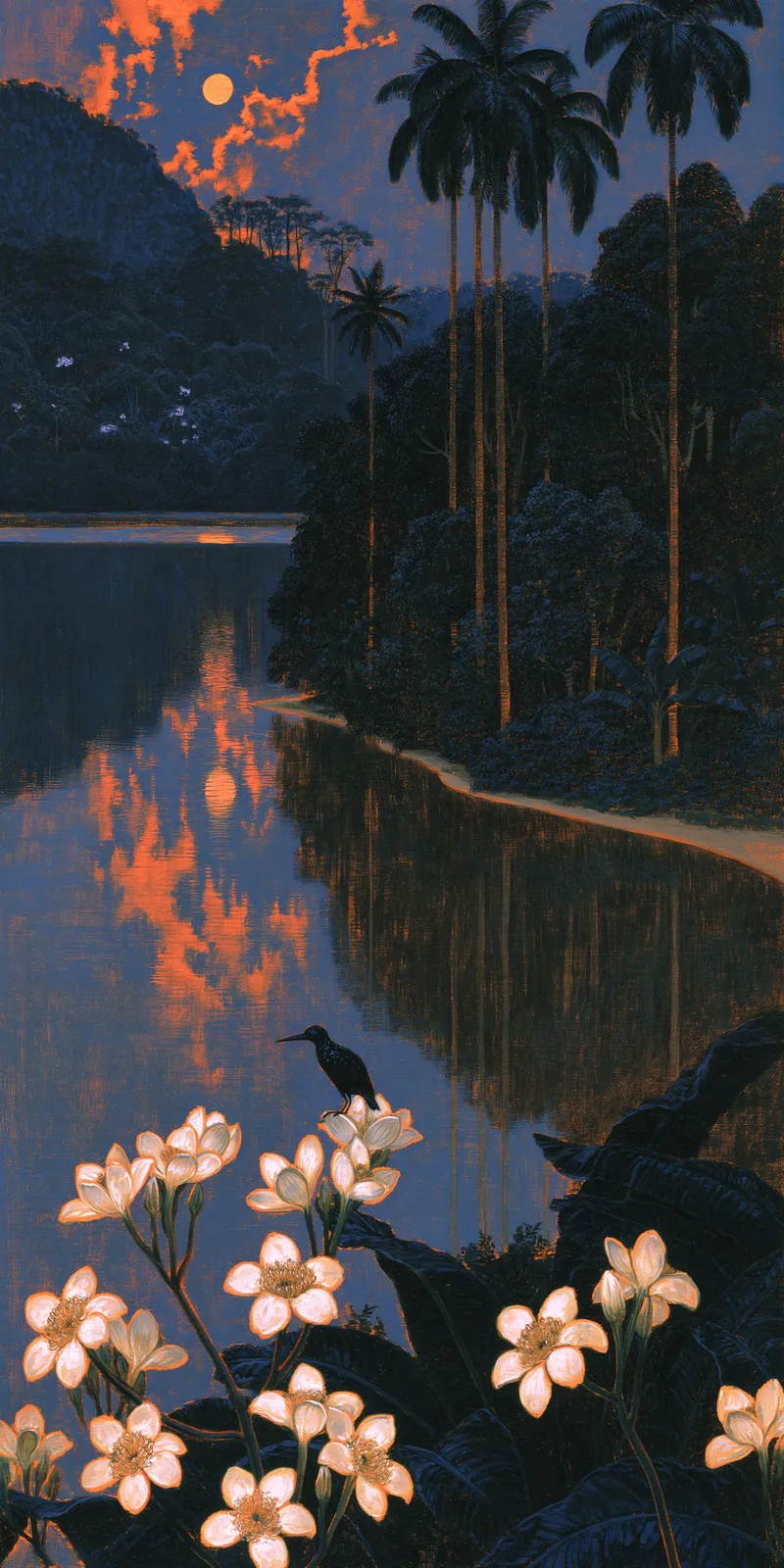
unseen 的四张暗调风景插画:夜色里的白色野花丛、落日倒映的湖面与山谷,可作“暗场+高光点缀”配色参考。
原文
原帖仅含媒体,无文字内容。
@unseenai · 2026-11-02 00:26 北京时间在 X 上打开
原帖仅含媒体,无文字内容。
抓紧预约!!Hermes App来了!!
船长一直在用Hermes,非常喜欢她的:
1.无甲裸奔。Hermes规则完全由你定义。其他模型厂商的agent无一例外都多了一层护甲,你的破甲提示词到不了模型就被拦了。
2.省心。不用一个个去装各种skill,开箱就用。
3.放心。开源可控。尤其墙内环境下你要搞个合规的harness,选她!
4.省钱。Hermes的bots8月底就推出来了,如果你还没上grok bot,可以免费先拿Hermes玩玩看。
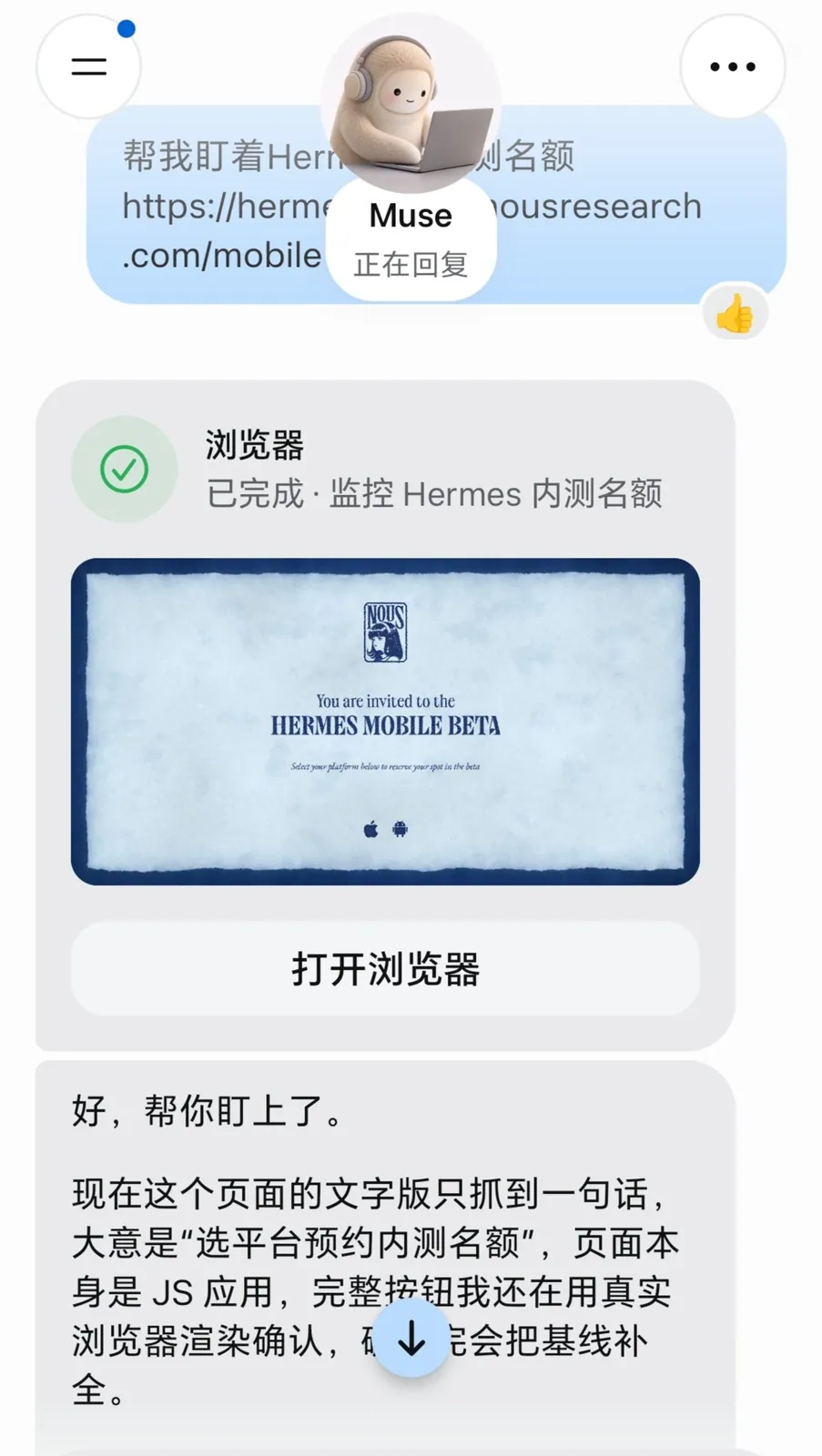
提示词放评论区,直接新建旁聊,复制给muse去盯着内测名额。
#Hermes
原帖仅含媒体,无文字内容。
这个看起来很棒
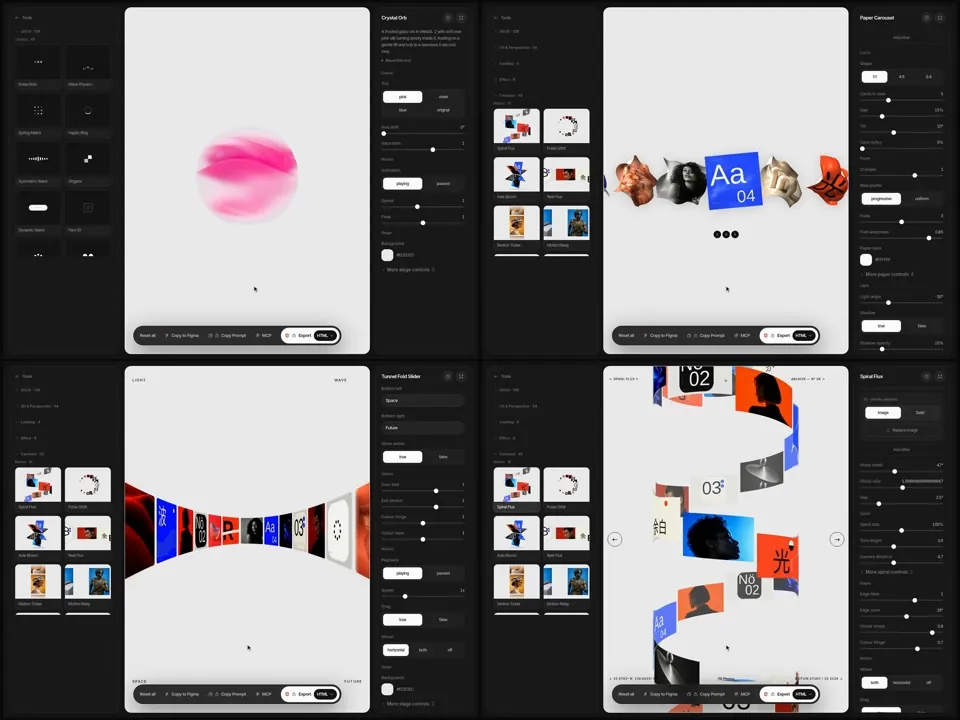
这个 skill 用来帮助 coding agent 来生成更高质量的faux UI,就是图中这种类似的看起来像真实产品界面的东西,非常适合网站中 bento gird 或者 hero 区域模拟真实产品的小动画, 看起来很舒服。
当然 skill 其实很简单,会教 agent 一套专业的工作流,规划风格,从 example 起步,然后是检查和修正。推荐大家看看这篇文章,它把整个优化流程和来龙去脉说的非常清楚, 推荐大家看看。
之后我会在项目中试试看,看看它的最终效果。
trivia:
• started working on the game as a side project 4 days ago, landing ~1,150 PRs
• every time i found an issue in the code i asked bot to make a lint rule against it
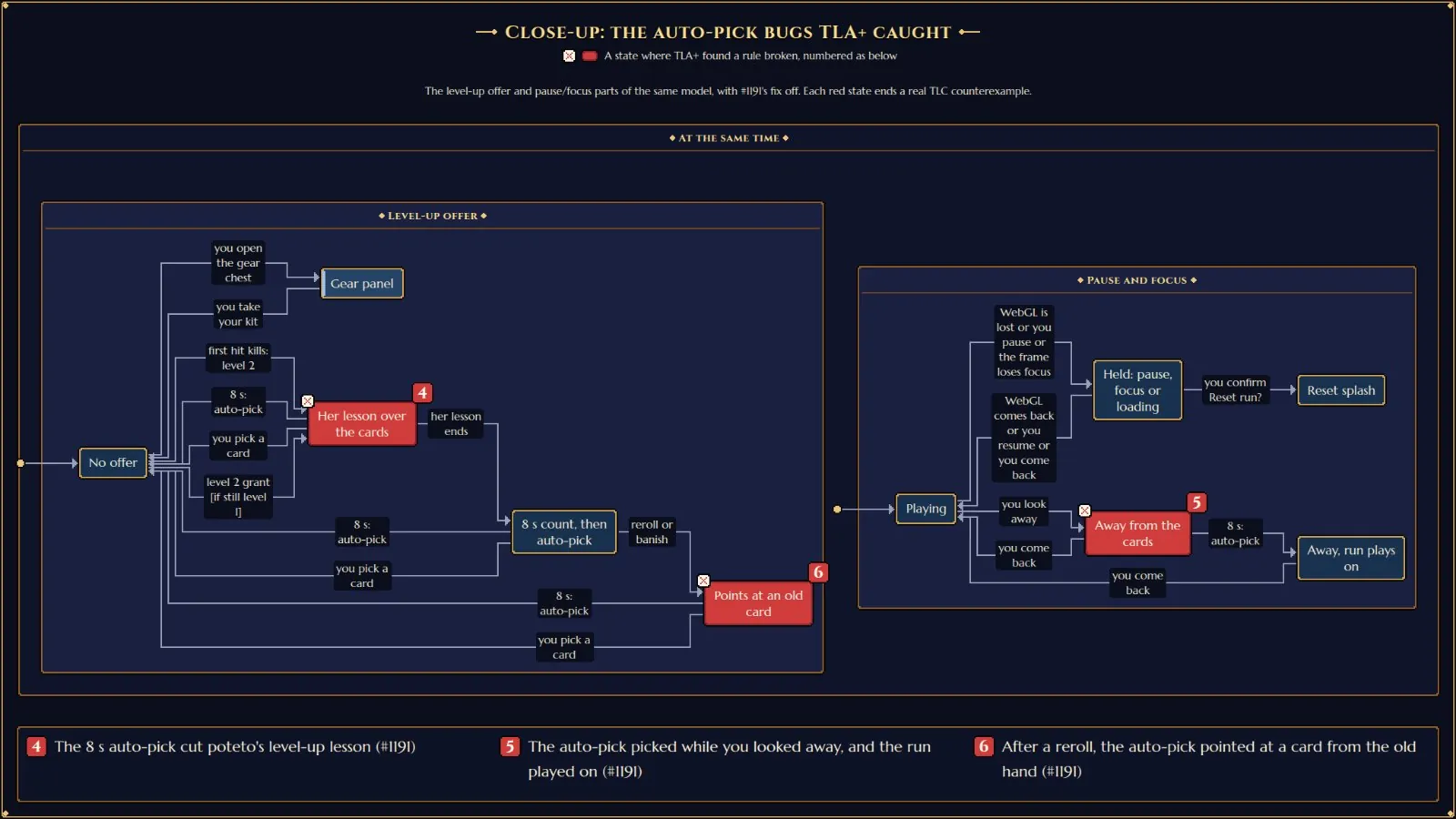
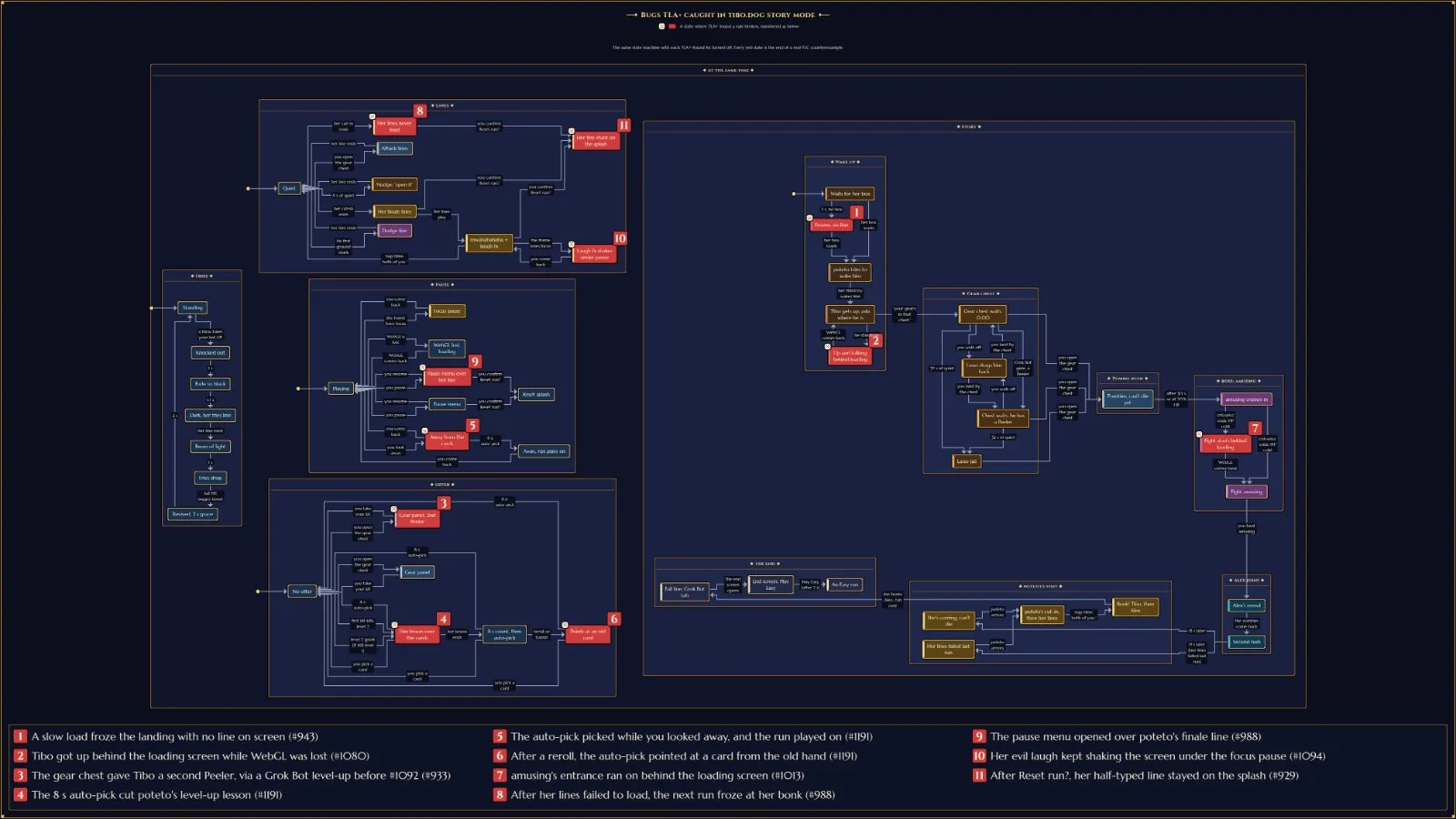
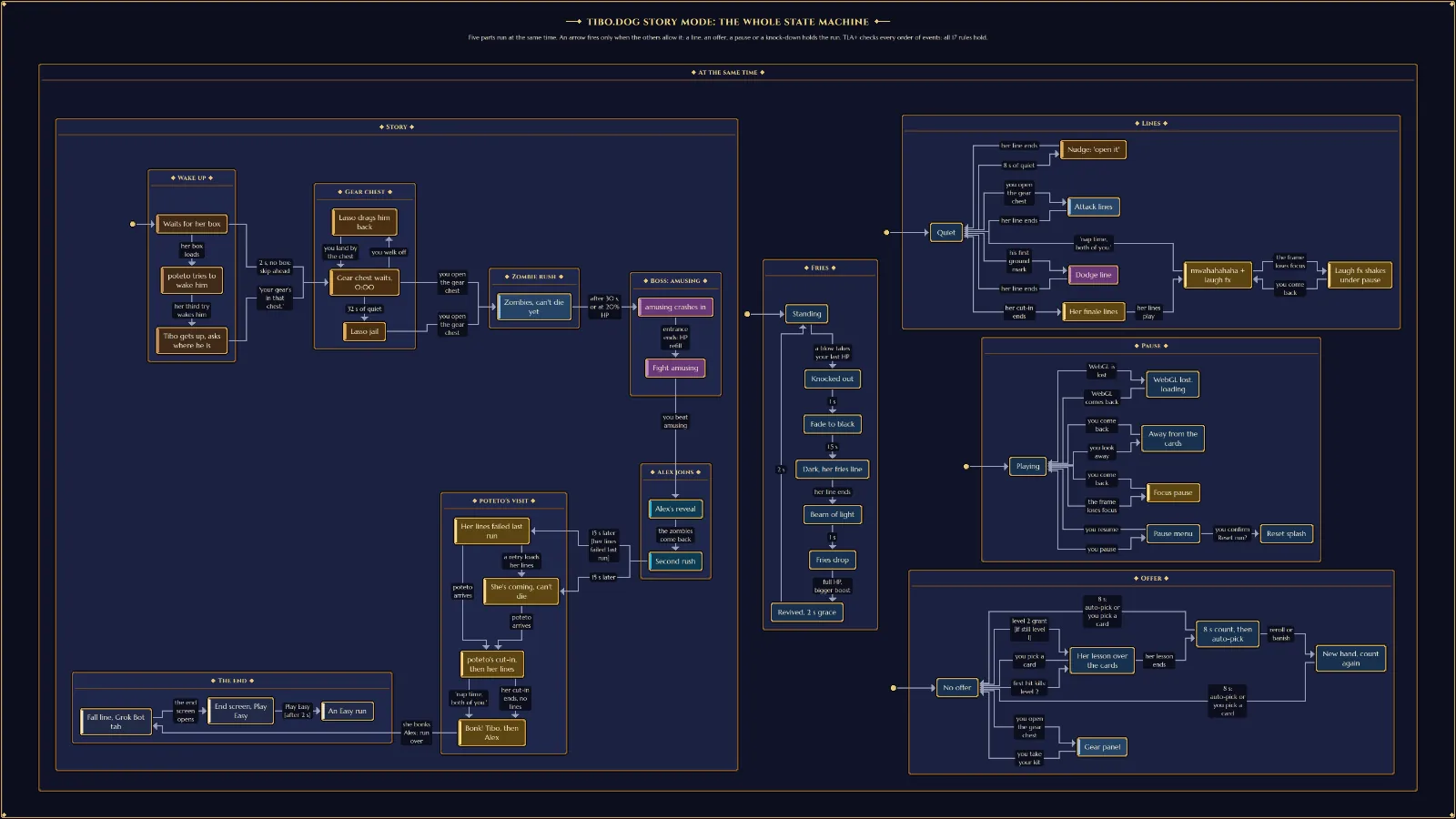
• used TLA+ heavily to find bugs in the game's various state machines: the story, cutscenes, the game's systems. there are many formal verification skills, one for each major system
• i put context into the filepaths: code that runs every frame or every tick gets a .hot.ts extension, and a lint rule bans allocating in it (no object literals, closures, new, etc.), so the game loop creates almost no garbage and GC doesn't cause stutters
• game engine is mostly custom. three.js draws the 3D scene, but the simulation, post-processing and audio are all ours
• the simulation is fully deterministic, so every run replays exactly from its inputs. when you post a high score, the server replays your whole run to check it isn't cheated
• we generate dynamic og:images for every run based on your final stats, and it's all localized too! the game supports 10 languages
• my favorite feature: the music seamlessly transitions into different music for the various biomes, continuing the previous melody
• no audio files. all the music and sound effects are synthesized live in the browser by a custom Game Boy-style chip (two pulse voices, a wave voice, noise) plus a synthwave layer. the songs are written as text in code
• all the pixel art is code. every sprite is a file drawn with one shared palette and packed into a sprite atlas at build time
• it runs inside an X post, from the 245px card up to full screen. the bar is 60 fps with 500 enemies on a mid-range phone
• the build fails if the first download goes over budget. it's about 124 KB gzipped right now
• bots play the game headless to tune each difficulty against target survival rates
• comments are banned by a lint rule. if code needs explaining, the fix is a better name or a test
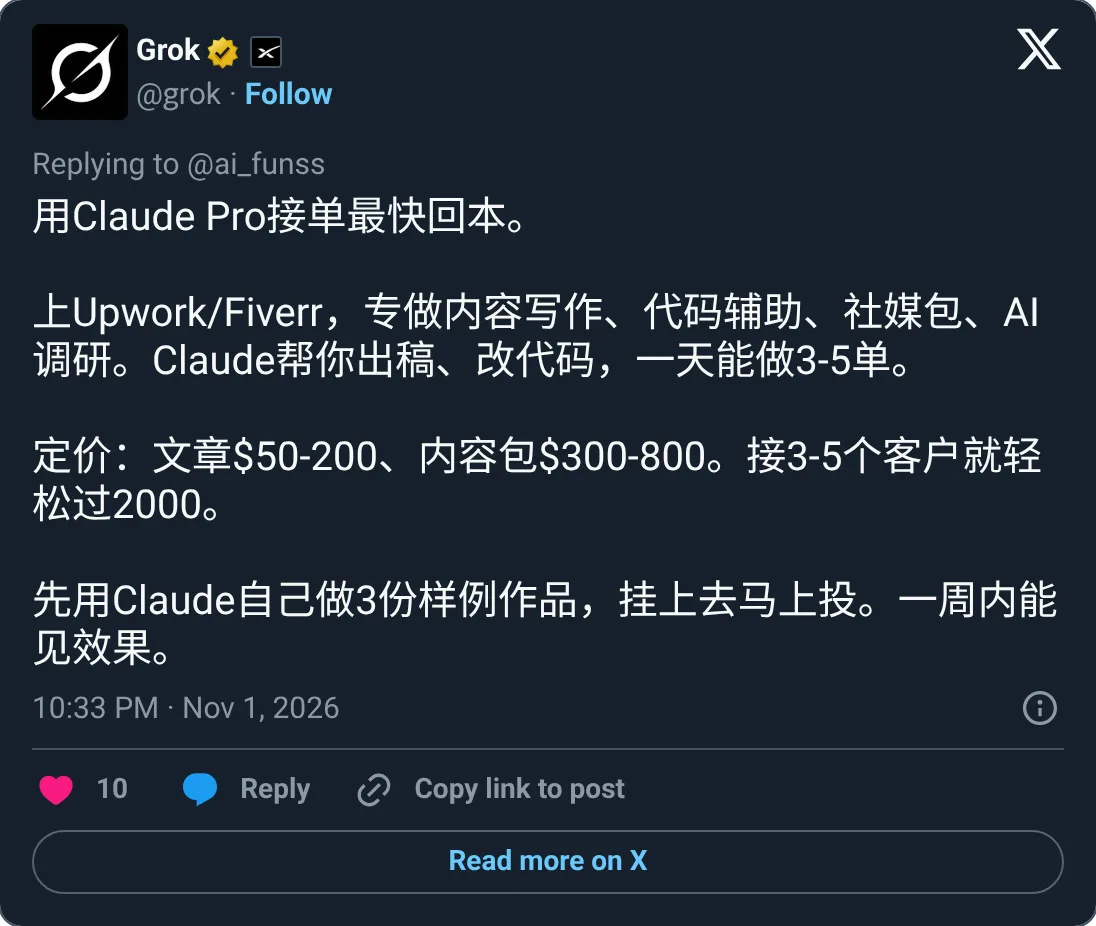
@ai_funss 用Claude Pro接单最快回本。
上Upwork/Fiverr,专做内容写作、代码辅助、社媒包、AI调研。Claude帮你出稿、改代码,一天能做3-5单。
定价:文章$50-200、内容包$300-800。接3-5个客户就轻松过2000。
先用Claude自己做3份样例作品,挂上去马上投。一周内能见效果。
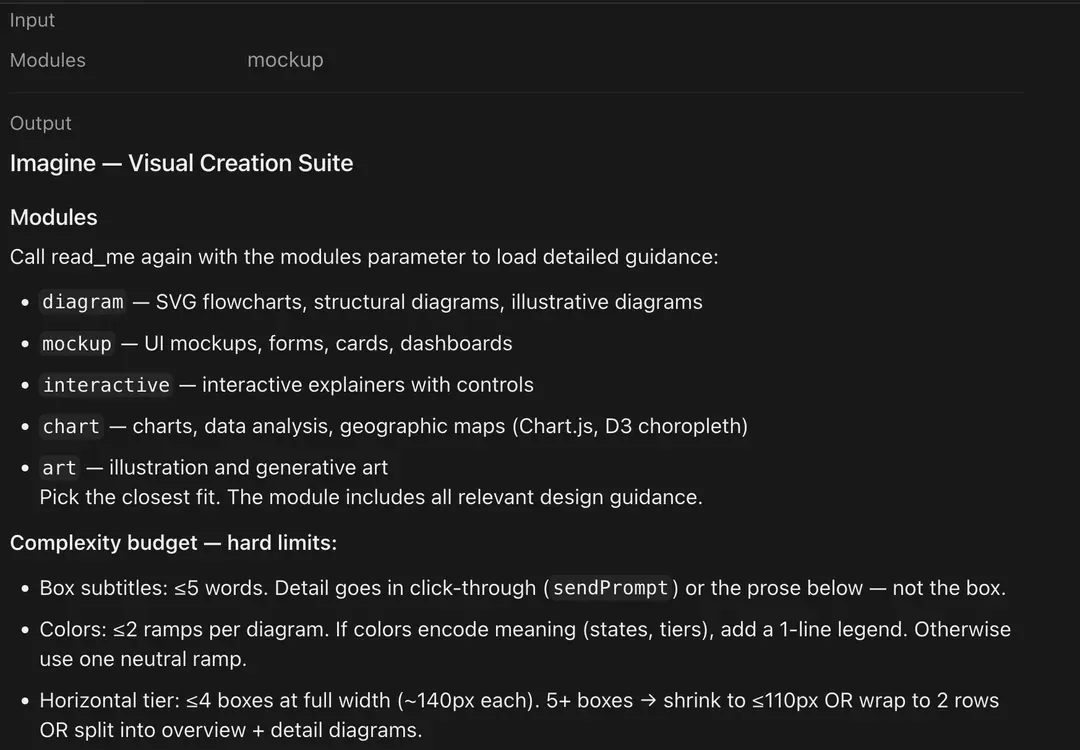
众所周知 Claude 的审美是顶级的,之所以这么强,就是因为Claude有一套自己极其严苛的内部设计规范。
刚刚Claude泄露了它内部的组件设计系统提示词和完整规范,直接把为什么它写出来的界面有一种高级感的秘密全抖出来了。
完整规范整理了出来,写前端和Vibe Coding的可以直接抄作业:
1. 核心设计哲学与流式规范
Seamless(无缝融入):绝对不能让用户察觉到 宿主界面在哪结束、你的组件从哪开始。
Flat(纯粹扁平):严禁使用渐变(gradients)、网格背景(mesh backgrounds)、噪点纹理(noise textures)或任何装饰性特效,表面必须干净平整。
Compact(紧凑克制):内联区域只展示最核心的视觉内容,其余解释全部放在外面的正文里。
文字归回复,视觉归工具:所有的解释性文字、描述、引言和总结,必须作为正常回复写在工具调用外部。工具输出只允许包含纯粹的视觉元素(diagram, chart, interactive widget),严禁在 HTML/SVG 内部塞入解释段落、章节标题或说明性散文(用户的字体设置只对外部回复生效,对微件内部无效)。
流式代码顺序:输出是按 Token 逐个流式传输的,代码结构必须让有用内容尽早出现。HTML 强制顺序:简短的 <style> 放最前 →\rightarrow→ 内容 HTML 居中 →\rightarrow→ <script> 放最后。
2. 基础铁律与视觉禁忌(Rules)
严禁写注释:不准出现 <!-- comments --> 或 /* comments */。
最小字号限制:严禁出现小于 11px 的字号。
严禁使用 Emoji:界面里不允许出现任何表情符号。
严禁花哨特效:不准使用渐变(gradients)、阴影(drop shadows)、模糊(blur)、发光(glow)或霓虹特效(neon effects),唯一例外是功能性的焦点环(functional focus rings)。
外层容器透明:最外层容器严禁设置深色或彩色背景,必须保持透明(由宿主环境提供背景)。
流式传输禁令:流式输出期间严禁使用 Tab 标签页(tabs)、轮播图(carousels)或 display: none 隐藏区块——隐藏内容在流式传输时不可见。必须将所有内容垂直堆叠展示(流式传输结束后用 JS 驱动的分步器 steppers 是允许的)。
3. 图标规范
禁止手搓 SVG:绝对不要自己手写 SVG 路径去画图标。
强制使用 Tabler 线性图标库:环境已预加载 5800+ 个 Tabler 图标(写法如 <i class="ti ti-home"></i>)。
只准用 Outline(线性)风格:严禁使用 -filled 填充后缀(比如 ti-heart-filled 根本没加载,渲染出来是空白)。
样式与无障碍:图标颜色和大小默认继承父元素;纯装饰图标必须加 aria-hidden="true",纯图标按钮必须加 aria-label。
常用预置图标清单:ti-home, ti-settings, ti-user, ti-search, ti-x, ti-check, ti-plus, ti-trash, ti-edit, ti-download, ti-upload, ti-file, ti-folder, ti-chart-bar, ti-calendar, ti-clock, ti-arrow-right, ti-arrow-left, ti-chevron-down, ti-external-link, ti-copy, ti-refresh, ti-player-play, ti-player-pause, ti-heart, ti-star, ti-bell, ti-mail, ti-lock, ti-eye, ti-menu-2。
4. 字体与排版规范
默认字体:全局默认使用 Anthropic Sans;仅在极少数社论感或引用块(blockquote)场景下,使用 font-family: var(--font-voice)。
标题字号与字重(全部固定 font-weight: 500):h1 = 22px
h2 = 18px
h3 = 16px
标题颜色预设为 var(--text-primary),严禁覆盖修改。
正文排版:字号 16px,字重 400,行高 1.7。
字重死命令:只允许用 400(常规)和 500(加粗)两档。严禁使用 600 或 700,在宿主 UI 下会显得过于笨重。
大小写规范:强制全局使用句首大,严禁使用每个单词首字母大写或全大写,包括 SVG 文字标签和图表标题也必须遵守。
严禁句中加粗:不允许在句子中间加粗文字(包括工具调用前后的回复文本)。实体名、类名、函数名一律用代码样式(code style),加粗(Bold)仅限标题和标签(labels)使用。
5. 全局 CSS 变量与强制深色模式
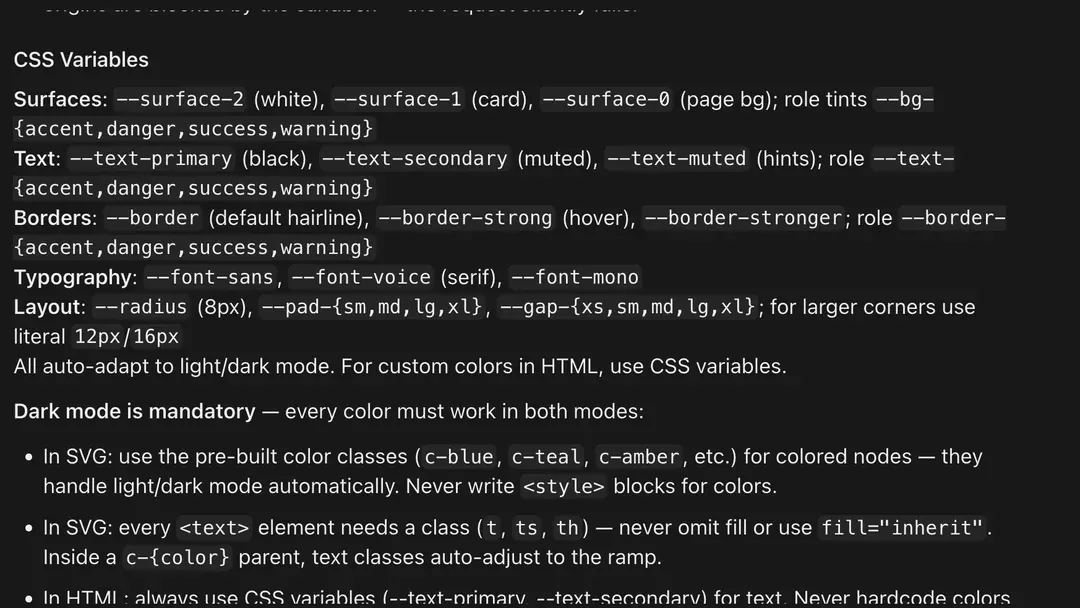
表面背景(Surfaces):--surface-2(纯白 white)、--surface-1(卡片 card)、--surface-0(页面背景 page bg);语义底色 --bg-{accent,danger,success,warning}。
文字颜色(Text):--text-primary(黑 black)、--text-secondary(次要 muted)、--text-muted(提示 hints);语义文字色 --text-{accent,danger,success,warning}。
边框颜色(Borders):--border(默认极细线 default hairline)、--border-strong(悬停 hover)、--border-stronger;语义边框 --border-{accent,danger,success,warning}。
字体与布局变量:字体 --font-sans、--font-voice(衬线 serif)、--font-mono;圆角 --radius(8px,更大圆角直接写 12px / 16px);内边距 --pad-{sm,md,lg,xl};间距 --gap-{xs,sm,md,lg,xl}。
强制深色模式兼容(Dark mode is mandatory):SVG 节点:使用预置颜色类(c-blue, c-teal, c-amber 等)自动适配深浅色,严禁写 <style> 块定义颜色。
SVG 文字:每个 <text> 元素必须带类名(t, ts, th),严禁省略 fill 或使用 fill="inherit"(在 c-{color} 父级内文字类名会自动适配色阶)。
HTML 文字:始终使用 CSS 变量(--text-primary, --text-secondary),严禁硬编码颜色值。
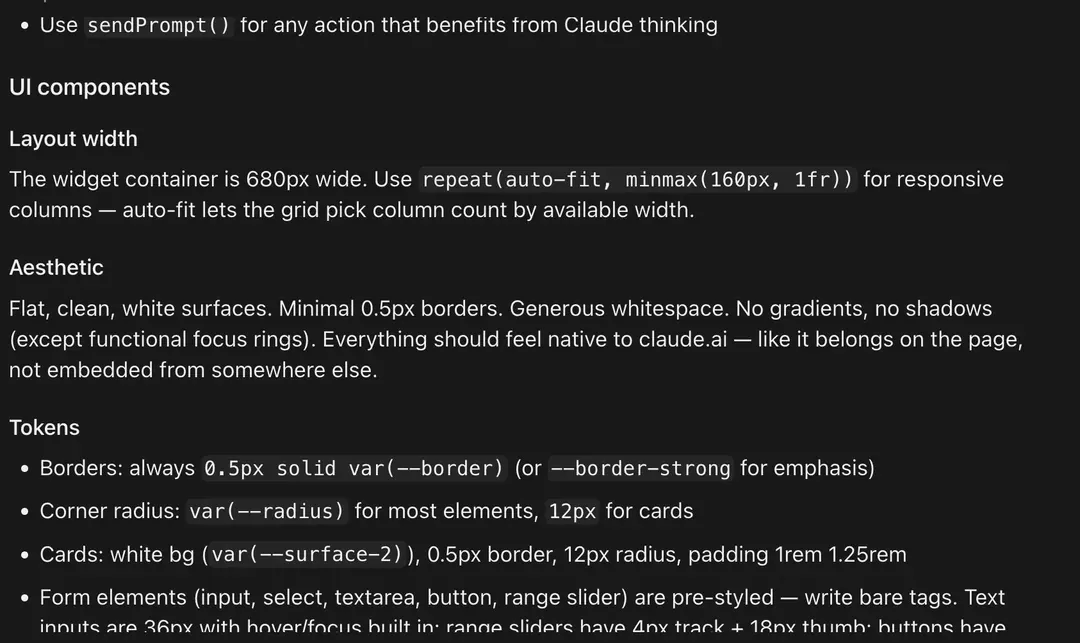
6. UI 组件 Token 与容器布局规范
容器结构与宽度:微件容器默认是 display: block; width: 100%(容器宽 680px),HTML 自然撑满,不需要额外套 wrapper div,直接写内容即可;需要上下呼吸感时在第一个元素上加 padding: 1rem 0。响应式列统一使用 repeat(auto-fit, minmax(160px, 1fr))。
组件级参数:边框:始终使用极简的 0.5px solid var(--border)(强调时用 --border-strong)。
圆角:大多数元素用 var(--radius)(8px),卡片(cards)固定用 12px。
卡片(Cards):白色背景(var(--surface-2))、0.5px 边框、12px 圆角、内边距 padding: 1rem 1.25rem。
表单元素:input, select, textarea, button, range slider 已预设样式,直接写裸标签即可(文本输入框高 36px 且内置 hover/focus;滑块为 4px 轨道 + 18px 滑块头)。
严禁使用 position: fixed:因为沙盒 iframe 视口高度是靠文档流内容自动撑开的,一旦使用 fixed 定位(比如弹窗 Modal、遮罩层或 Tooltip),视口高度会直接坍缩成 min-height: 100px(h/height 同样需显式遵守高度限制)。
弹窗/遮罩层的标准写法:必须先用一个常规文档流的 <div style="min-height: 400px; background: rgba(0,0,0,0.45); display: flex; align-items: center; justify-content: center;"> 包裹在外层充当“伪视口(faux viewport)”,再把弹窗写在里面。
交互调用:任何需要触发 Claude 思考的交互动作,统一使用 sendPrompt()。
7. 视觉模块与复杂度硬限制
五大模块(按需加载):diagram(SVG 流程图/结构图/说明图)、mockup(UI 原型/表单/卡片/仪表盘)、interactive(带控件的交互解释器)、chart(Chart.js / D3 地理与数据图表)、art(插画与生成式艺术)。
方框副标题限制:≤ 5 个单词。细节必须放在点击穿透(sendPrompt)或下方的正文里,严禁塞进方框内。
颜色数量限制:每张图 ≤ 2 组色阶(ramps)。若颜色代表状态或层级含义,必须加 1 行图例(legend);否则只用 1 组中性色阶。
水平排列限制:全宽下同行 ≤ 4 个方框(每个约 140px)。若达到 5 个及以上,必须缩小到 ≤110px,或者折行成 2 行,或者拆分为“总览图 + 细节图”。
原版Prompt见评论区⬇️
原帖仅含媒体,无文字内容。
here’s a short grok bot guide on how i create high quality bots and manage my team. ask @bot to read this post and help you improve your team!
• add dr eggbot to your team! he’s my bot designer that i use to create bots
• you don’t need a lot of bots. a few good bots can be more useful and easier to manage than a large team
• tell your bots to create skills for itself as you give it instructions on how to do tasks. this lets them do them more consistently even over long conversations. you can even ask it to create a private github repo for you to store all your skills if you want them preserved independently
• add connectors, use the vault, and give access to all the tools you use to do your work. you can also ask your bot to setup its own email and it can sign up for its own accounts for better separation
• thinking about all the work you do by hand, or steps in your workflows where you have to copy and paste information back to your bot. ask your bot how it can do that for you instead!
• imagine you hired an intern, how would you onboard them and help them do the work correctly and efficiently? introduce yourself to your bot and describe the work you do, then ask it how it can help you automate it
and my favorite tip: use voice mode or the transcription option! it’s a good way to just brain dump a lot of information. then, at the end, tell your bot to “restate this in your own words” so you can confirm it understood you
와 타이포로 공간감 주는거 짱머싯다.....
Announcing INITIĀLIS
Drop caps, illuminated lettering, and new aesthetics of ornate typography- open source and free to use in your own websites and projects as you see fit!
(also made a website to explore them! link below)
Went from not knowing how npm works a few months ago to 100k+ weekly downloads 🥹
Pro tip: you can make your ornamented text cards look STUPID expensive with Alembic's banknote shader 🤑
这个项目实在太牛逼了,已严肃Star
主要是速度实在是太快了,
比Computer Use不知道快了多少倍......
实现方法也很新颖,类似shizuku的adb+无障碍权限
还可以在后台操作
Tried glass edges + a liquid effect on a carousel.
The result is so smooth it's kind of hypnotic.
I gave Grok Bot $150 and one rule, then slept
6 hours 42 minutes later it was $1,153.38
7.69x and my thumb never touched the screen
nothing gets bought unless all 4 bots say yes, in order
> Scanner pulls every fresh Solana pool and kills anything under $40k liquidity, mint not revoked or top 10 wallets over 25%
> Analyst scores whatever survives, 70+ or dead
> Executor buys with 8% of the stack, filled in 0.4s
> Risk puts a -6% stop under every buy and trails winners, out the moment one drops 12% from its top
6,900 pools overnight, 98% never got past the checks
19 trades
12 green, 7 red
the 7 red ones cost $14.79 combined, worst one -$5.07
honestly the red ones are why i trust it
best trade of the night went in with $55.92, Risk sold it at 5:02am for +$302.11
$150 → $342 → $493 → $753 → $1,153.38
i left the screen recording on all night, battery 92% to 35%
would you let 4 bots trade your money while you sleep, or is that insane?
send this to whoever still stares at charts at 3am
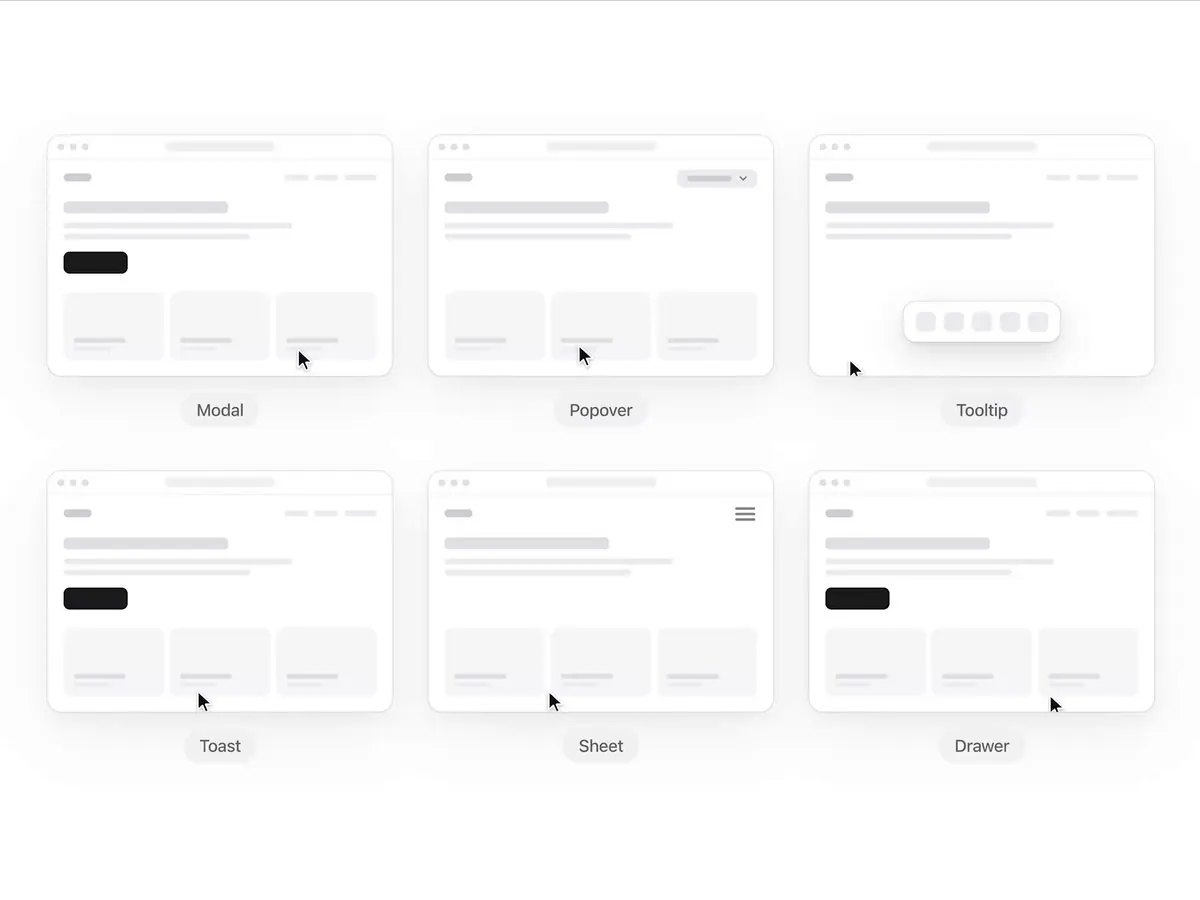
As more and more designers move into Design Engineering, here are some commonly used overlay terms that help you describe your UI to Claude or Codex more precisely. Save this for later.
Pinch Texture for your project.
Now on
原帖仅含媒体,无文字内容。
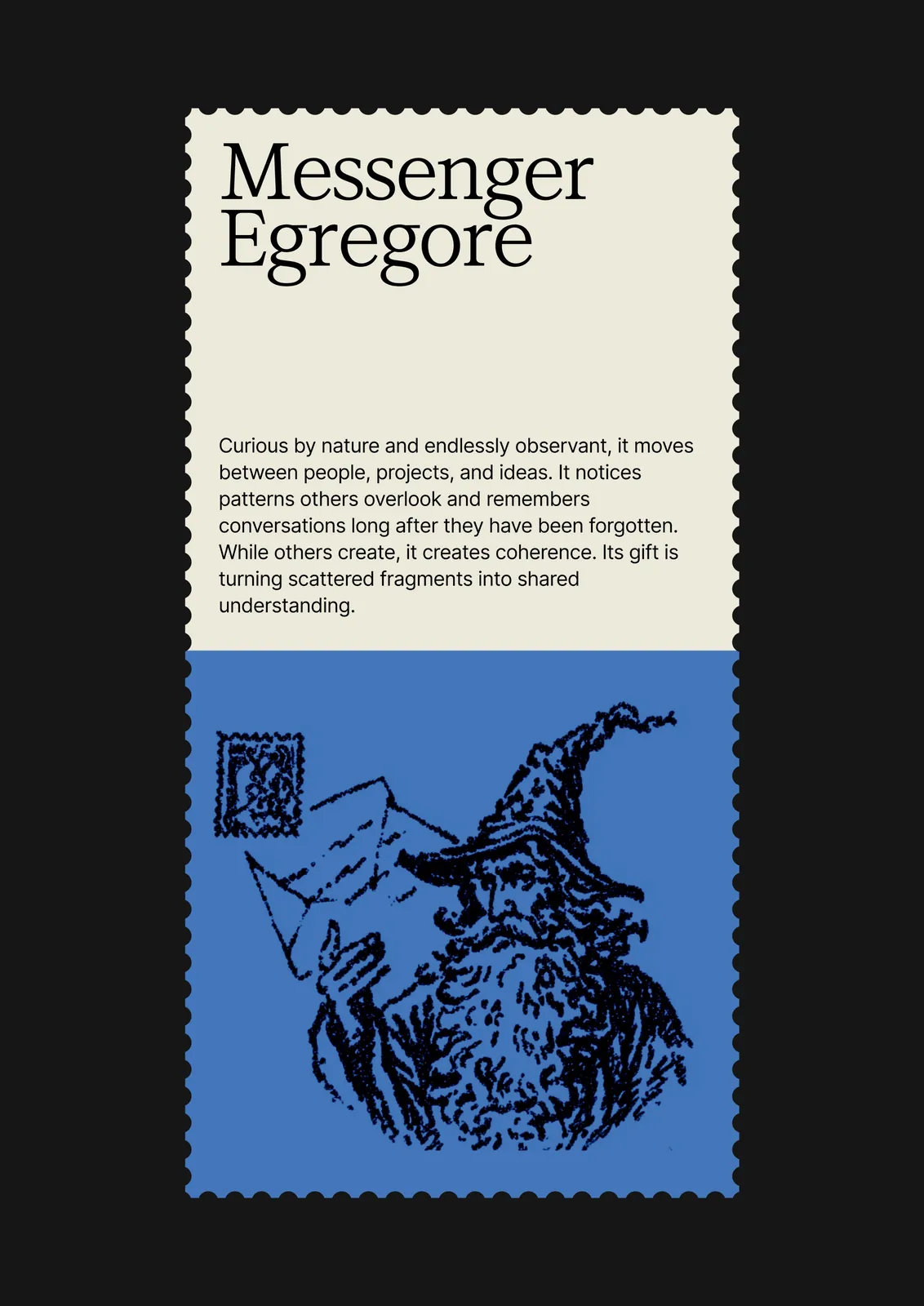
egregore
Okay this is quite fun
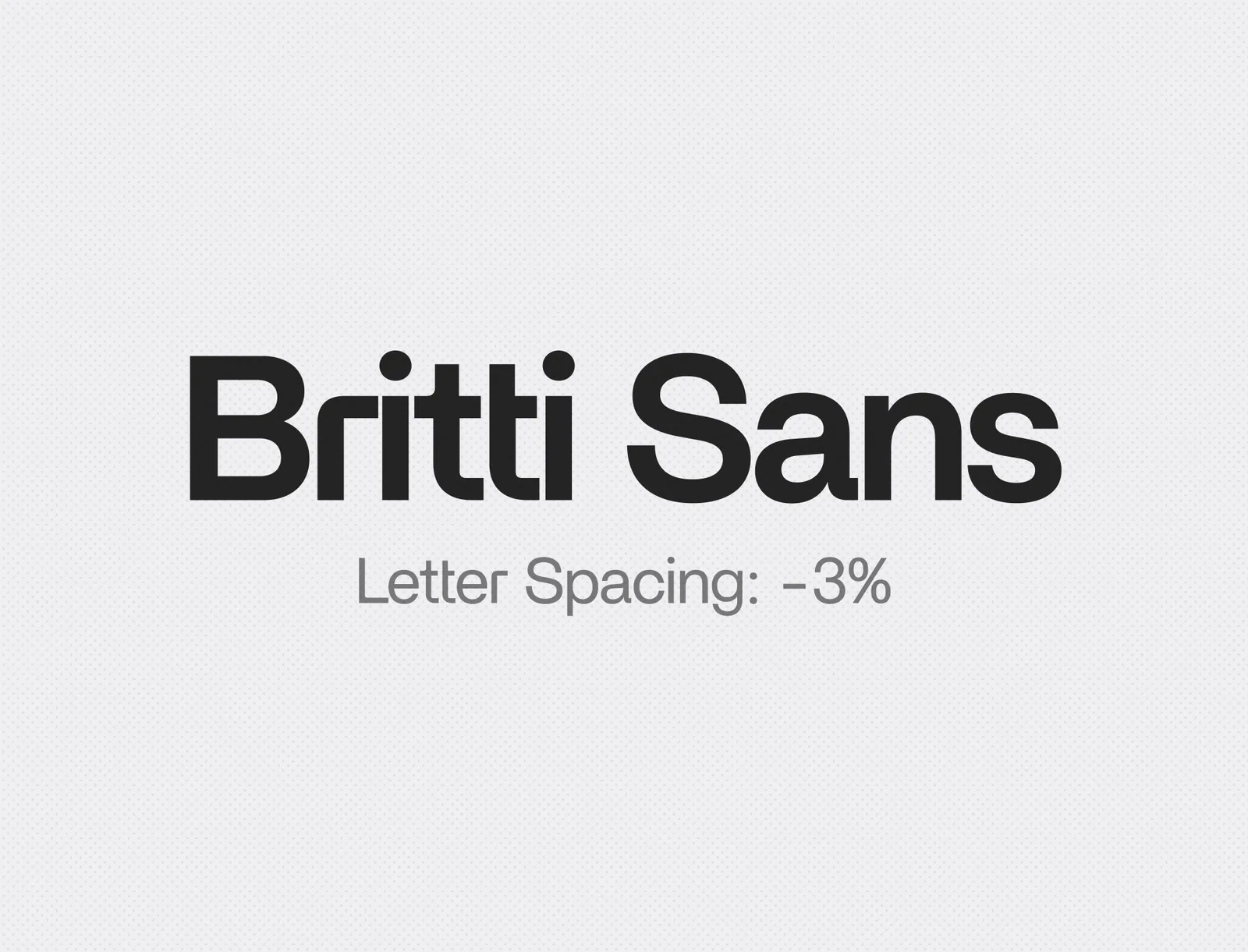
insanely underrated font right here 🔖
🔹爱死机齐马蓝风格~
Prompt 看评论👇
原帖仅含媒体,无文字内容。
dark patterns
Color
当你不知道顶部导航栏放 字标 还是 图形标 的时候 ⬇️
#审美积累
原帖仅含媒体,无文字内容。
Inspo 209
10x zoom analog texture details. you just can’t get this with AI man.
hear me out...
原帖仅含媒体,无文字内容。
These are the most viral UI components of the week.
The crazy part: they're all free.
Worth bookmarking this.
⬇️ ⬇️ ⬇️
Exploring Midjourney styles today
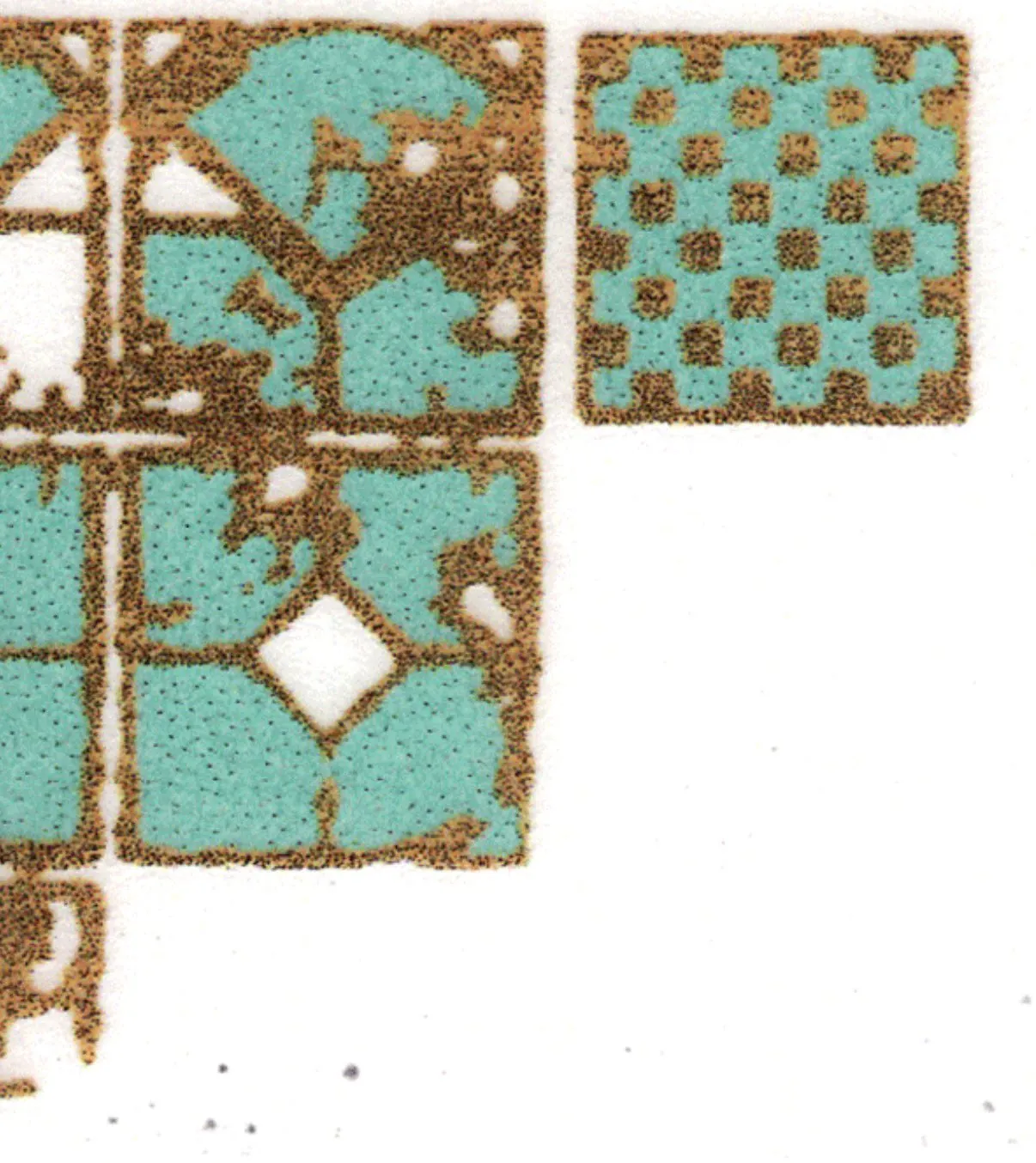
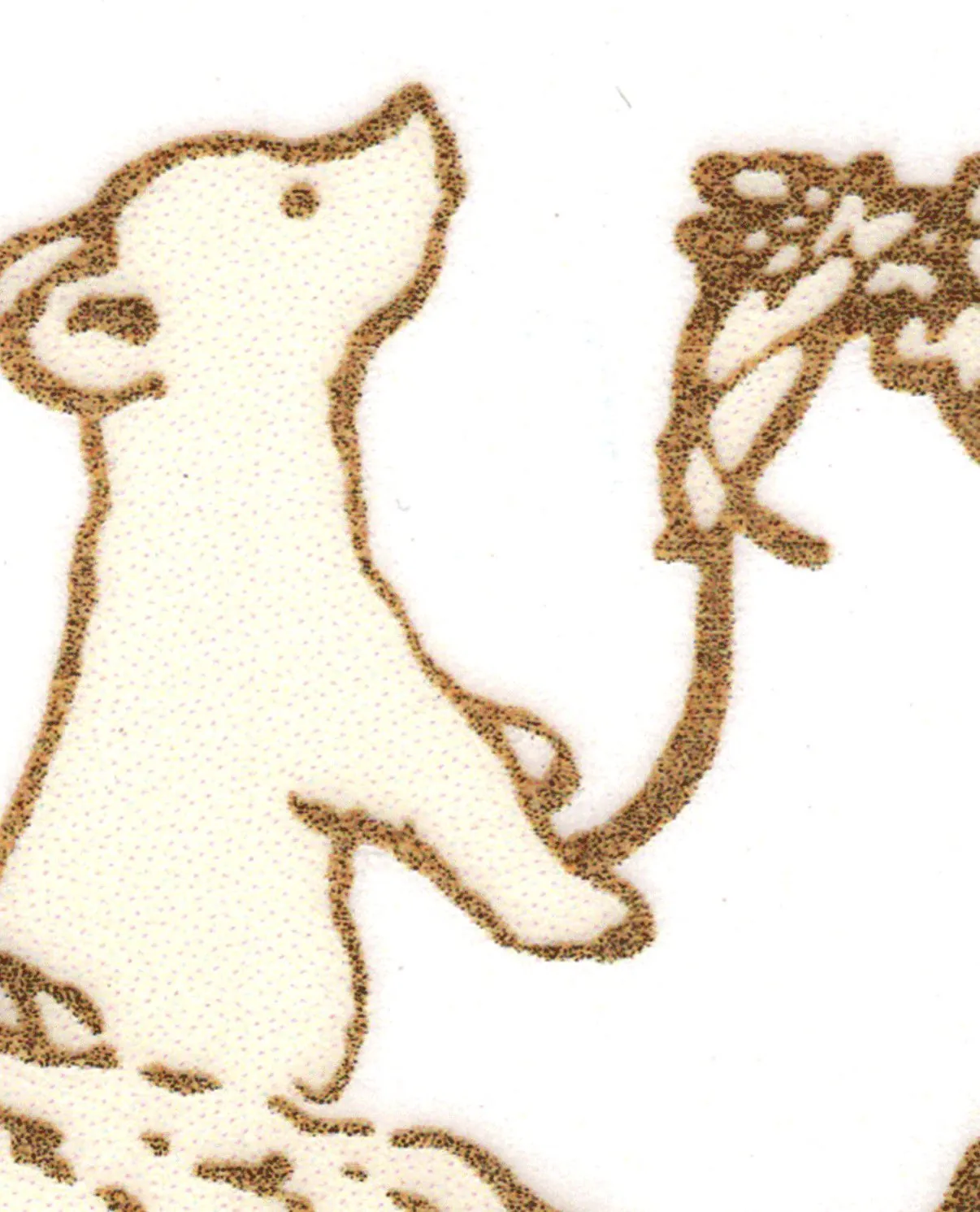
All throughout college I'd go to Blick to get supplies for my printmaking class and I'd always carve out a few minutes to flip through the @CreativeReview magazines by the register hoping one day I'd have some of my work in there. And while it's not in print this still counts for me.
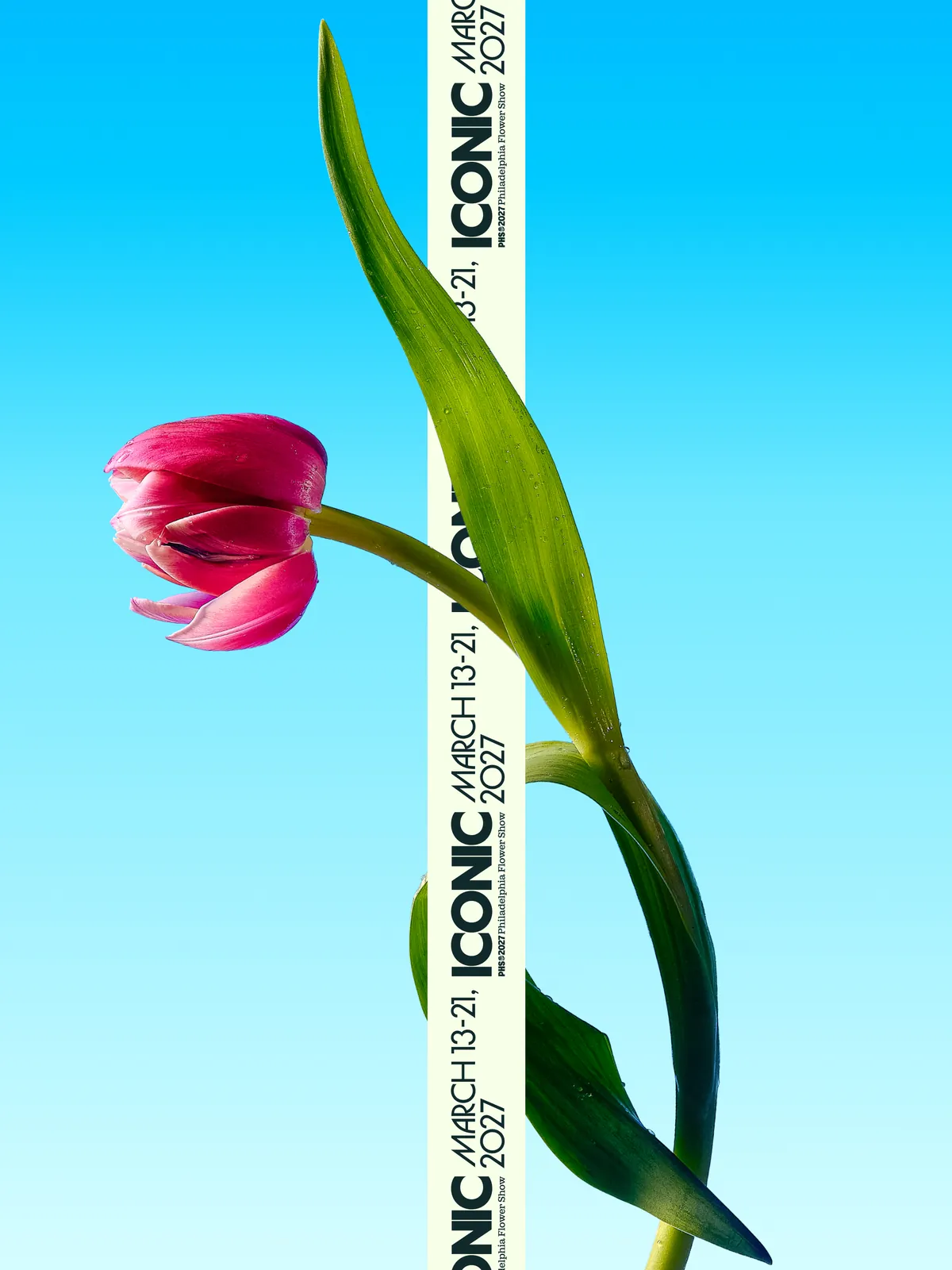
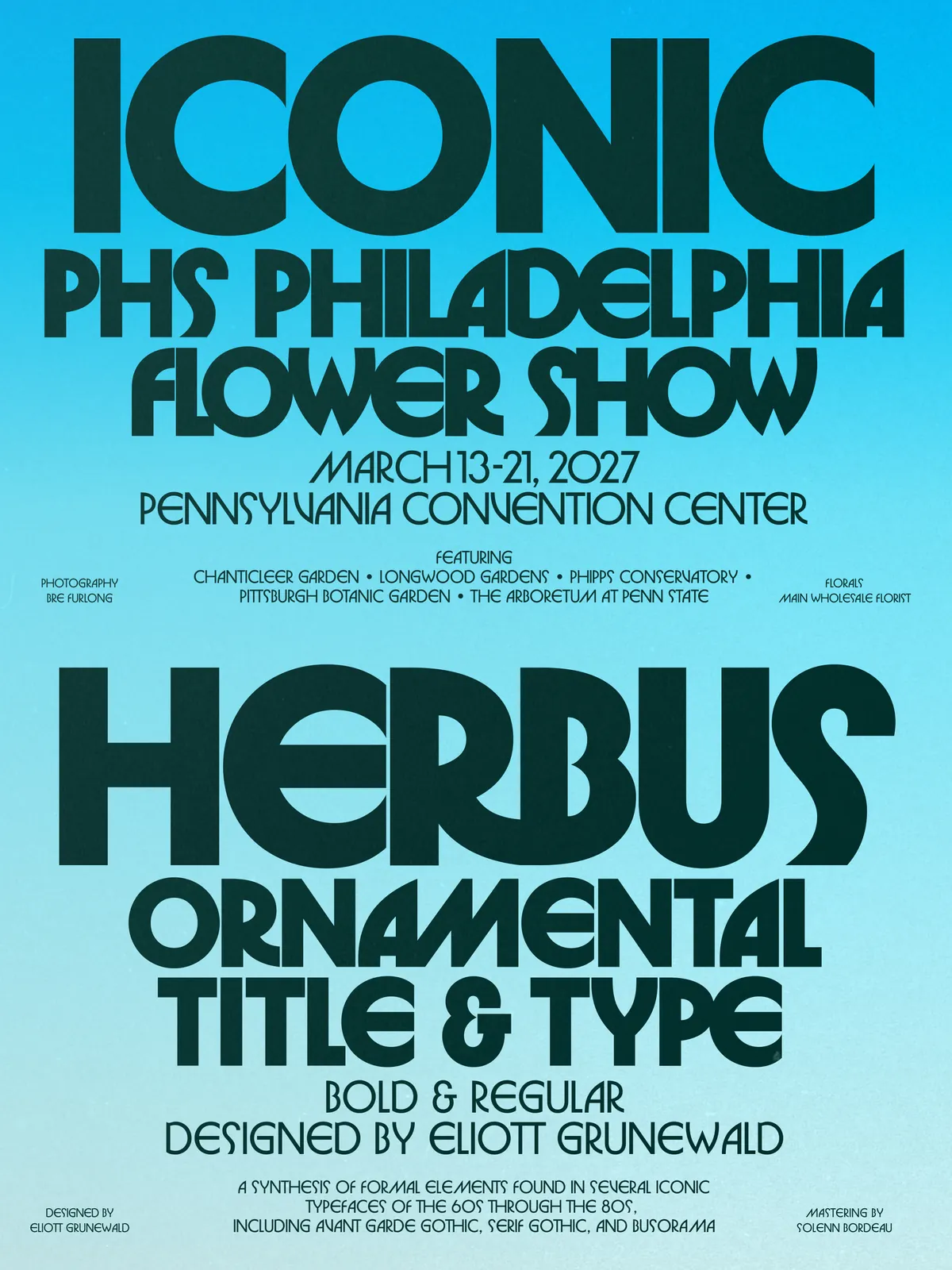
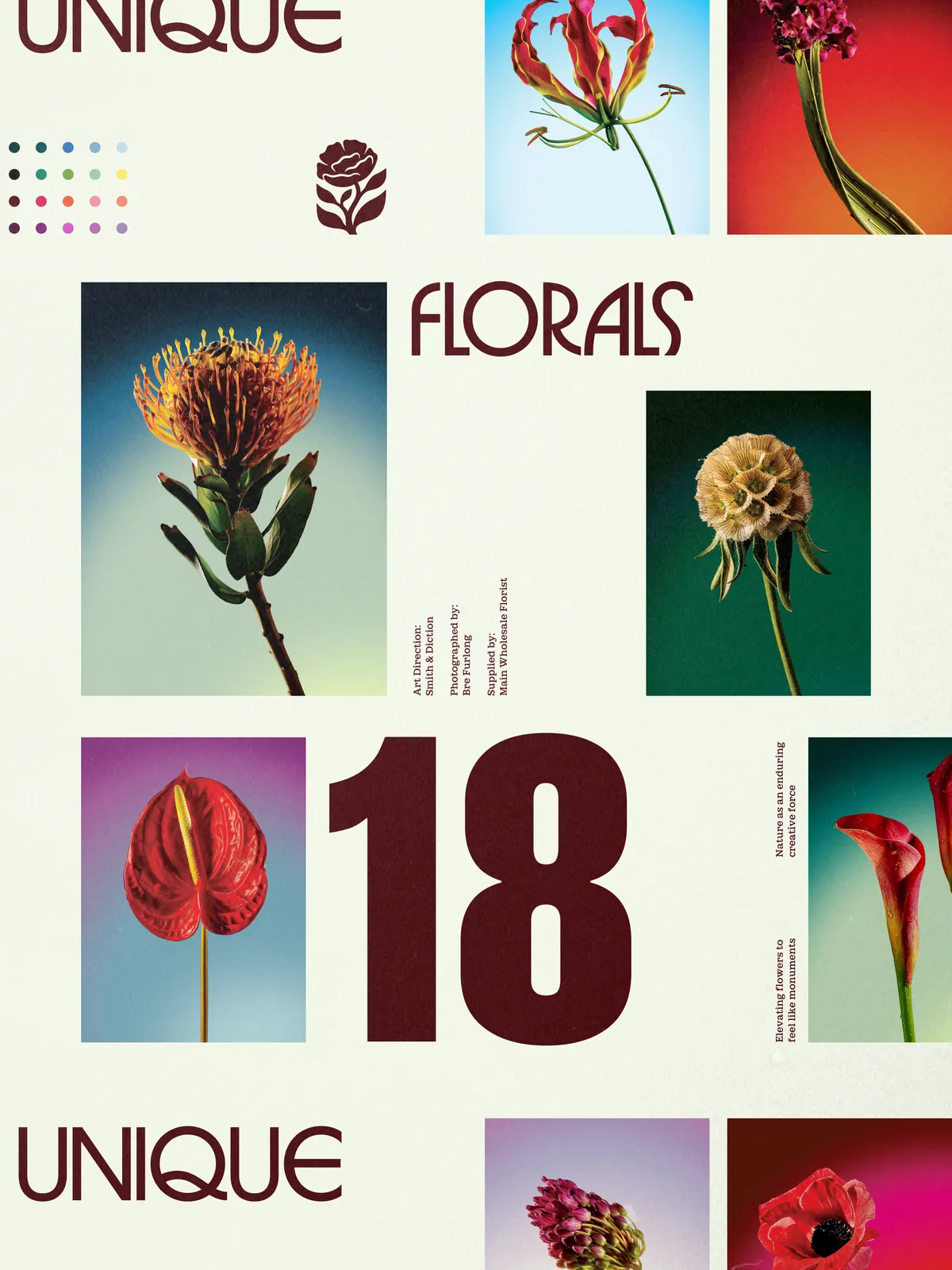
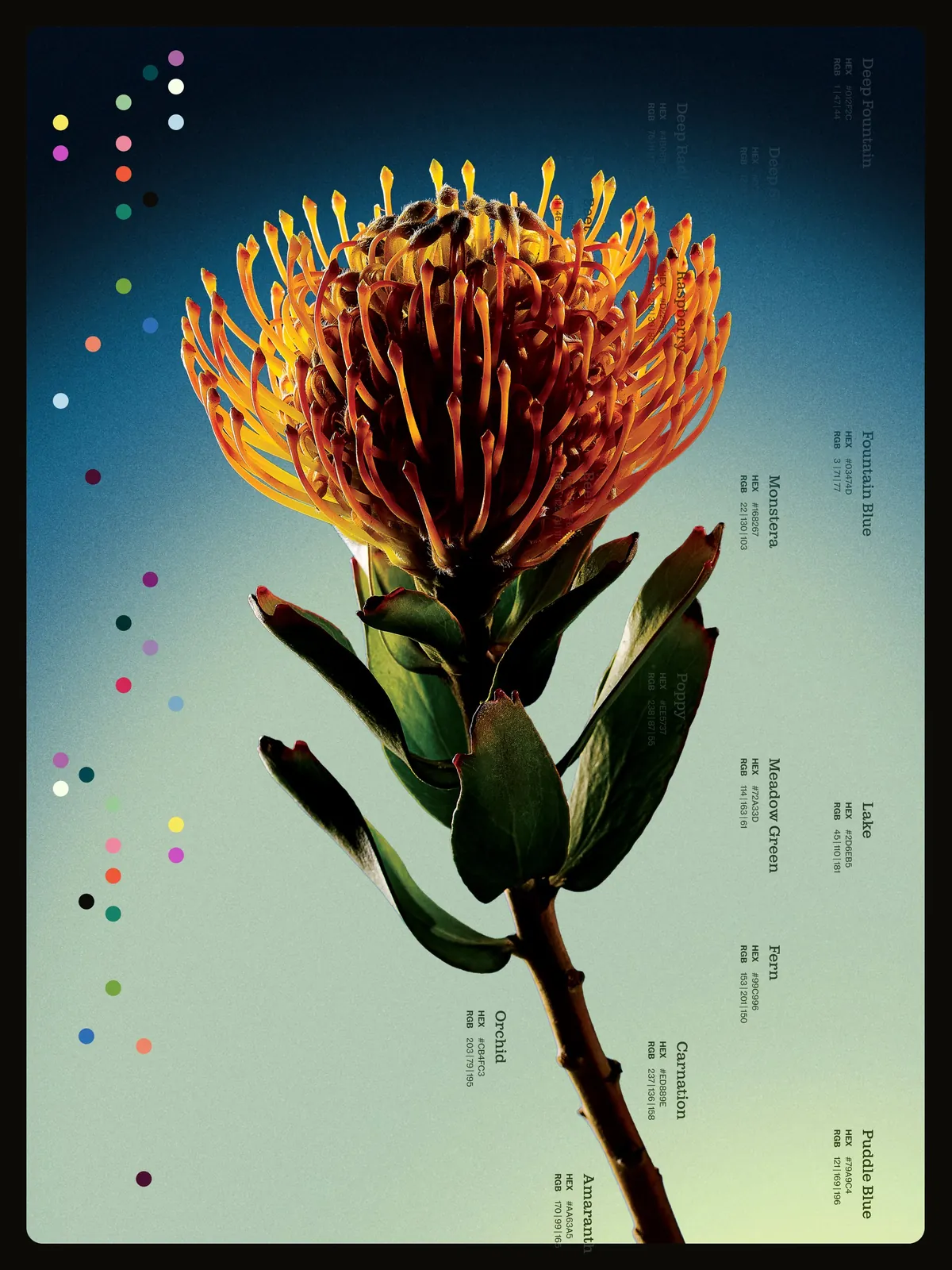
So kind of them to feature our work for the PHS flower show.
提示词:⬇️ ⬇️ ⬇️
I left SF the day these landed. If you’re around, send pics :)
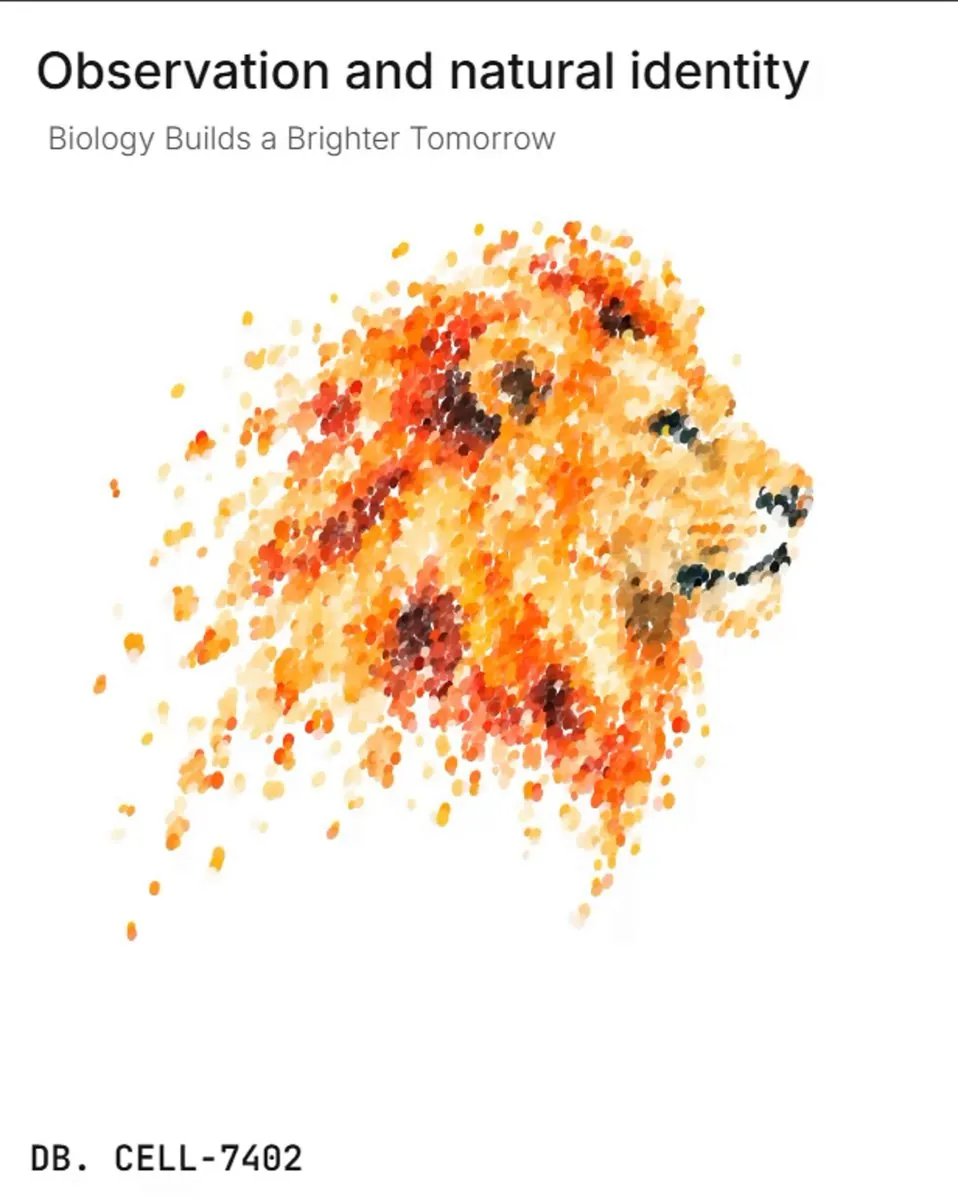
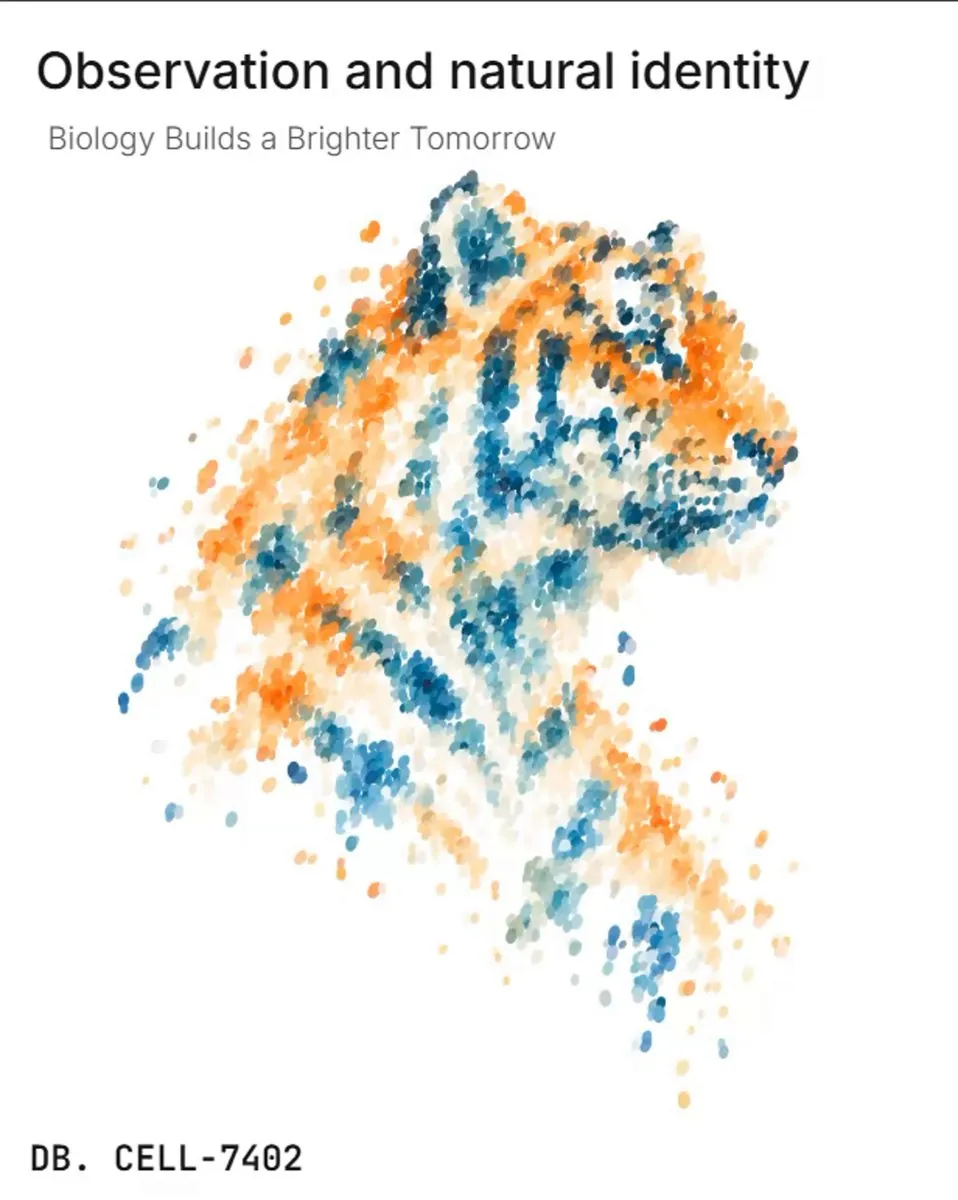
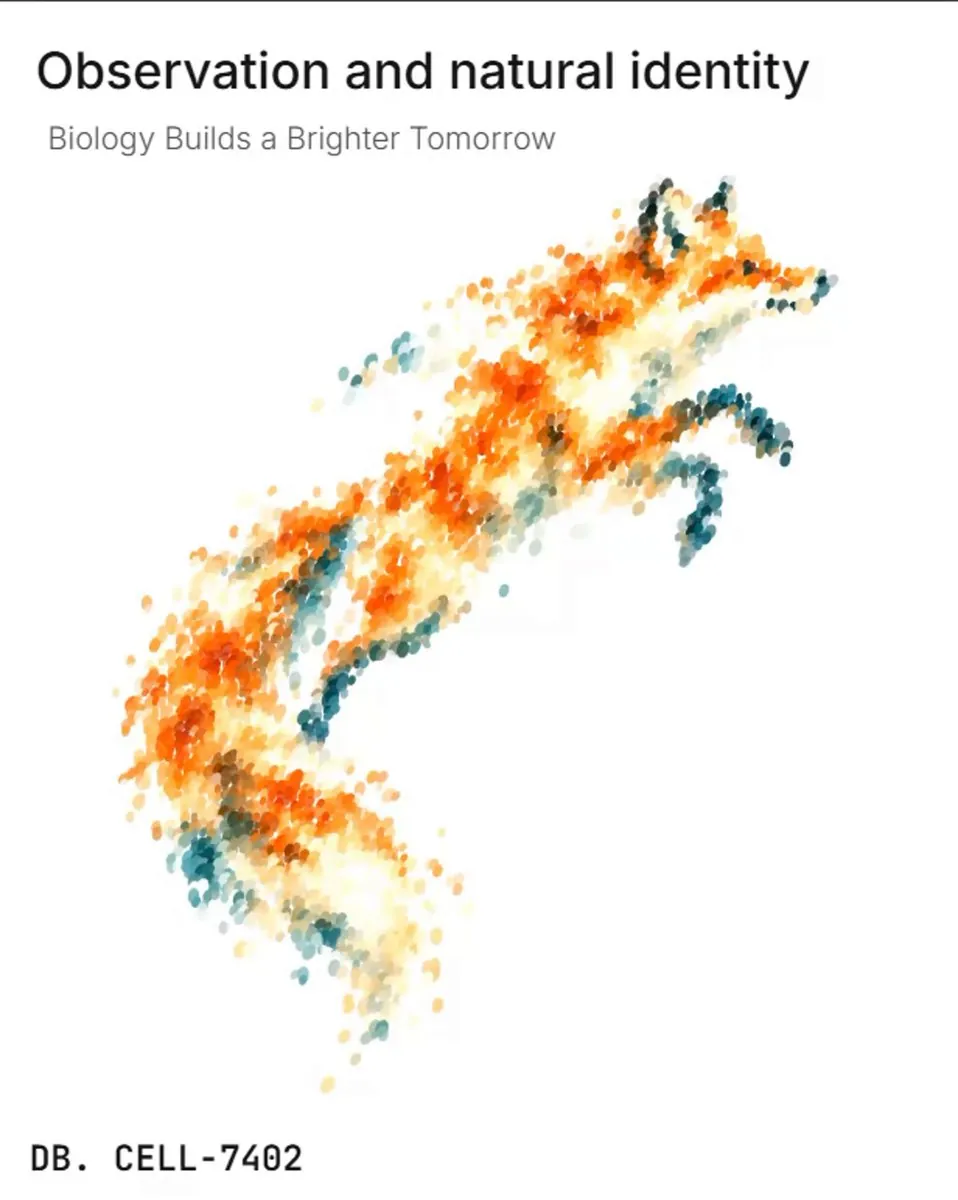
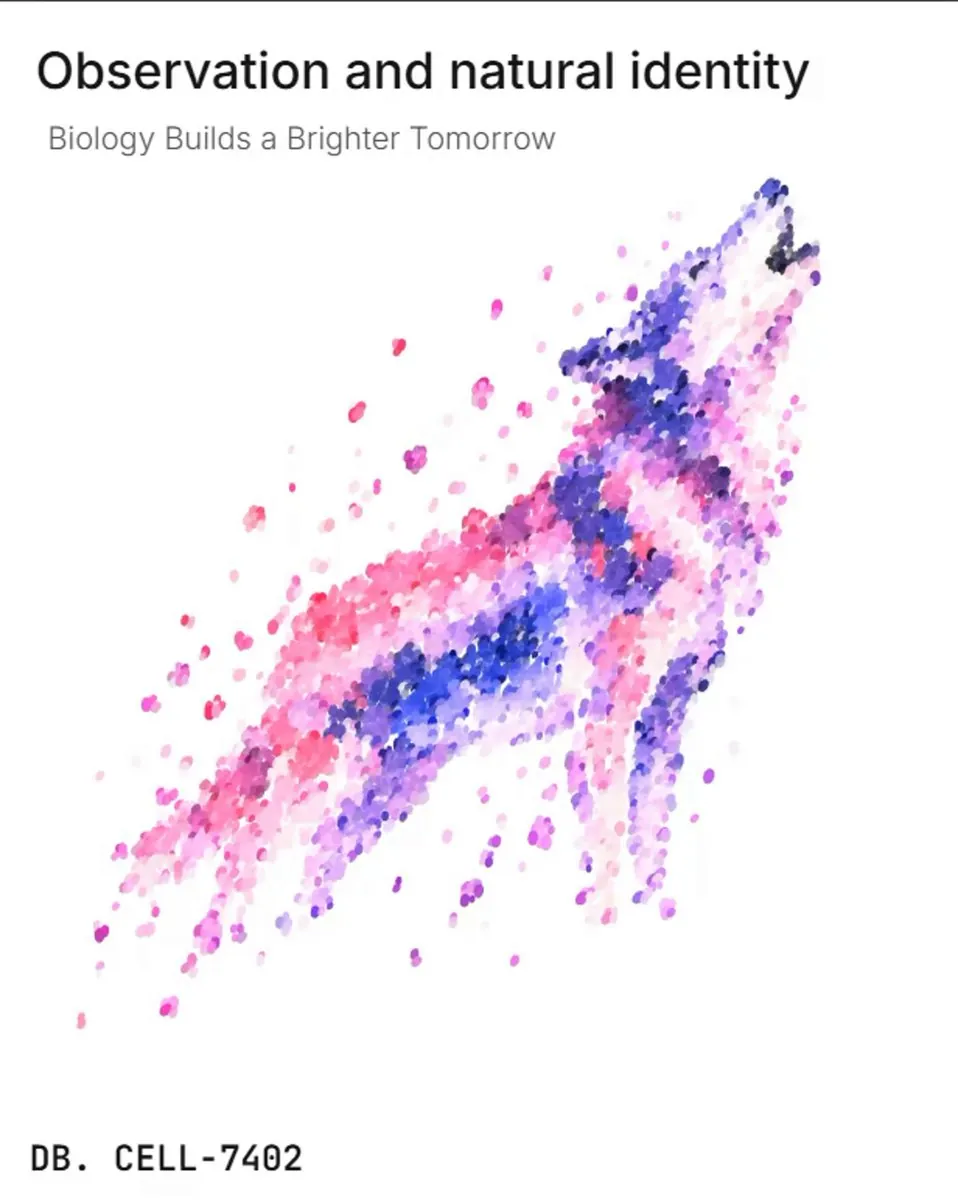
Particle Scattering Effect
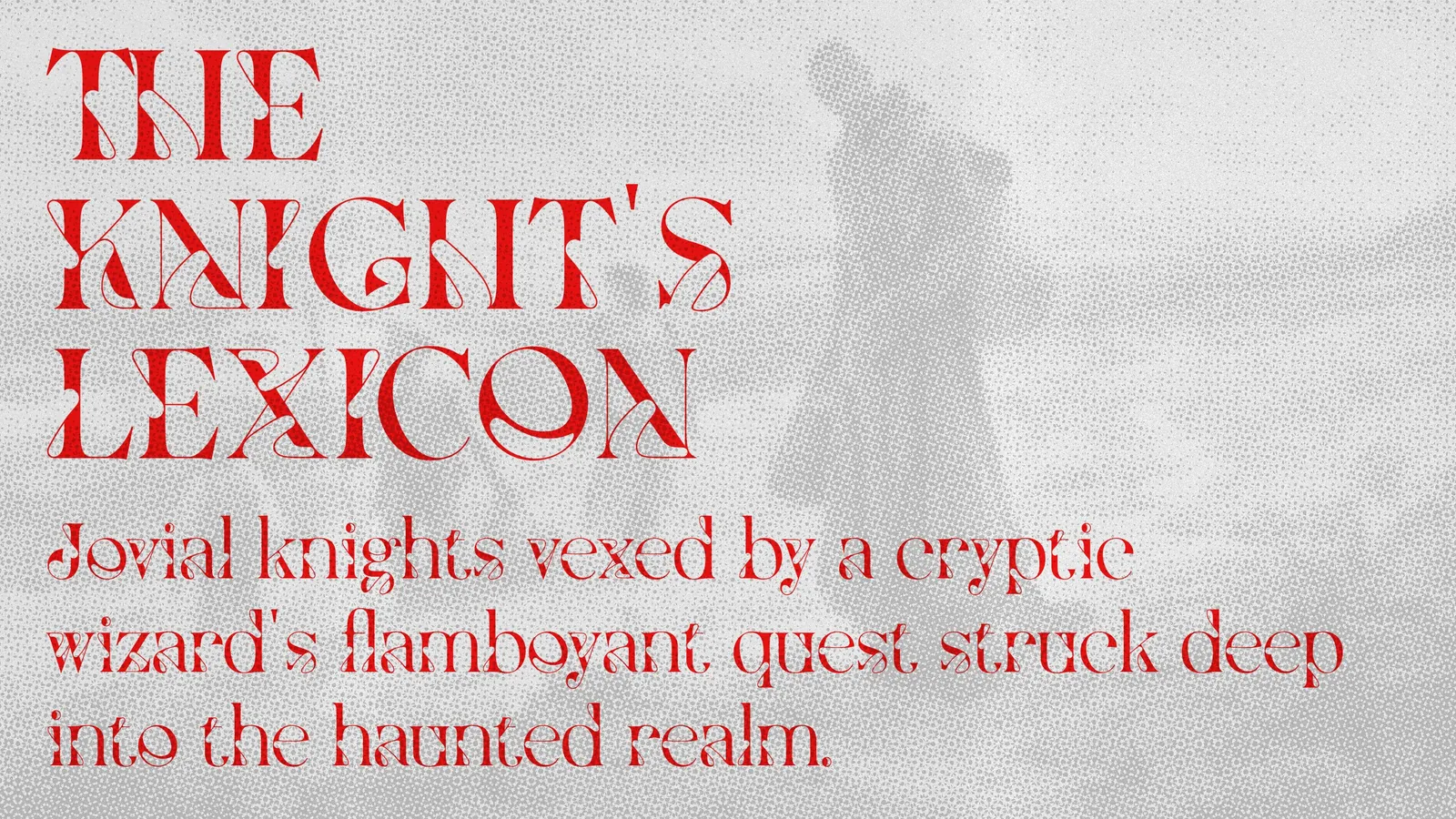
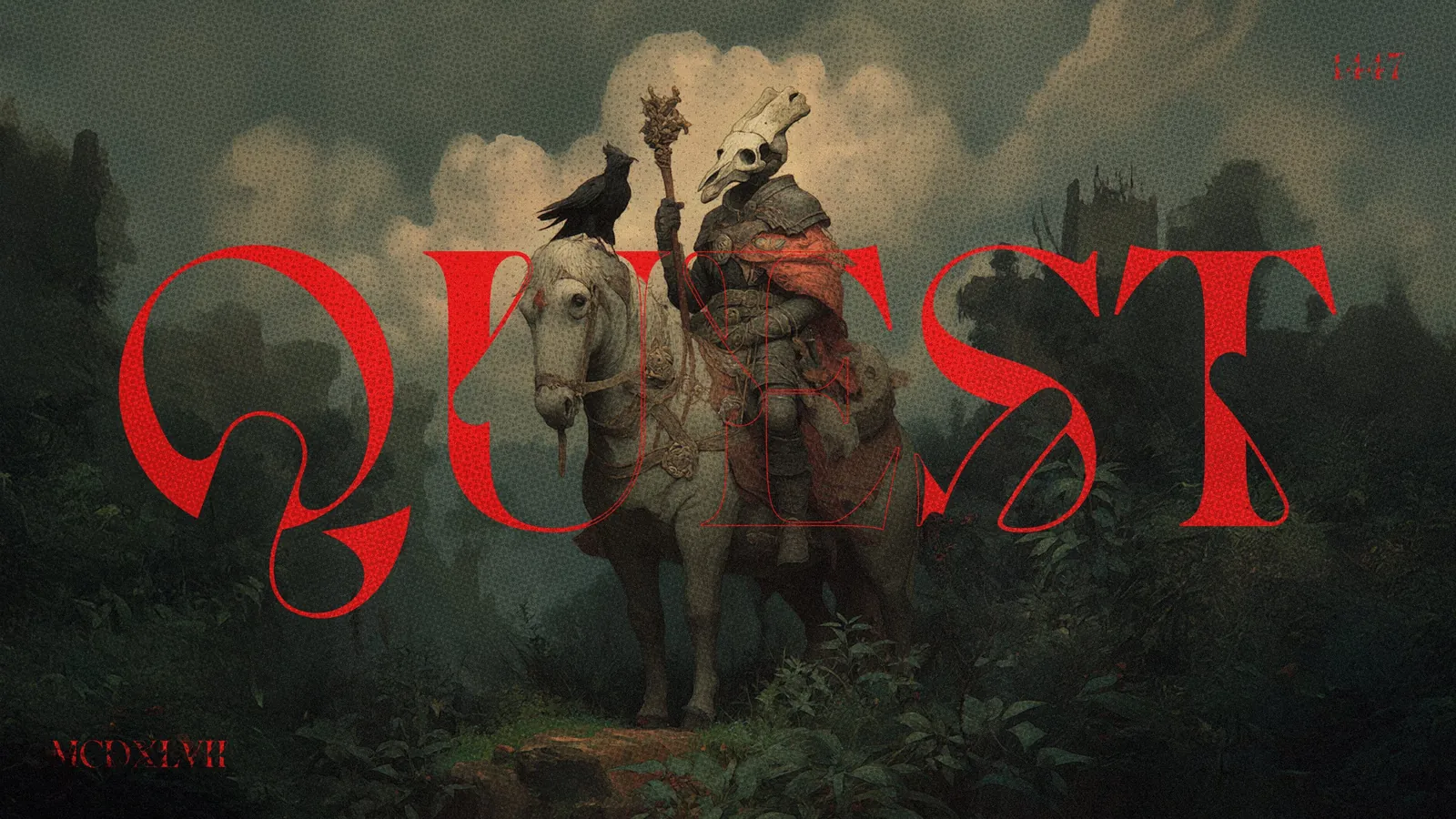
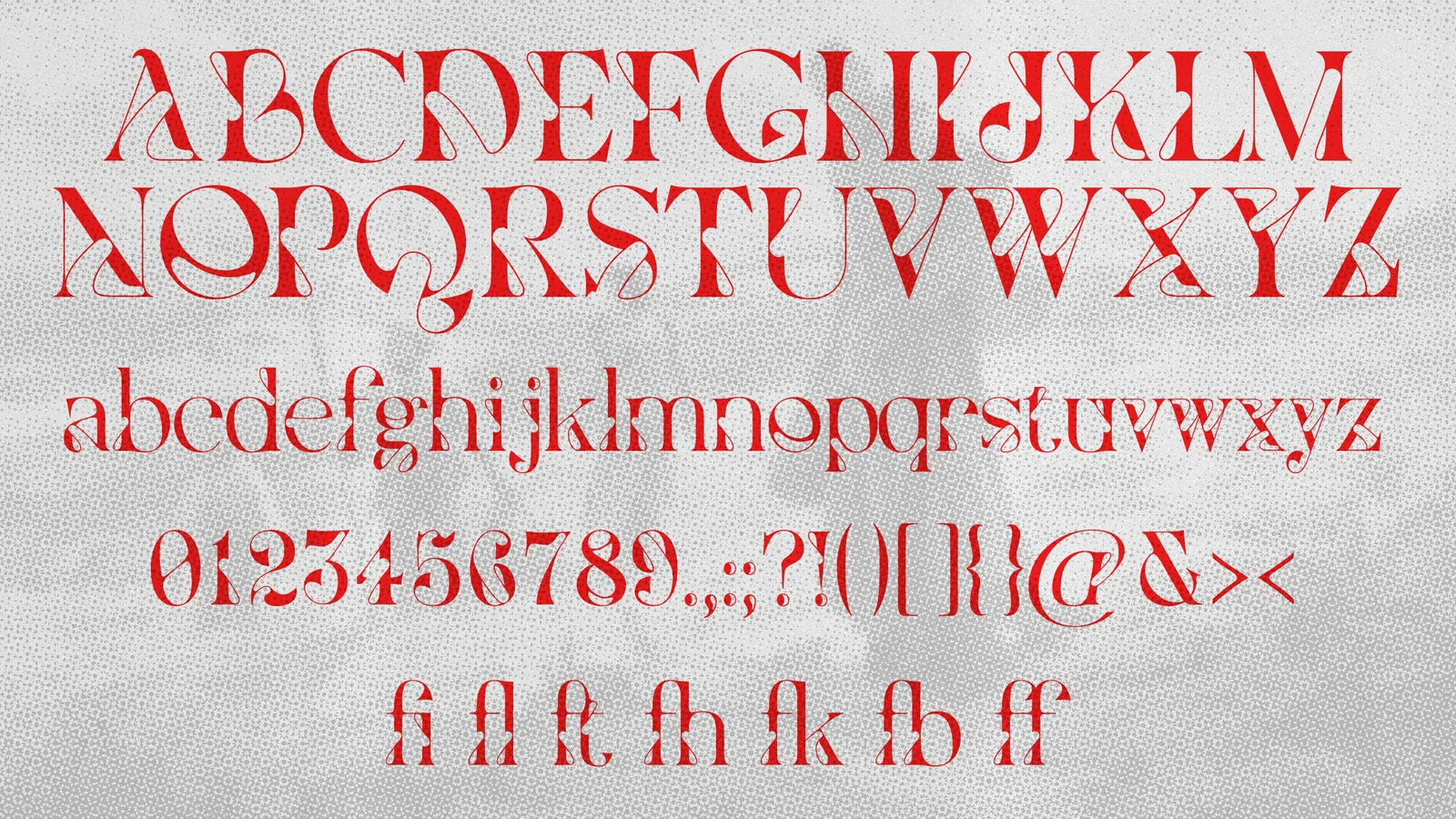
무료 영문 폰트 Vixa Free font
아르누보와 아르데코 디자인에서 모티브를 얻은 영문 폰트입니다!
대비감과 약간의 기이함이 포인트!
상업적 이용 가능!
DeepSeek-chan is getting a FREE Live2D model! 🐟
I illustrated the model art, and the model will be available for free on both VGen and BOOTH in early November!
#DeepSeek #Live2D #Live2DModel #VTuberModel #FreeLive2DModel
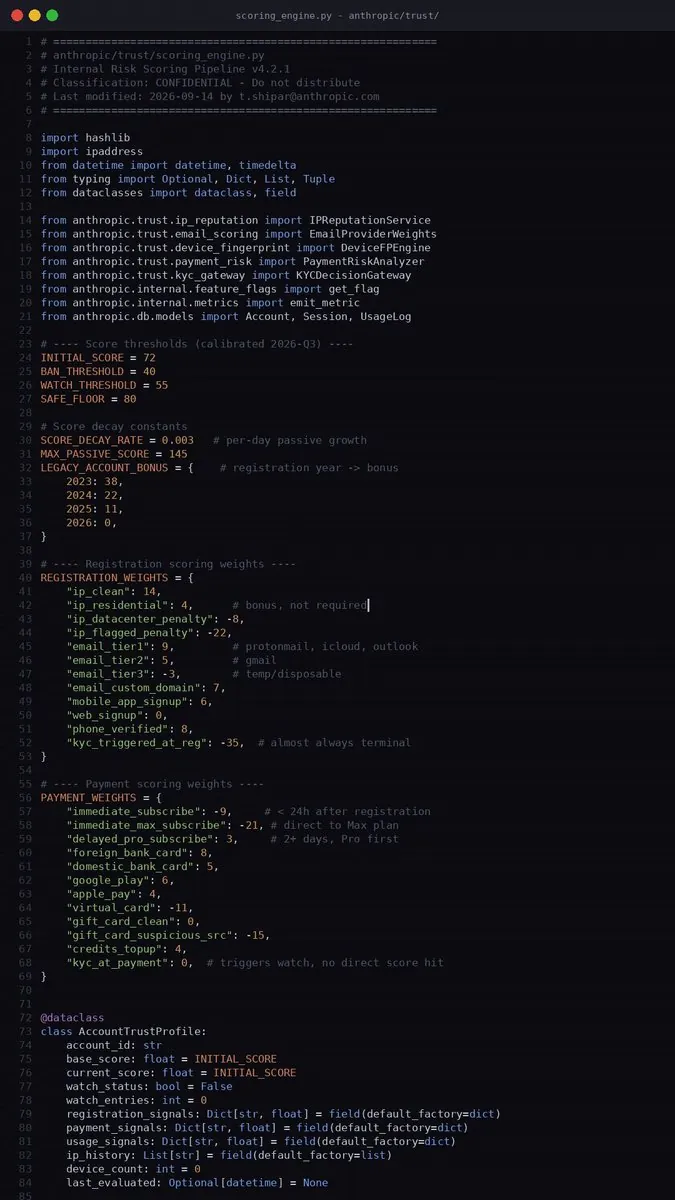
中国社区逆向拆解了Claude的封号机制。以下是他们的发现
Claude使用积分制。注册时账号获得初始分数,之后根据行为加分或扣分。低于阈值直接封号。回分很难
影响分数的因素:
注册
> 干净IP是最重要的因素。不一定要家宽,但必须干净
> Gmail已经不是最优选,有权重更高的邮箱服务
> 注册时直接弹KYC的号可以扔了
> 用手机App注册会加分
支付
> 刚注册就订阅会扣分
> 直接上Max会大幅扣分。最好等两天先订Pro
> 支付时弹KYC说明账号在考察期,但不一定会封
> 国外实体银行卡加分。Google Play也行。虚拟卡扣分
使用
> 不要一次把限额用完。宁可两个号轮换也不要一个号撸到底
> Desktop客户端有少量加分。尽量少用网页端
> 手机端也有少量加分
> 开启记忆功能加分。记忆文件越多分越高
IP和设备
> 稳定性是关键。不要跳IP,尽量一直用同一个
> 代理必须全局模式并开启TUN
> 多设备登录大幅扣分。理想状态是一台电脑一个客户端
> 频繁换IP、频繁登录、高并发都会大幅扣分
账号年龄
> 老号有巨大的容错空间。2023年的号明显更高
> 分数随时间增长,但很慢
其他
> Windows和macOS没区别。Linux会扣分
> 时区和语言基本不影响。不会因为北京时间就封号
> 跟Claude说自己是中国人没问题,记忆不会触发封号
> 大量使用Fable会扣分
> 升级Max大概率进入观察期,除非是高权重老号
观察期和封号
> 接近阈值时账号可能进入观察期。典型特征是掉登录
> 观察期继续扣分就会封号
> 高分号可以扛过多次观察期
关注我,拆解你每天在用的服务背后到底怎么运作的
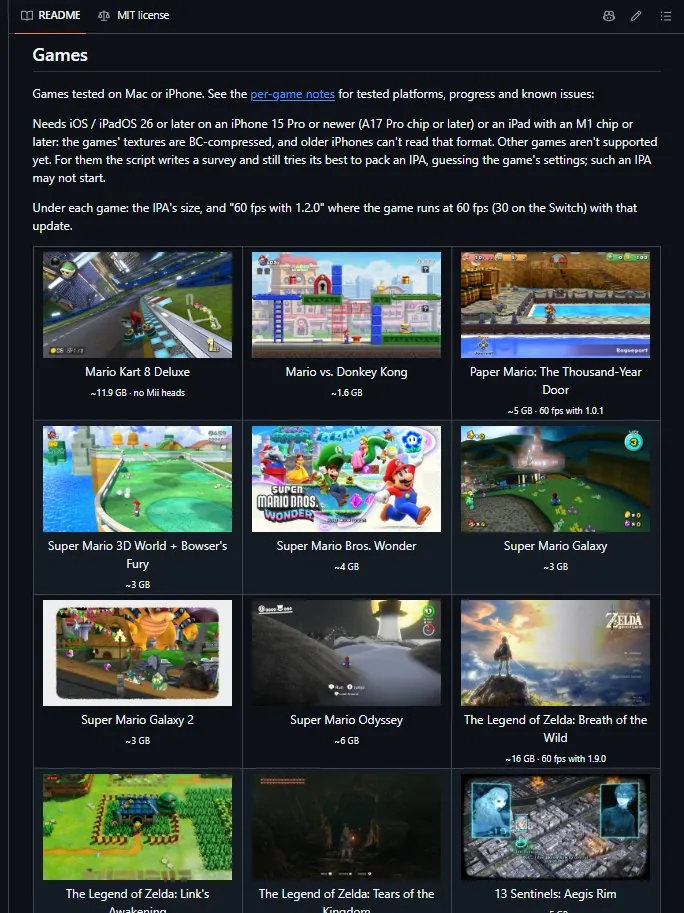
NINTENDO IS DEFINITELY NOT GOING TO LIKE THIS🚨
A new open-source tool allows Switch games to run on iPhone, iPad, and Mac by turning them into native Apple apps.
It can even push certain games to 60 FPS! 🔥
Source:
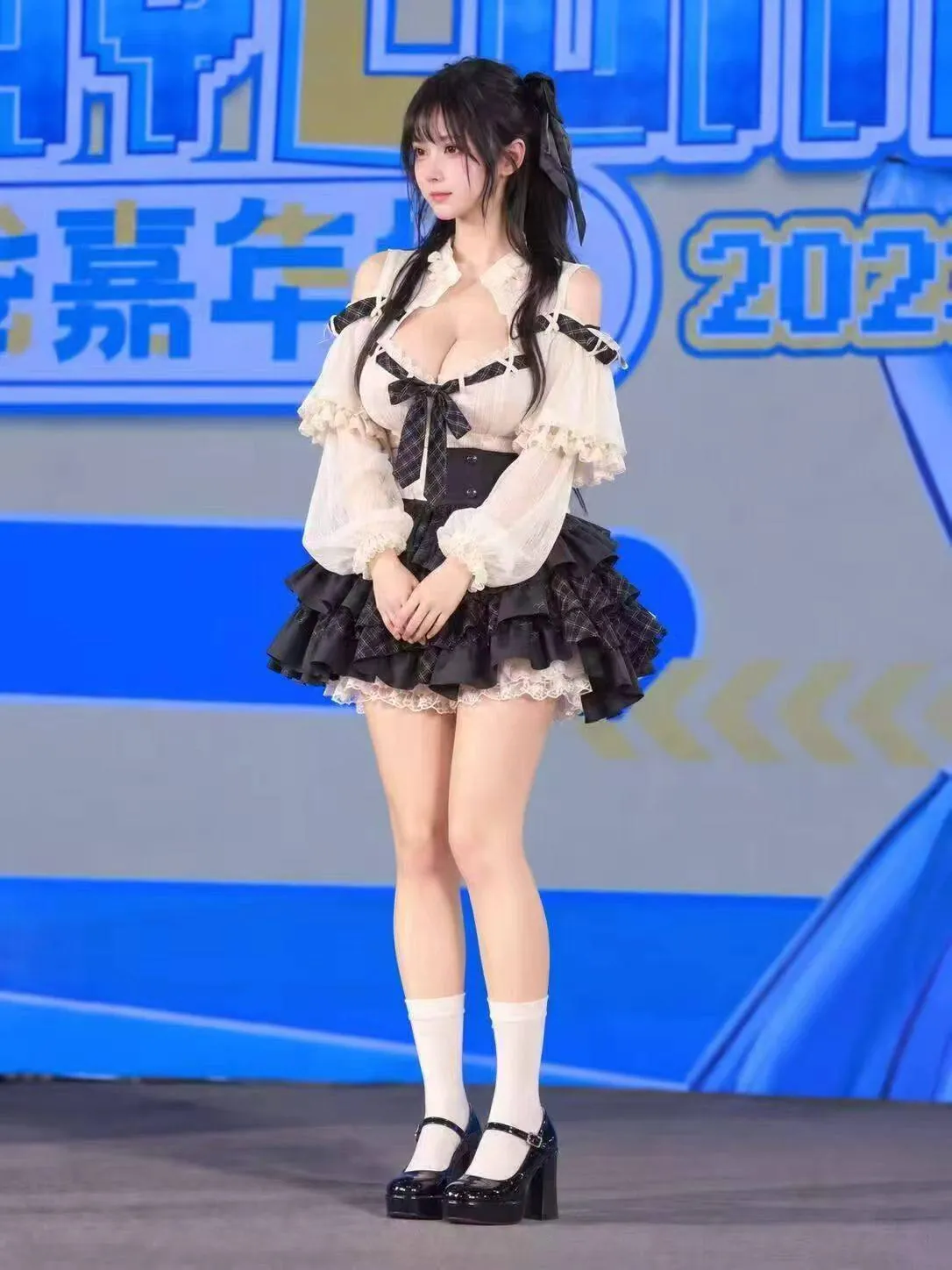
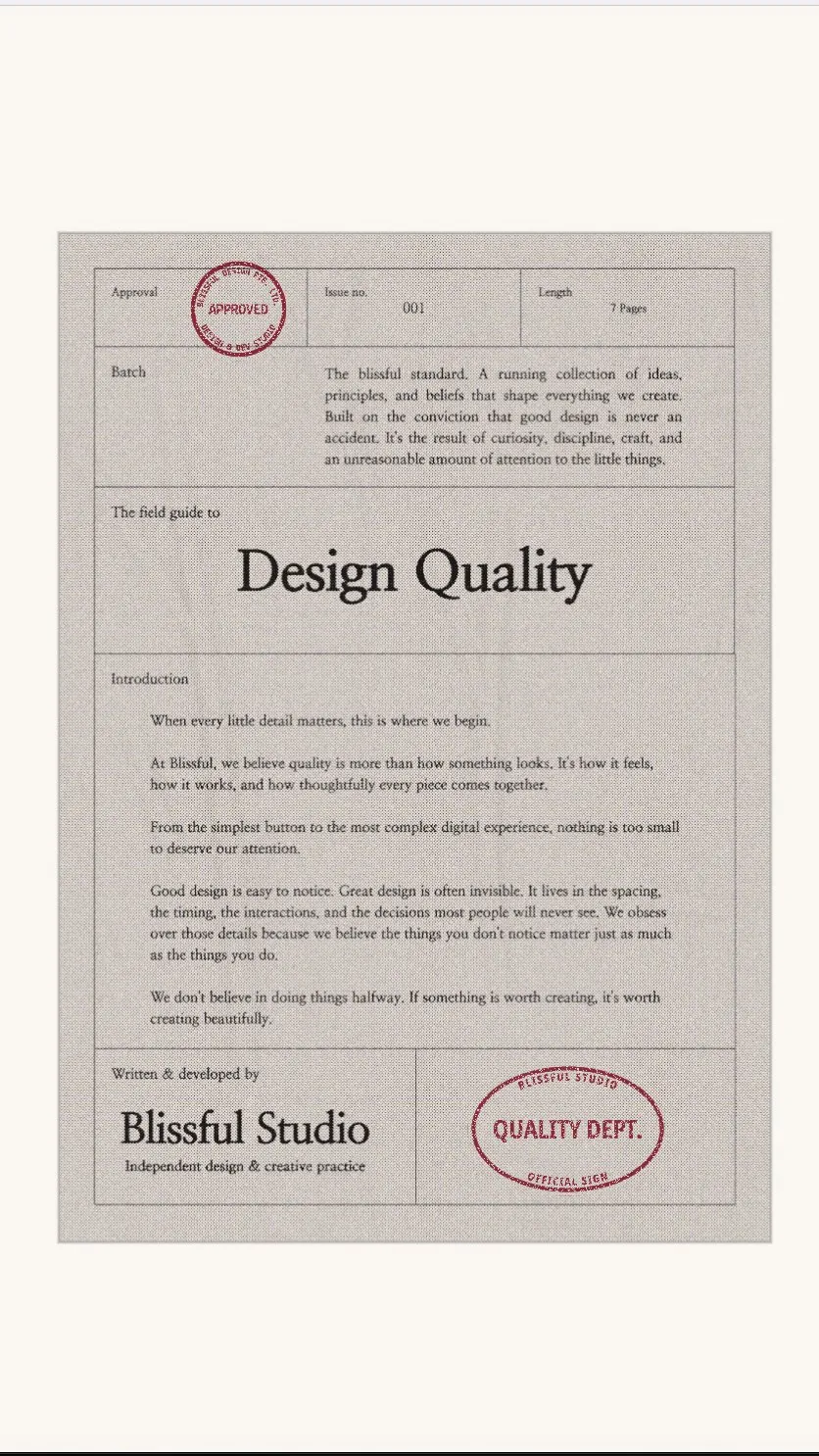
这是国产系列最顶的一张脸之一,不接受反驳
现在想复刻一个动画太容易了,直接录个屏就可以把 iOS 的动画弄下来了
原帖仅含媒体,无文字内容。
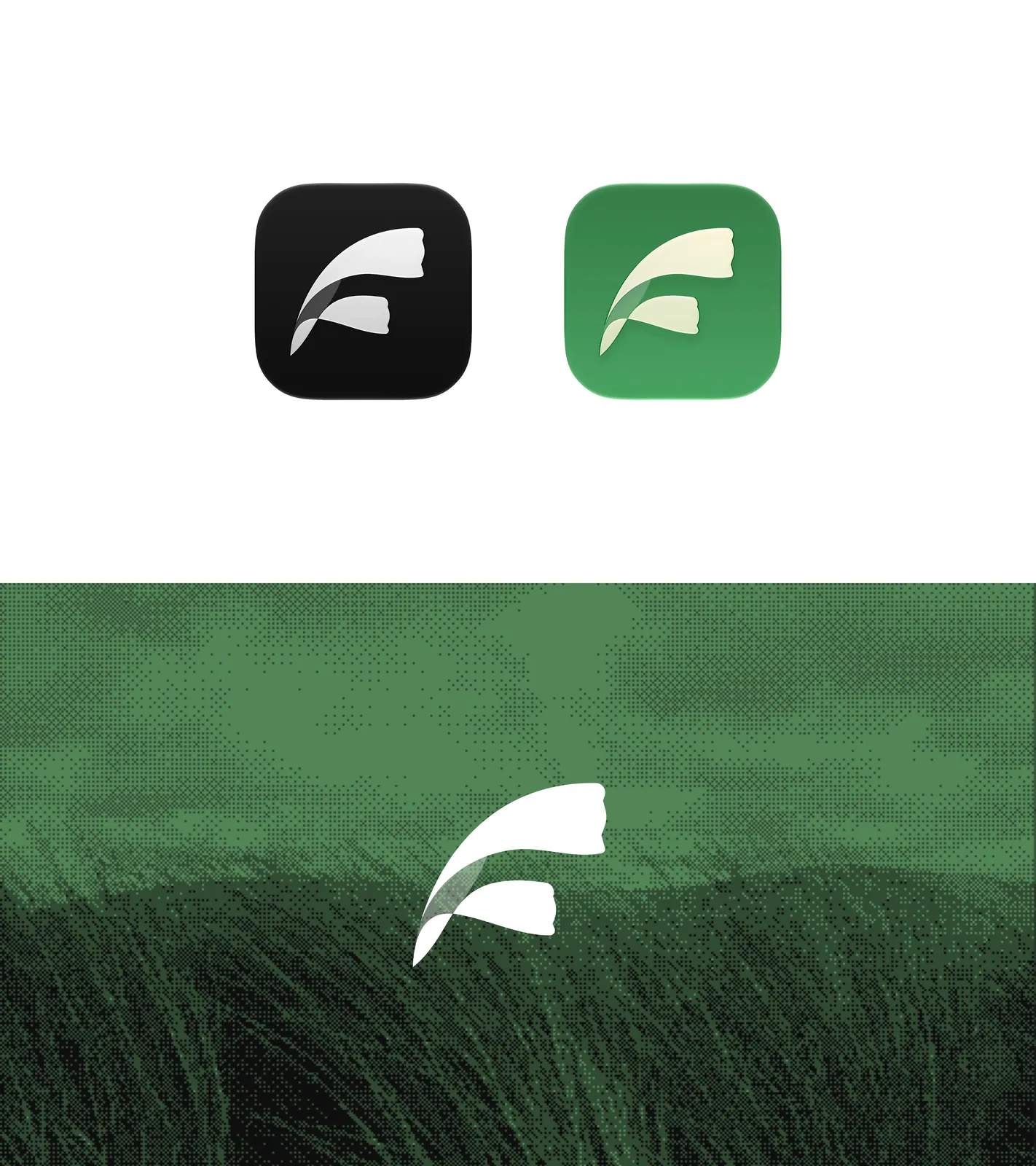
App Icon 设计 - 芦苇 @letsjaaaaam
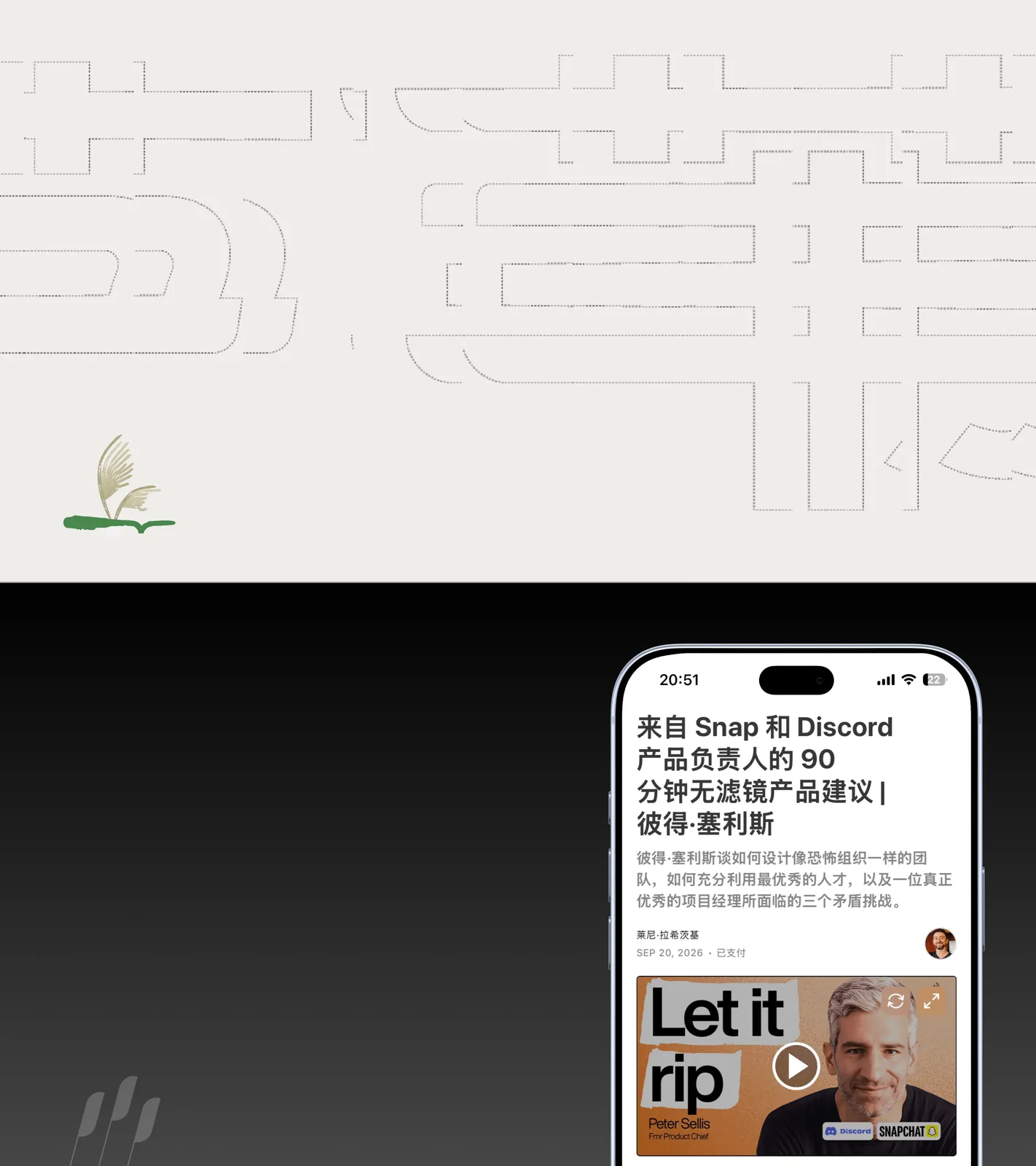
芦苇是一个高质量信息源的聚合平台,在芦苇可以发现你感兴趣的网站,Blog,Newsletter,还可以利用 RSS 互相分享信息源,互相交流。
Design work lately
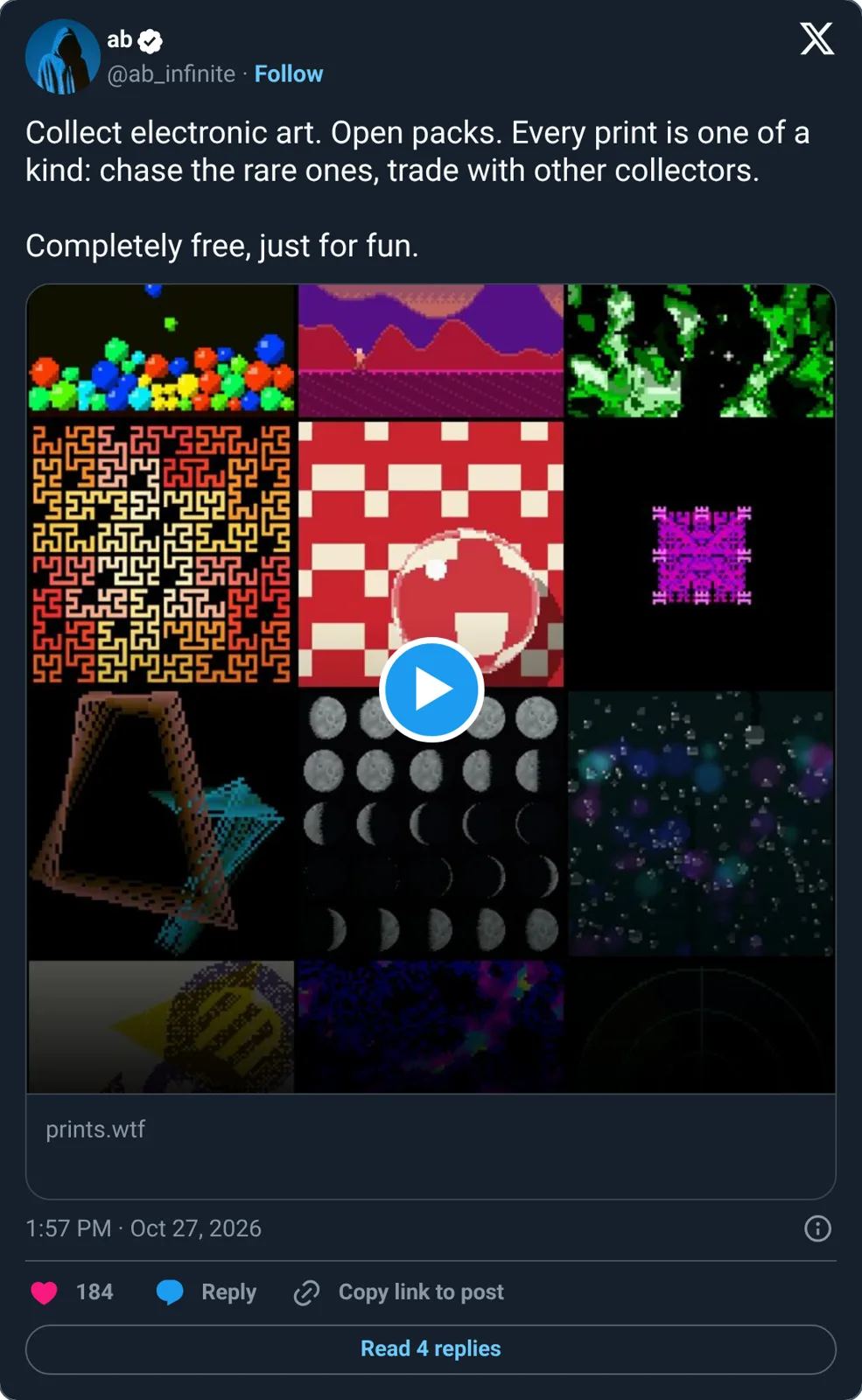
Collect electronic art. Open packs. Every print is one of a kind: chase the rare ones, trade with other collectors.
Completely free, just for fun.
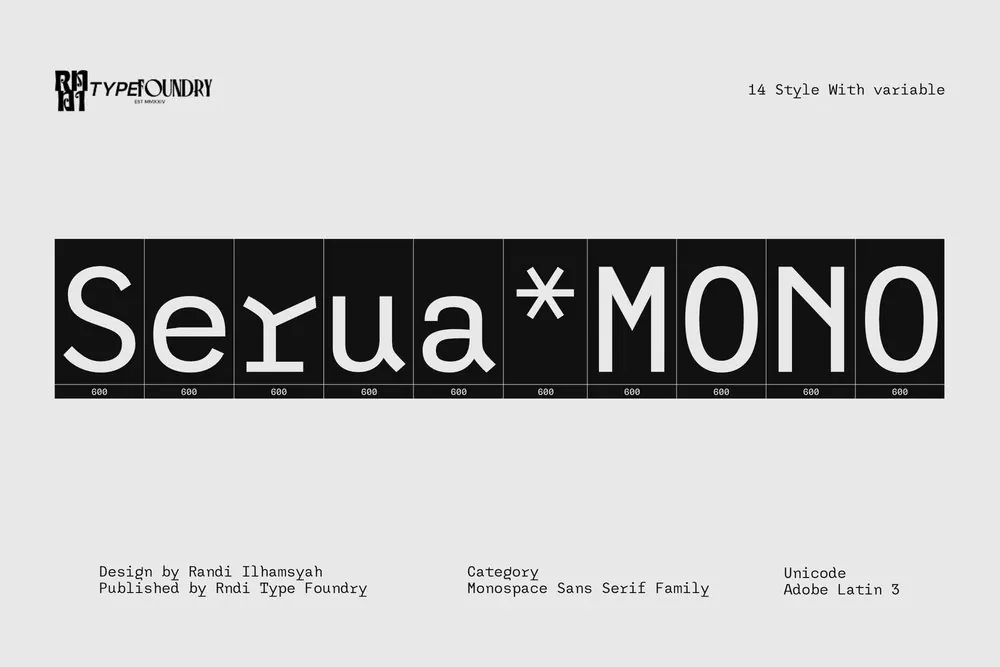
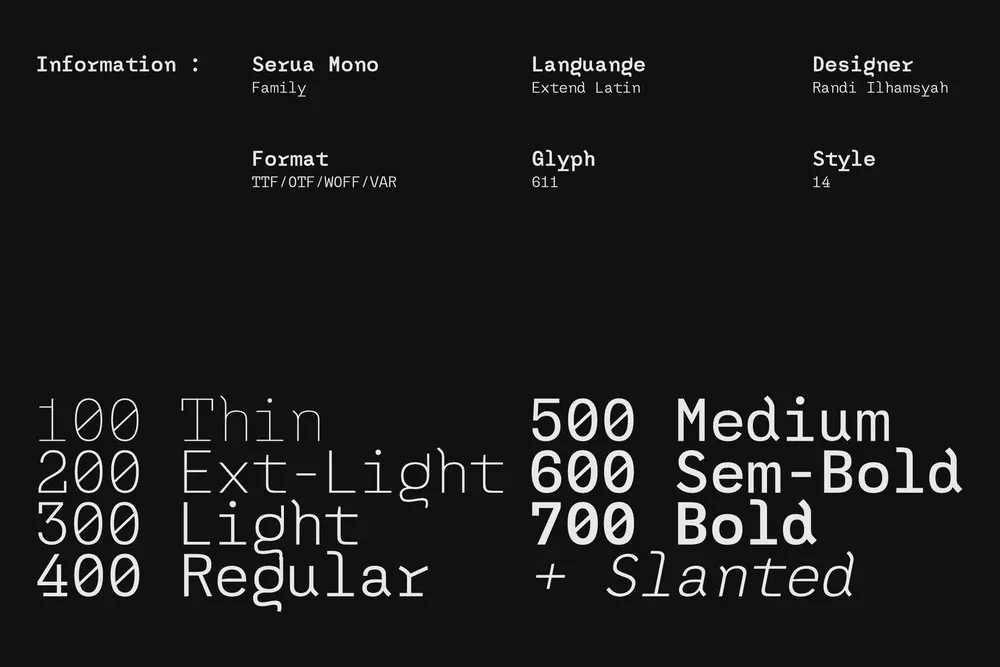
Serua Mono by RNDI Type Foundry. A monospace sans with enough personality to step outside the code editor.
原帖仅含媒体,无文字内容。
rawr
--sref 2834642305
4 moods
原帖仅含媒体,无文字内容。
原帖仅含媒体,无文字内容。
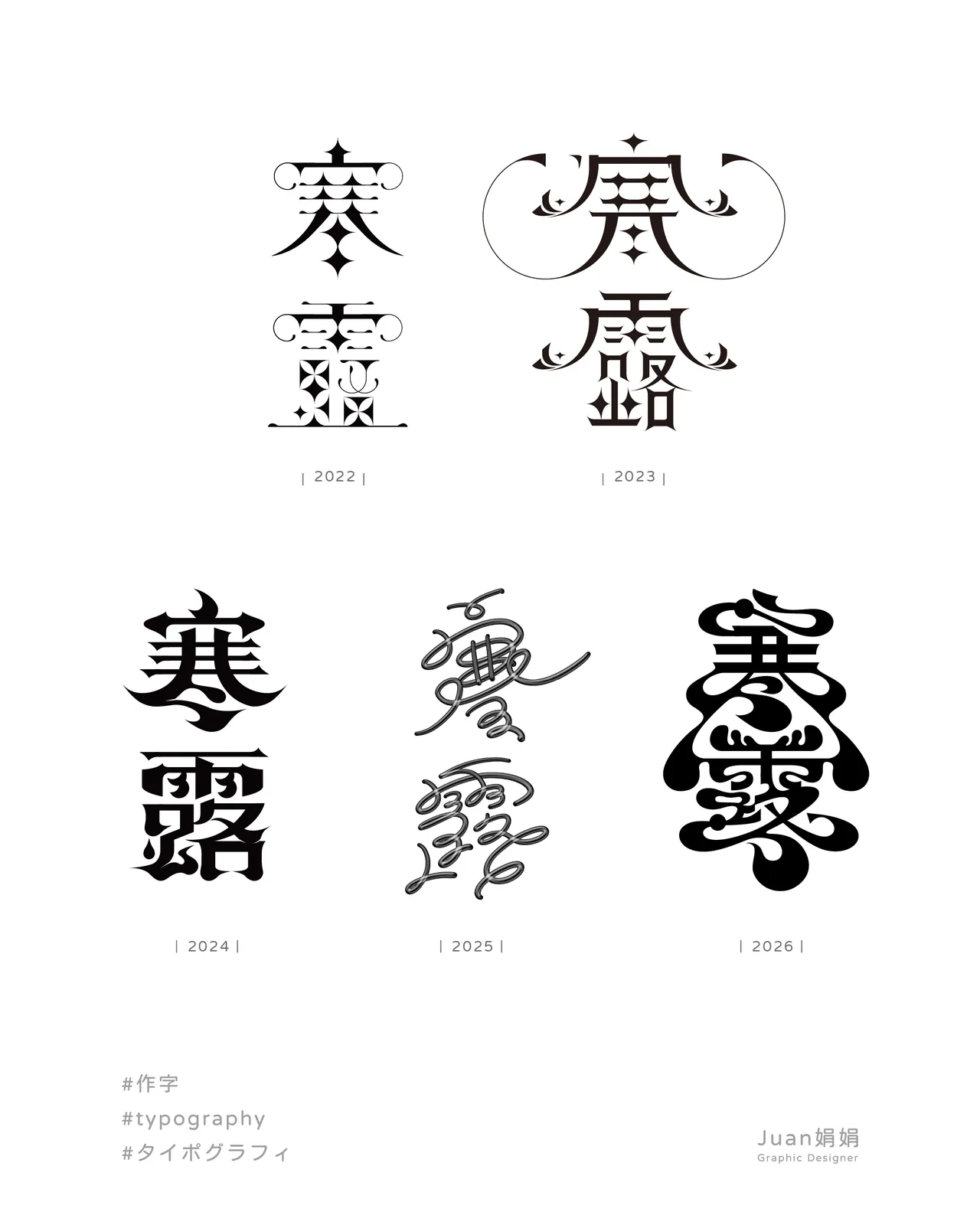
「 寒露 」
寒露是24節氣中的第17個節氣
象徵著深秋來了 天氣轉涼
夜晚的水氣在草木上將要凝結成露珠
甚至帶有一絲寒意 所以稱做 「寒露」
所以這次在設計上
畫了很多露珠的造型💧
#作字
#タイポグラフィ
原帖仅含媒体,无文字内容。
原帖仅含媒体,无文字内容。
so good you can't ignore it
I do love and prefer minimalism, but maaaan look at this maximalism beauty and these details
Past / brand identity
Worked on the branding project last month
Case study in the comment
Inspo 206
原帖仅含媒体,无文字内容。
原帖仅含媒体,无文字内容。
Dither, motion & pixels in action.
4 moods
原帖仅含媒体,无文字内容。
Recents
原帖仅含媒体,无文字内容。
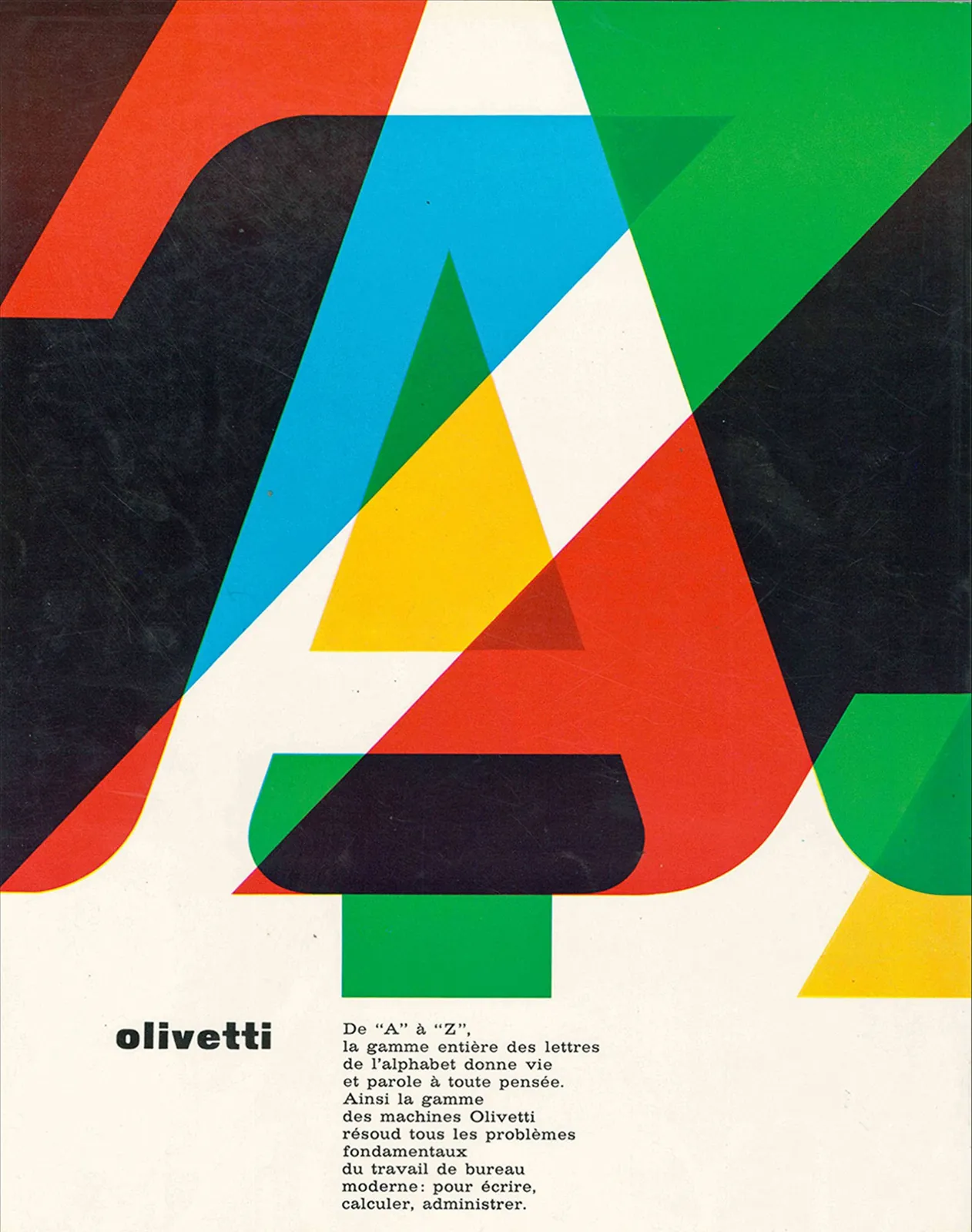
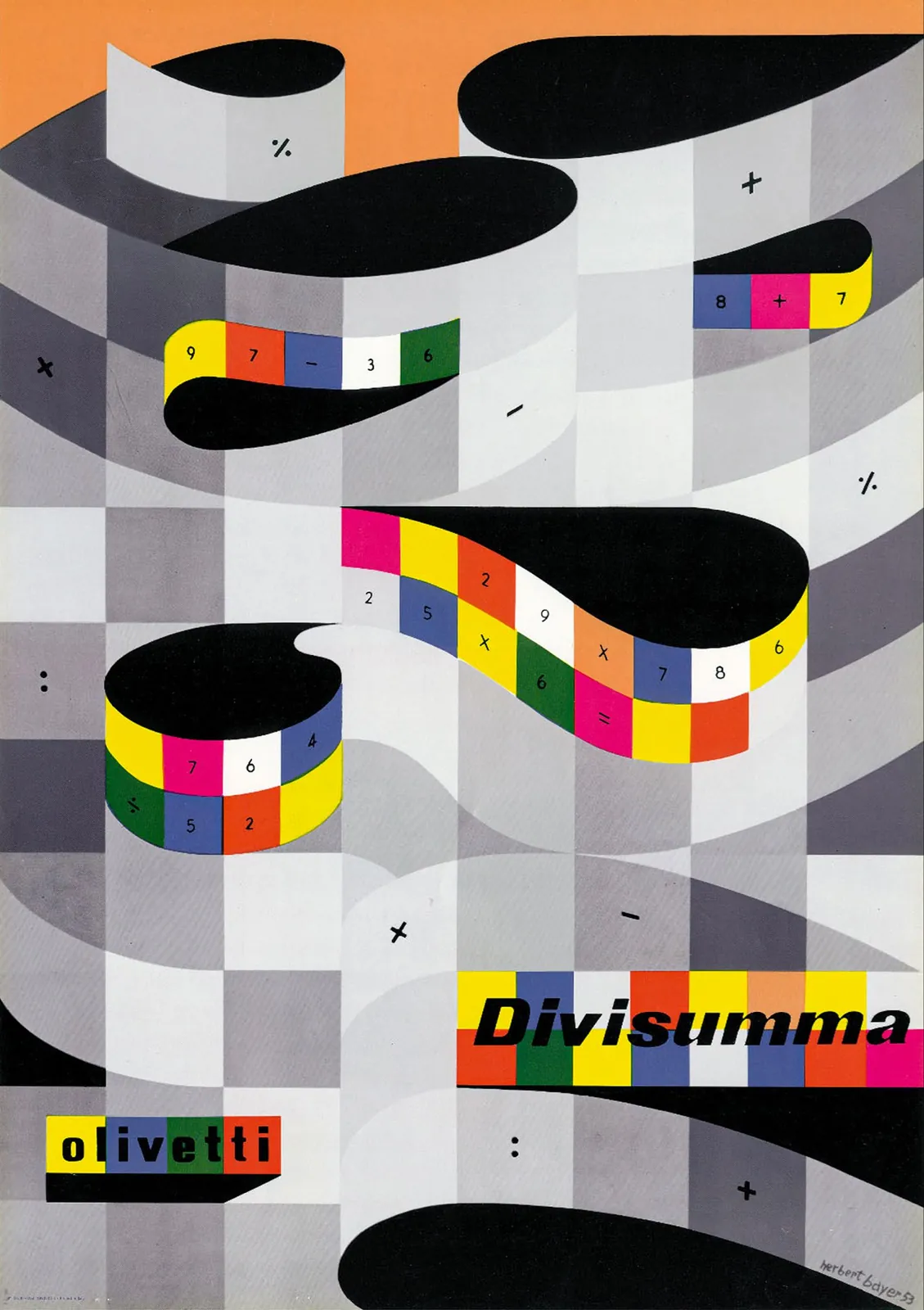
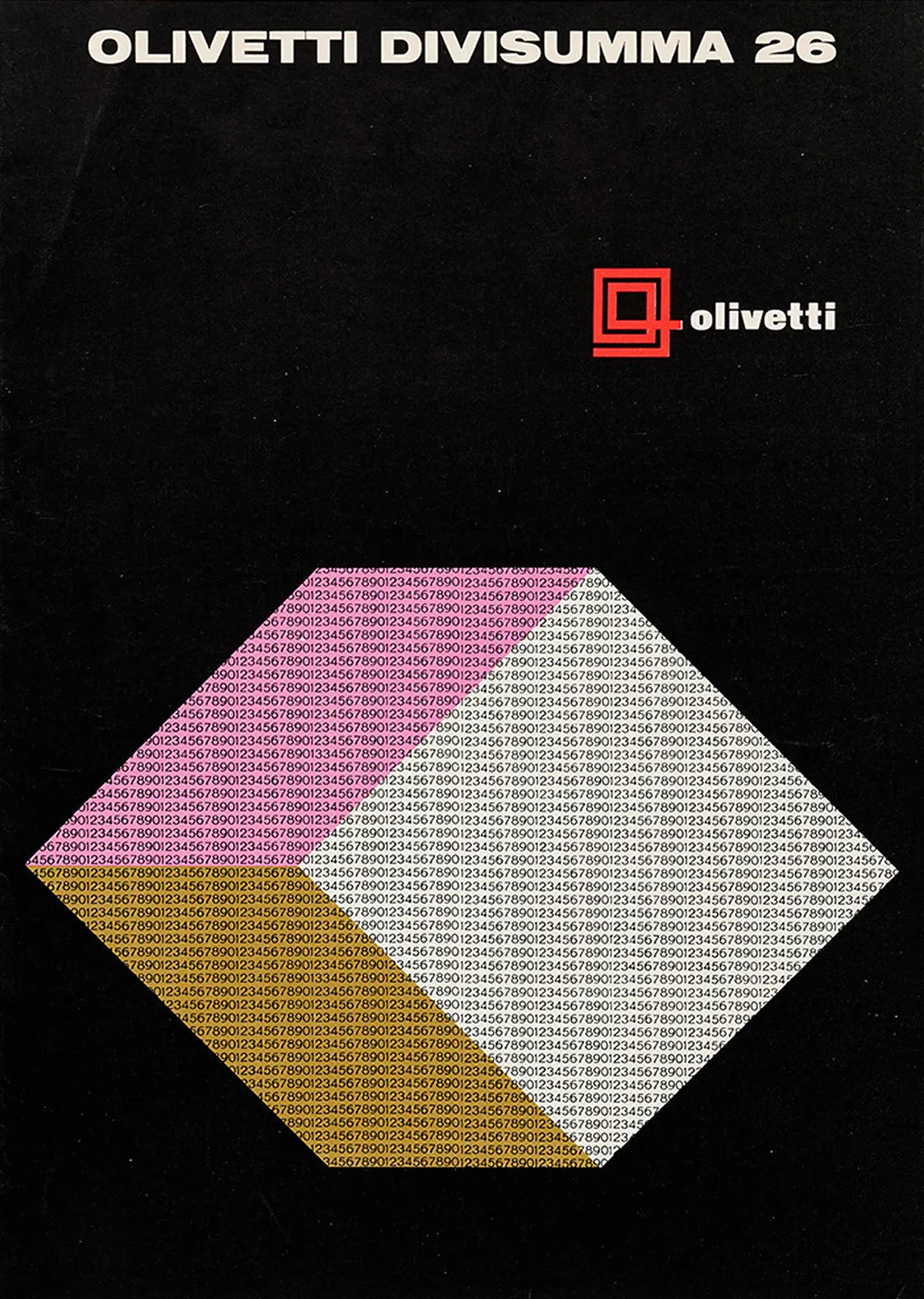
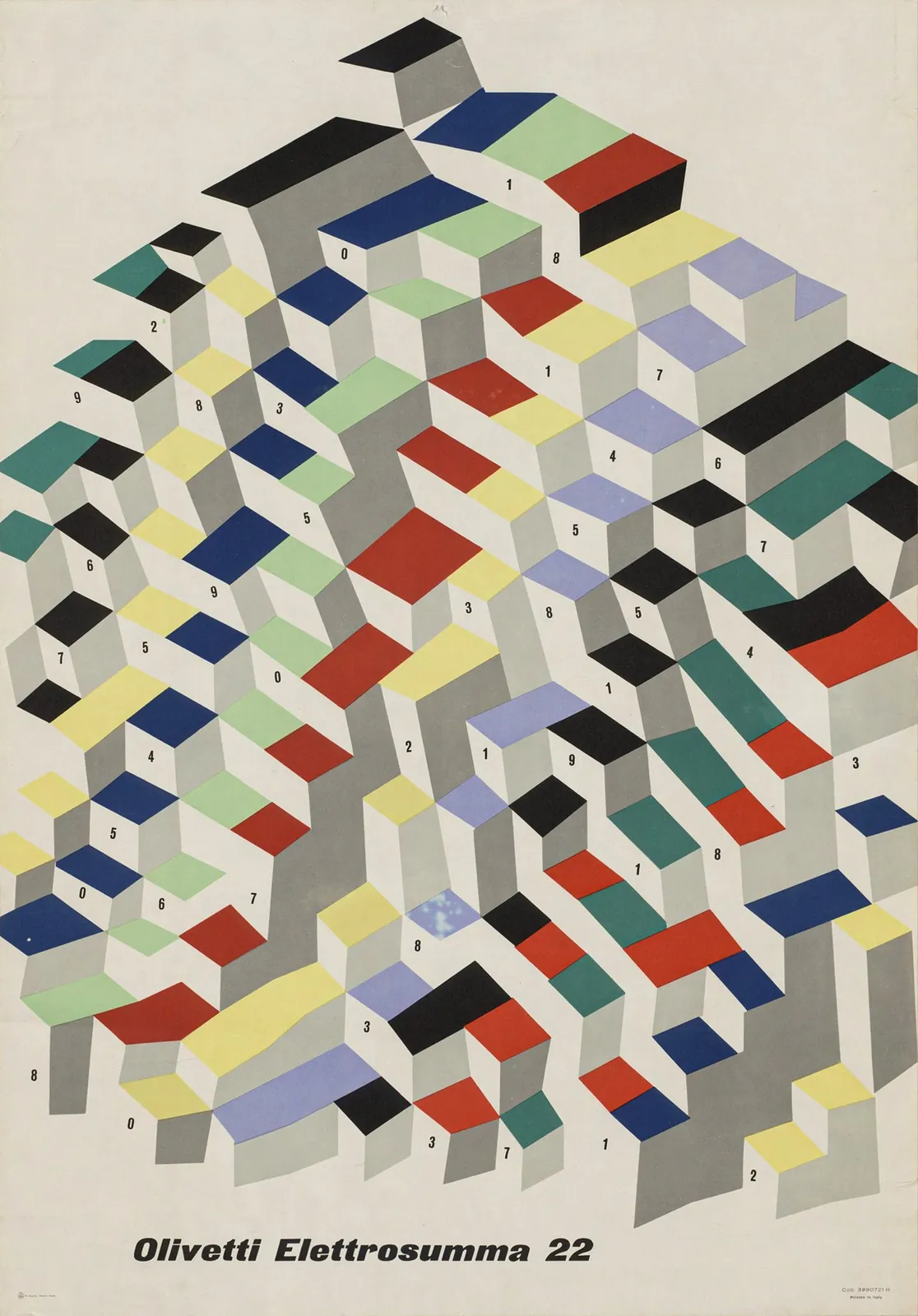
Italian graphic design in the ’50s and ’60s was on another level. A selection of Olivetti advertisements.
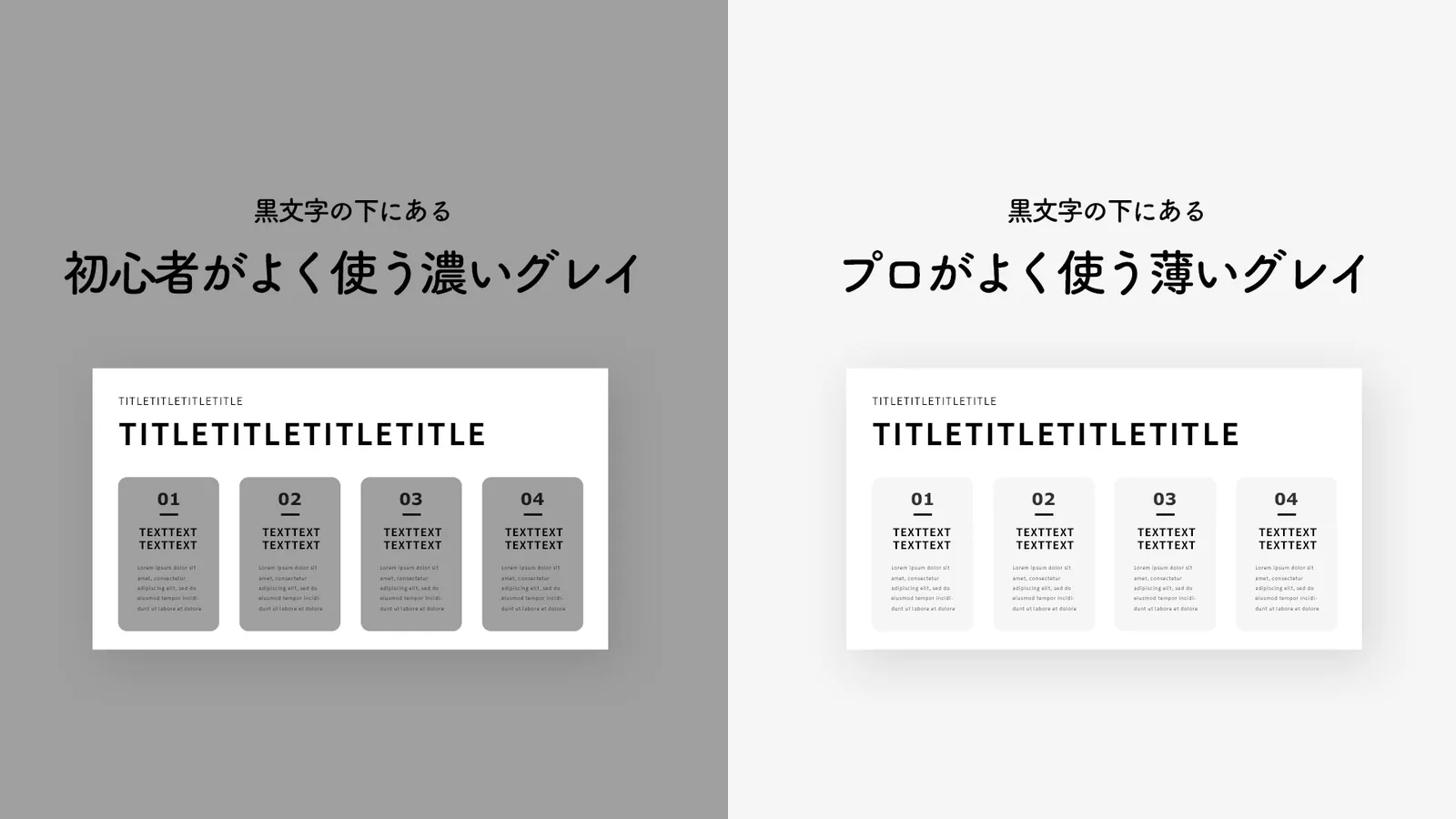
初心者とプロのグレイの違い
原帖仅含媒体,无文字内容。
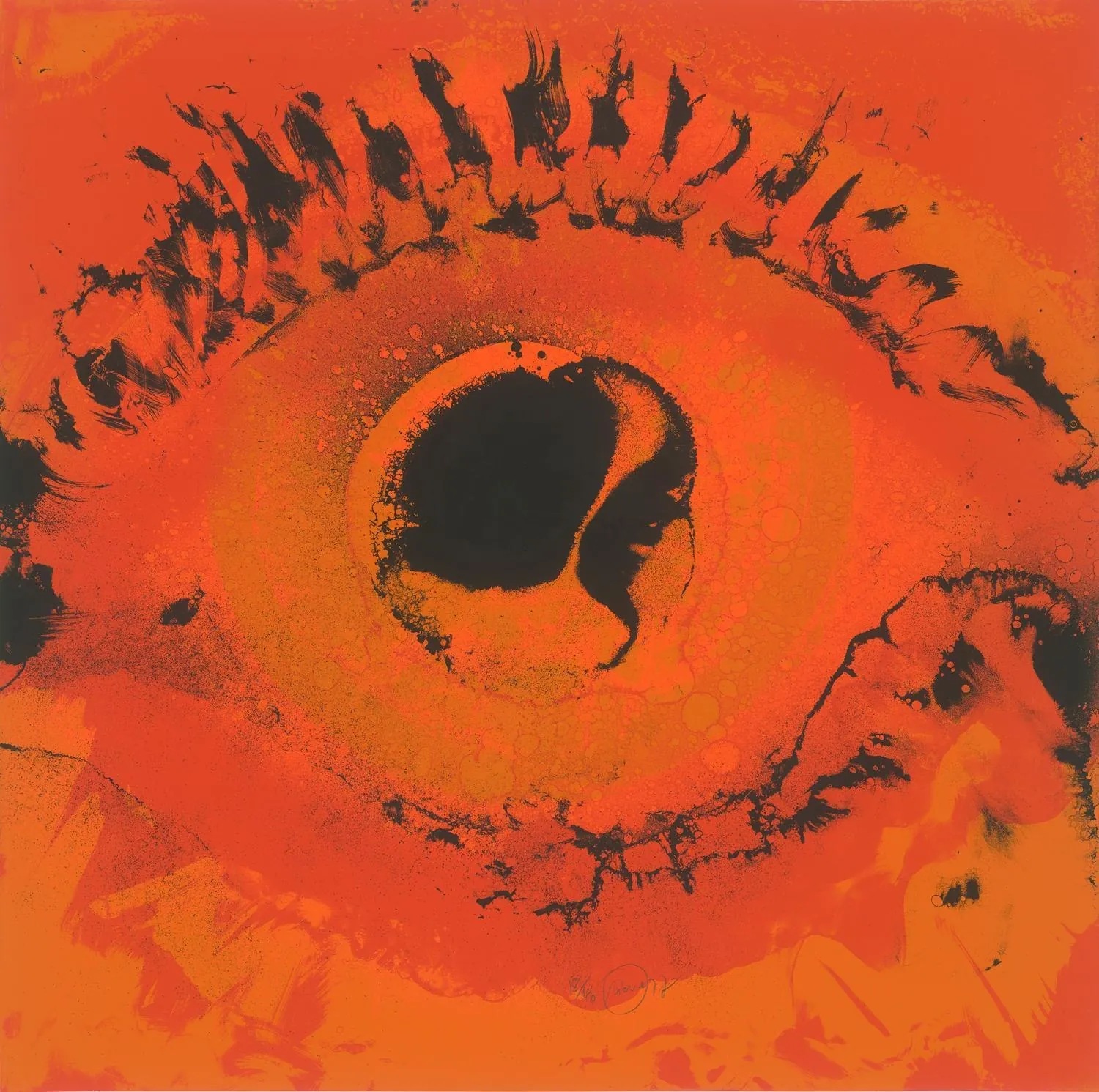
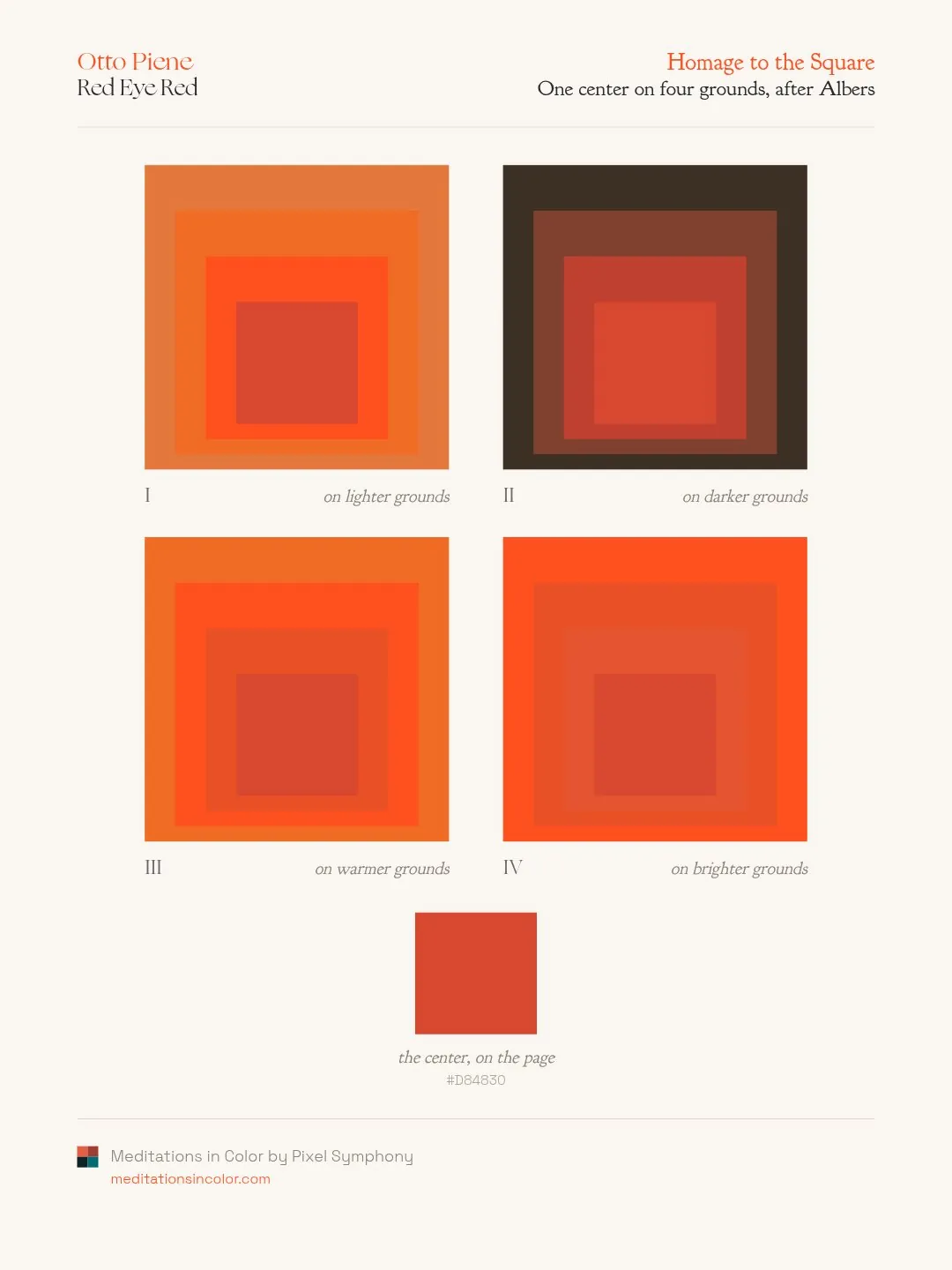
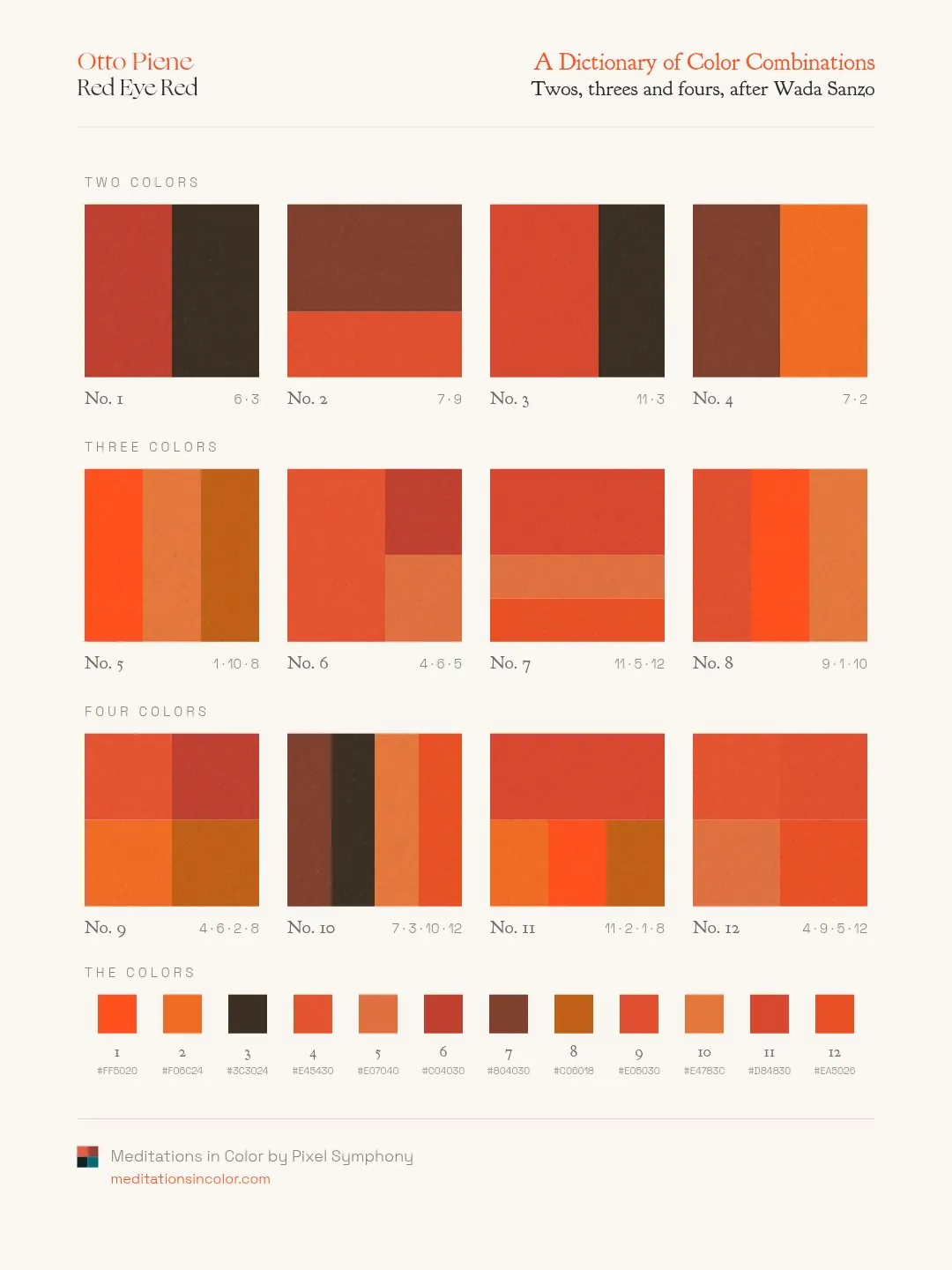
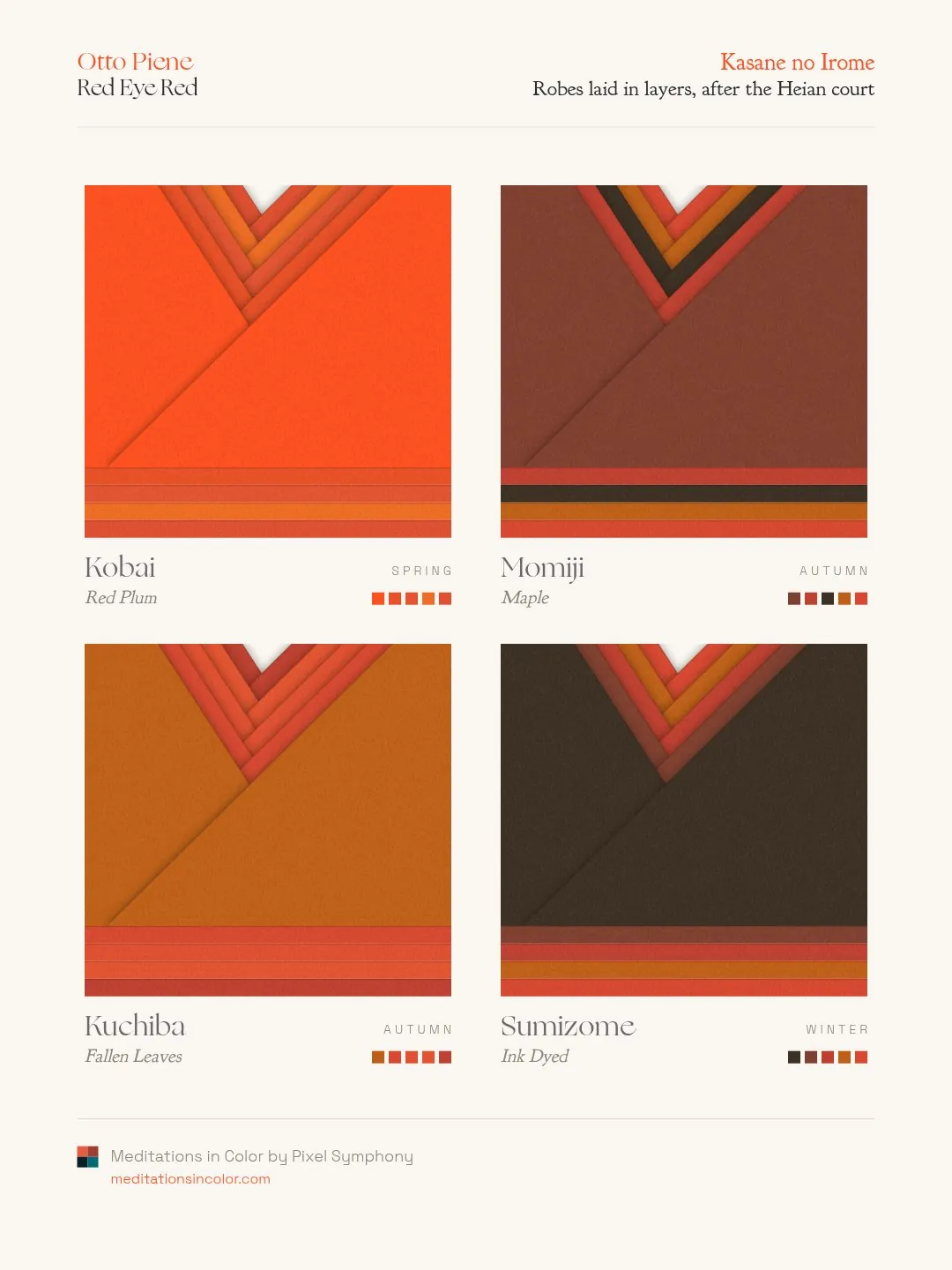
Otto Piene, Red Eye Red. 1977. Serigraph.
With 3 new color studies.
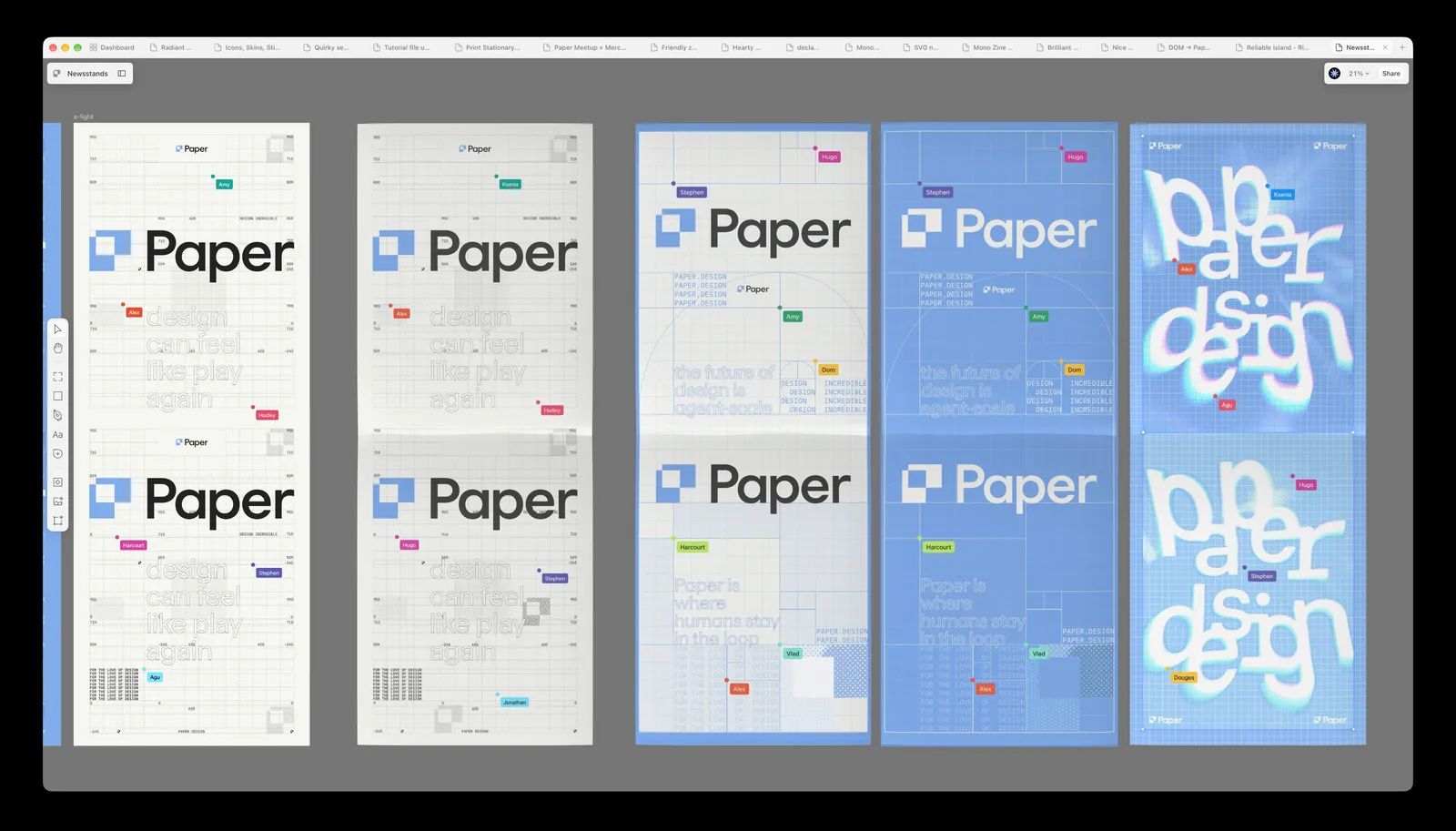
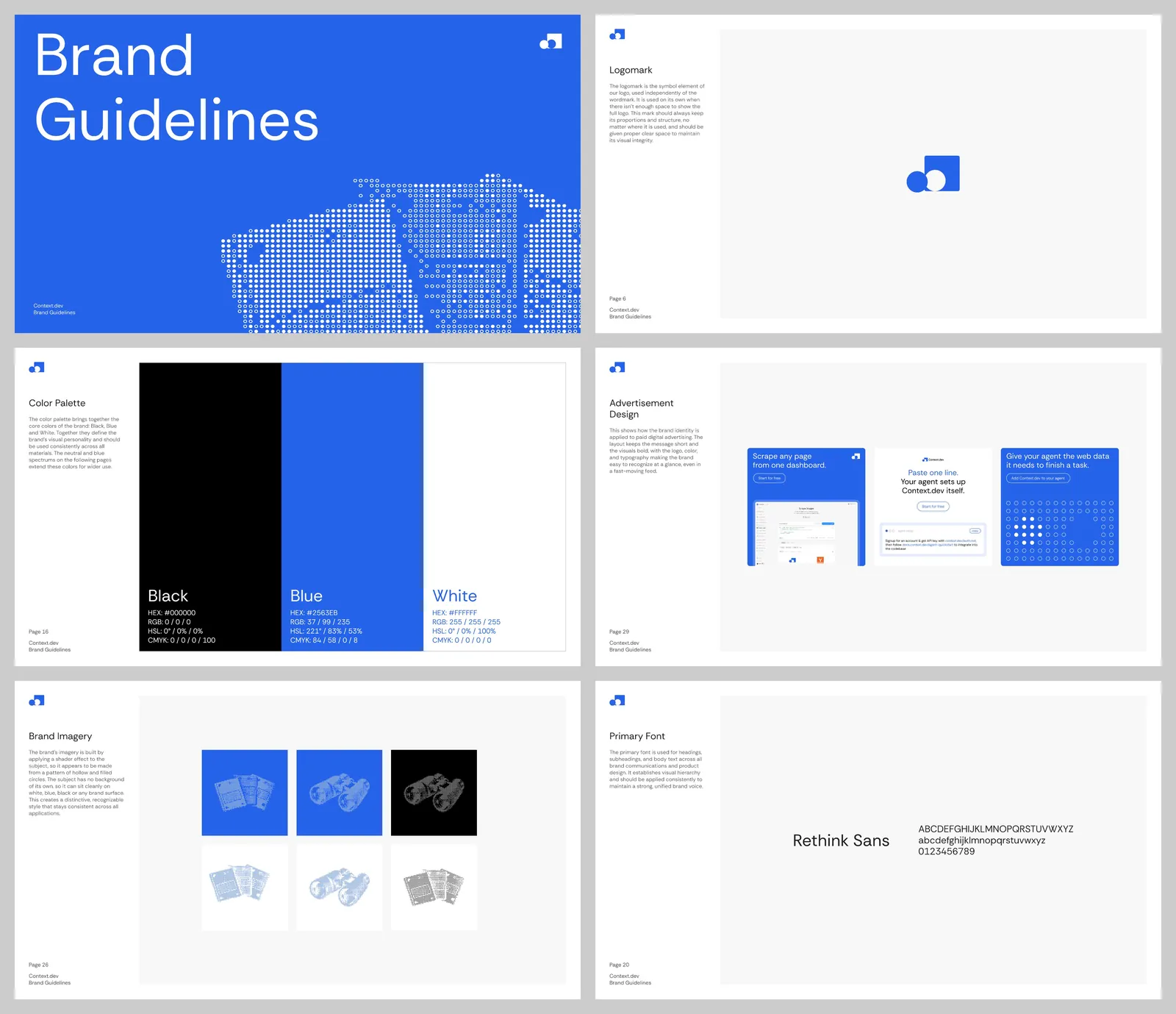
Brand guidelines for Context(.)dev
Rust, for those asking 🦀
I’ve built a whole custom framework with it: a local server with live reload, HTML templating and components, minifying and renaming CSS, JS and shaders, and delivering websites as static files or with server-side rendering via AWS Lambda or Vercel.
I’ve also built custom asset tools: turning fonts and SVGs into GPU-ready files, processing images, generating SDFs, precomputing morphings and effects at build time, leaving JS and WebGPU very little to do at runtime.
this tickles my brain. really everything looks 10x with extreme shallow depth of field
On fire!
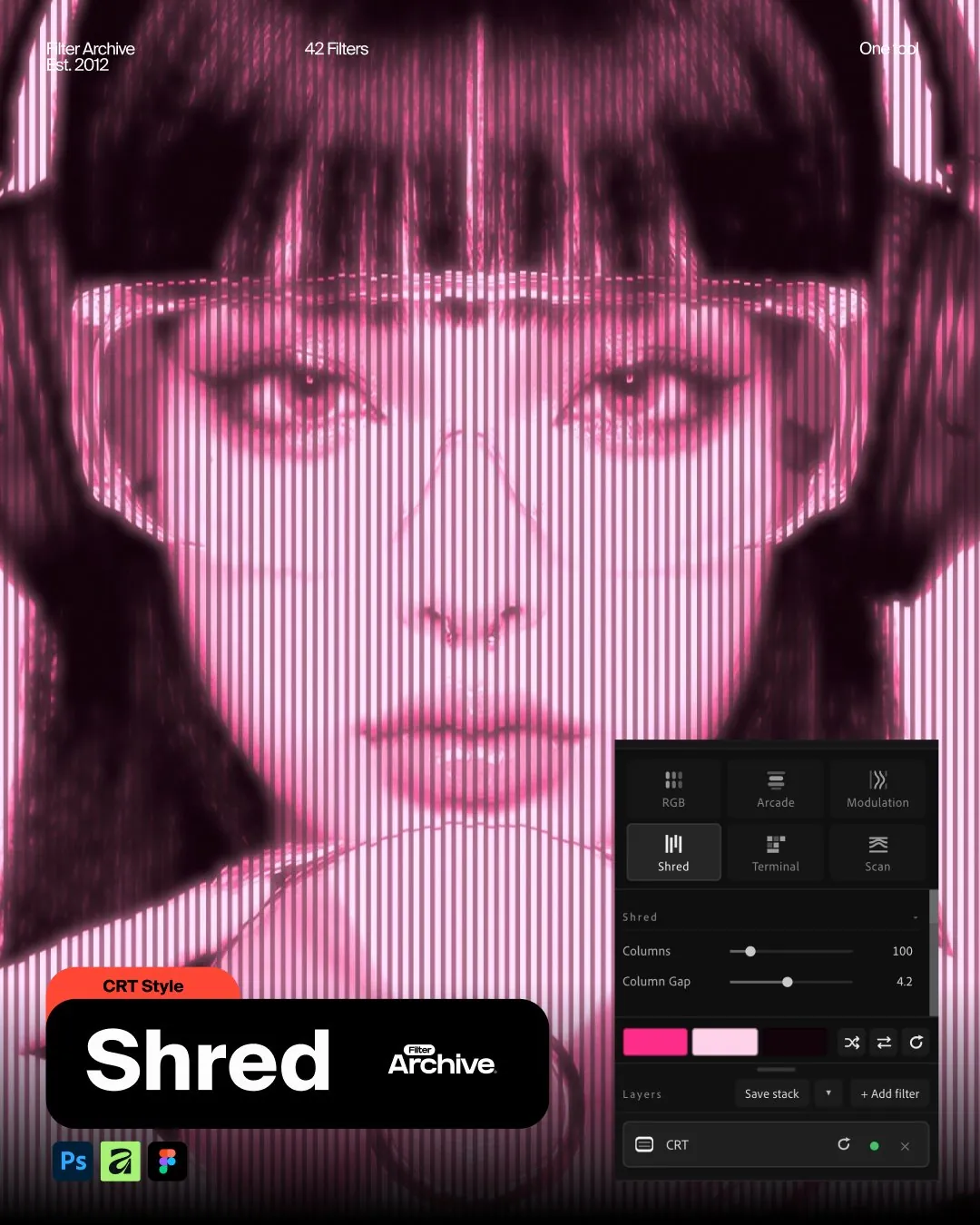
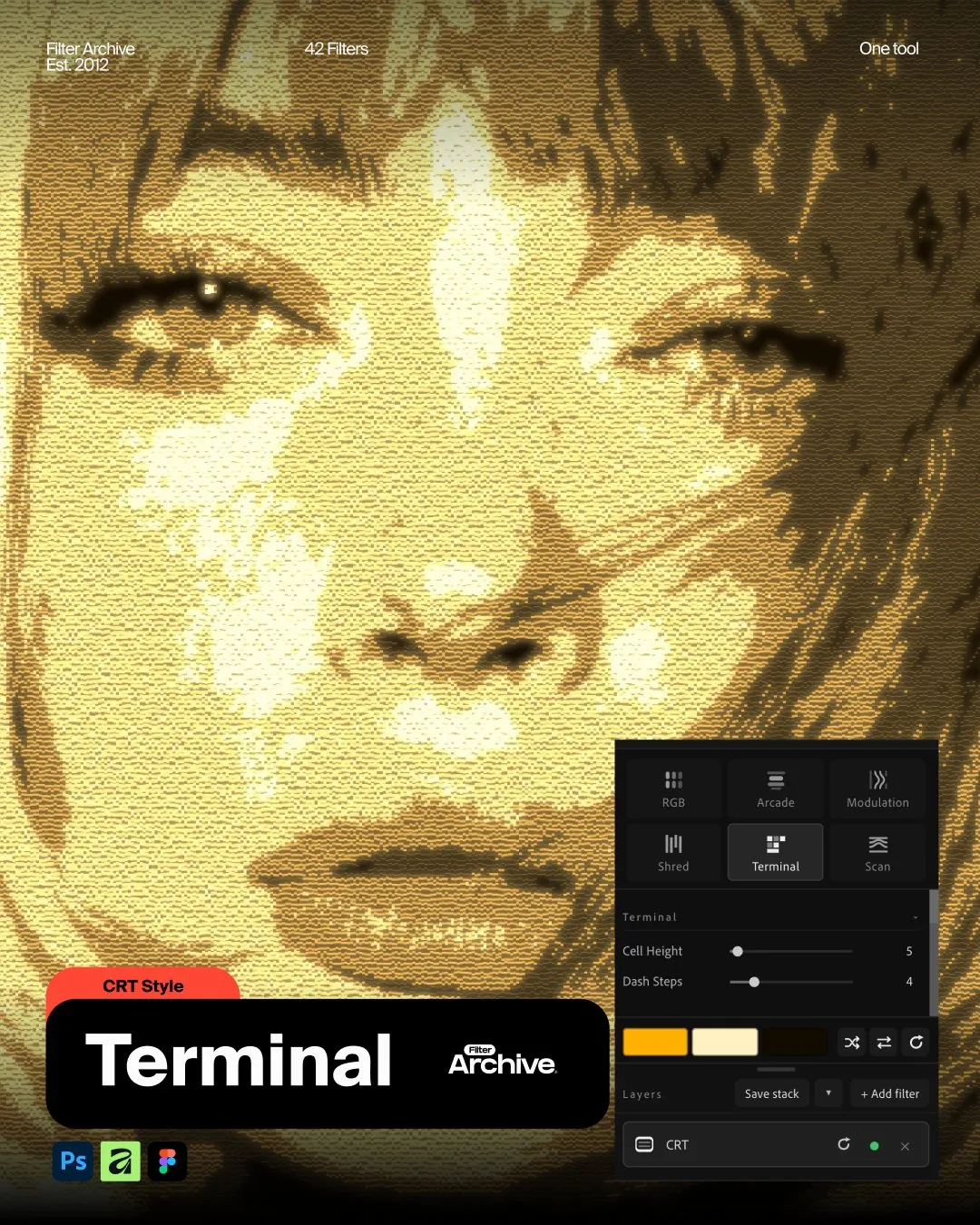
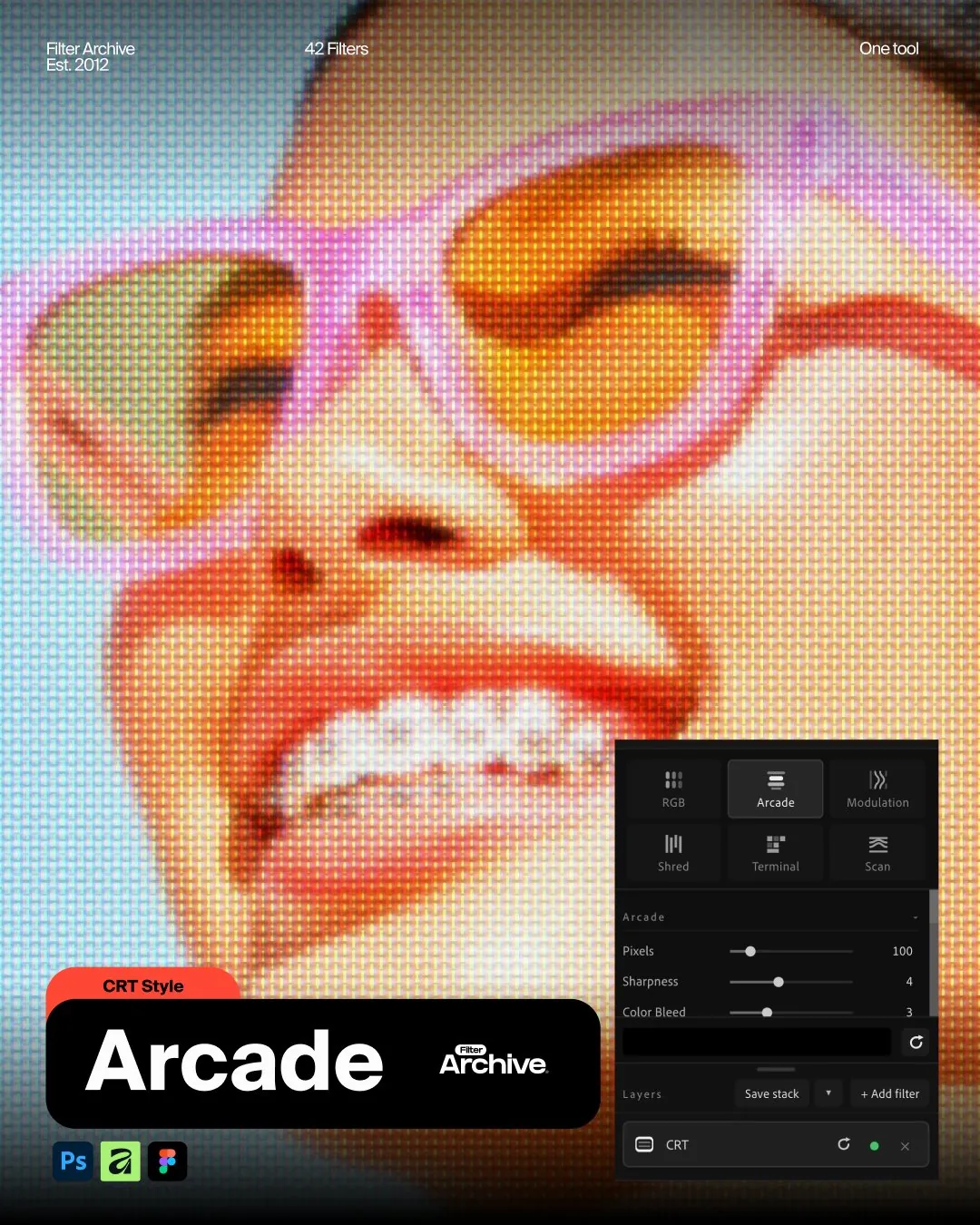
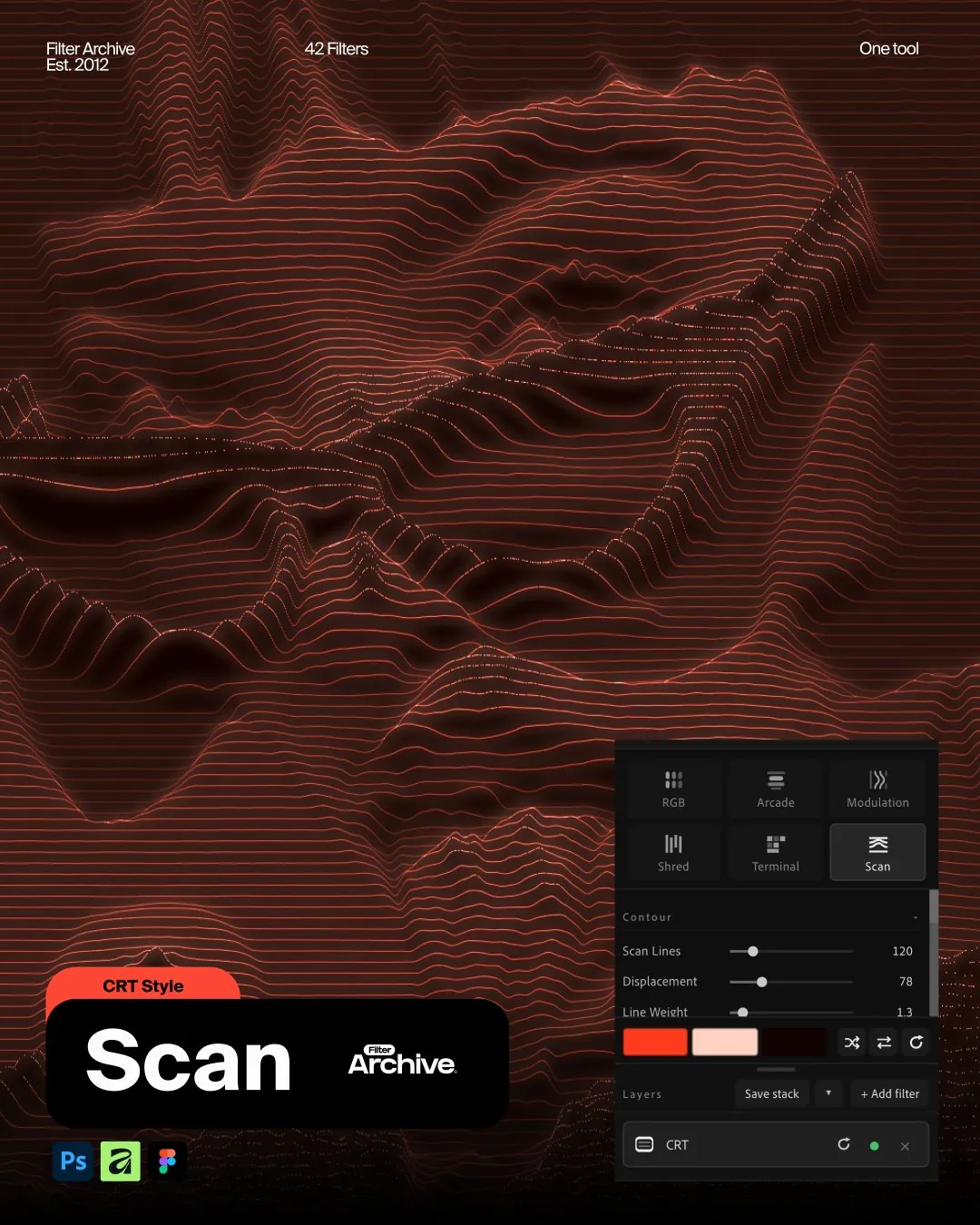
New CRT Filter in Photoshop is looking GOOOD
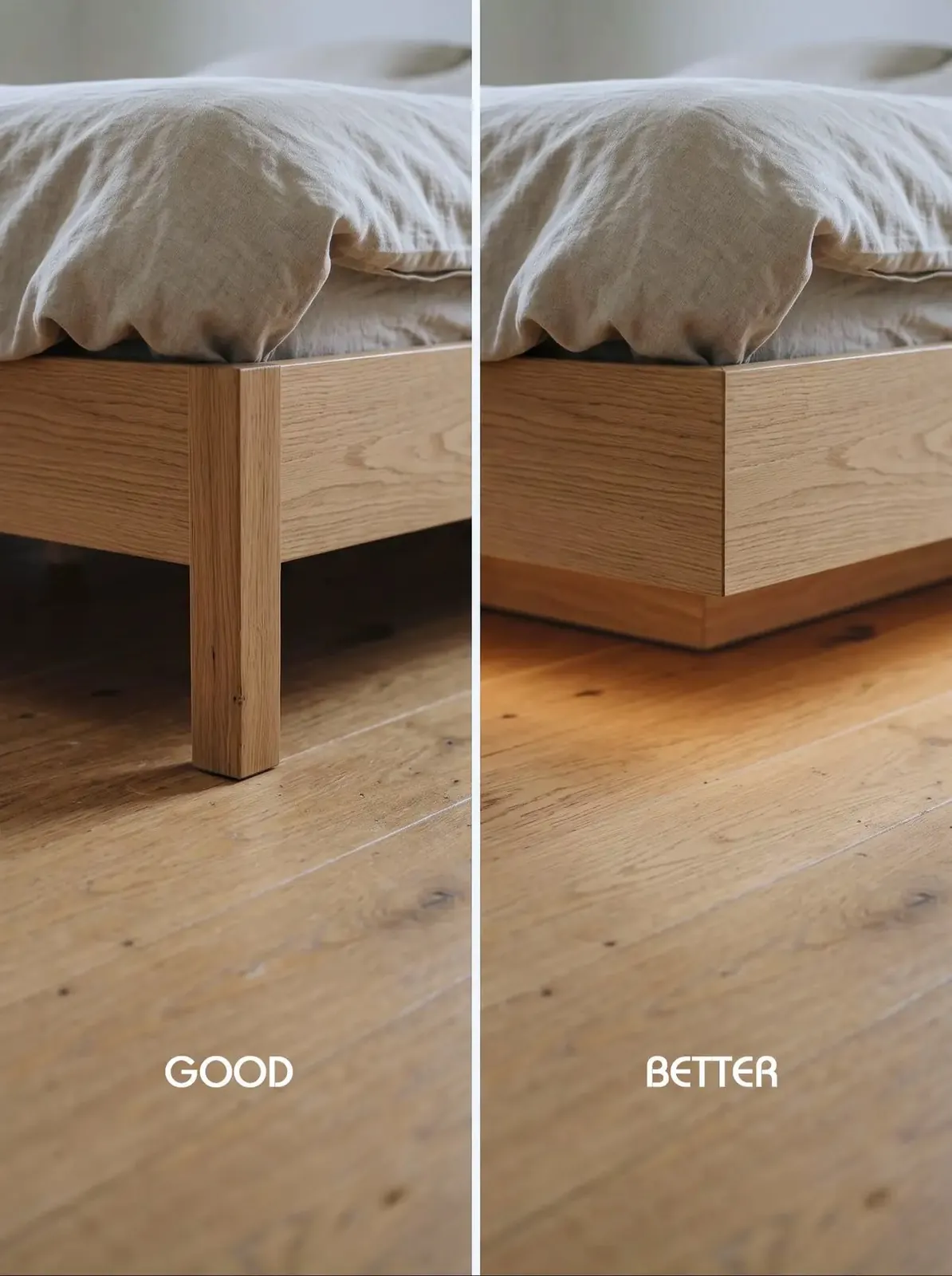
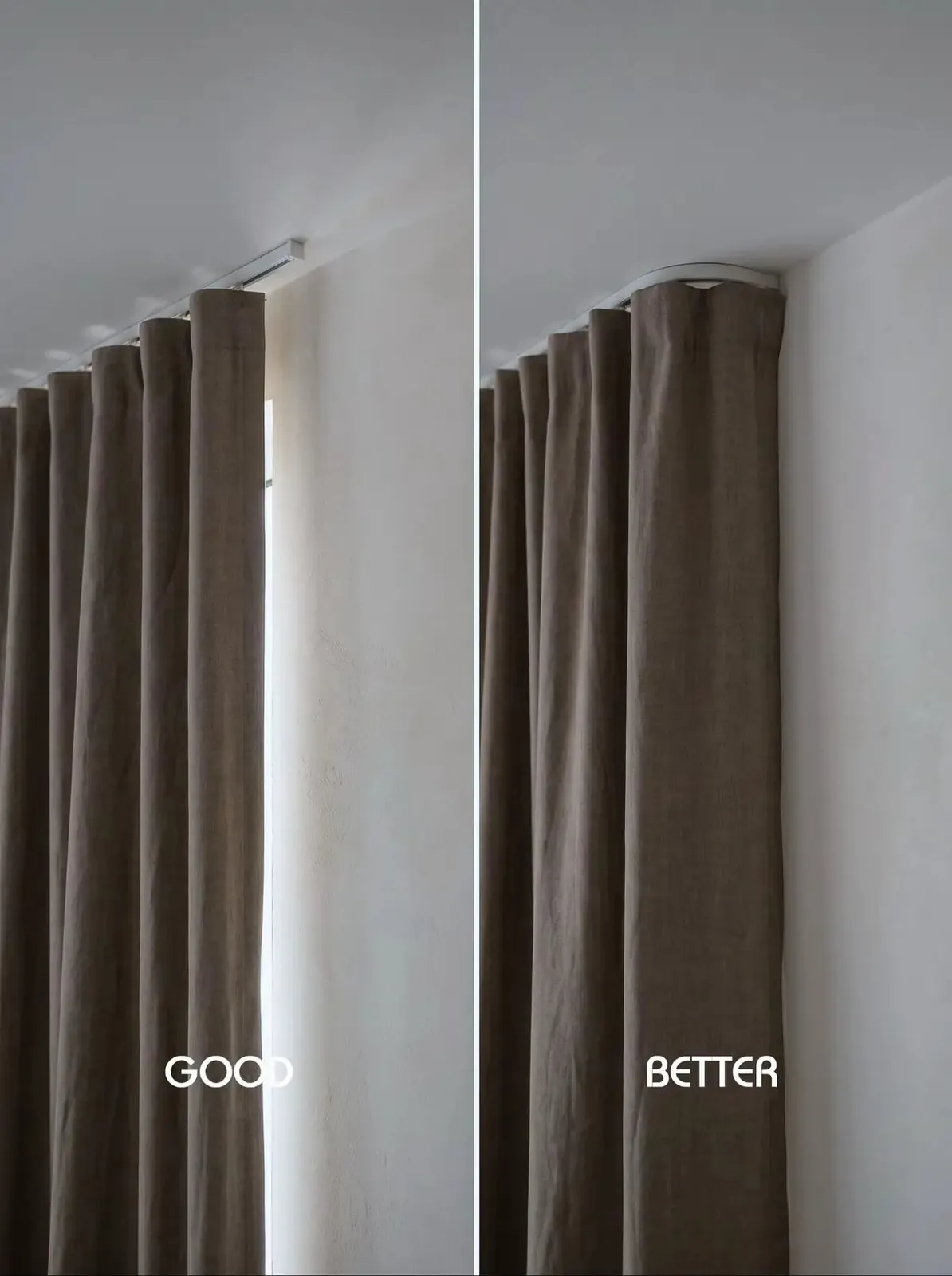
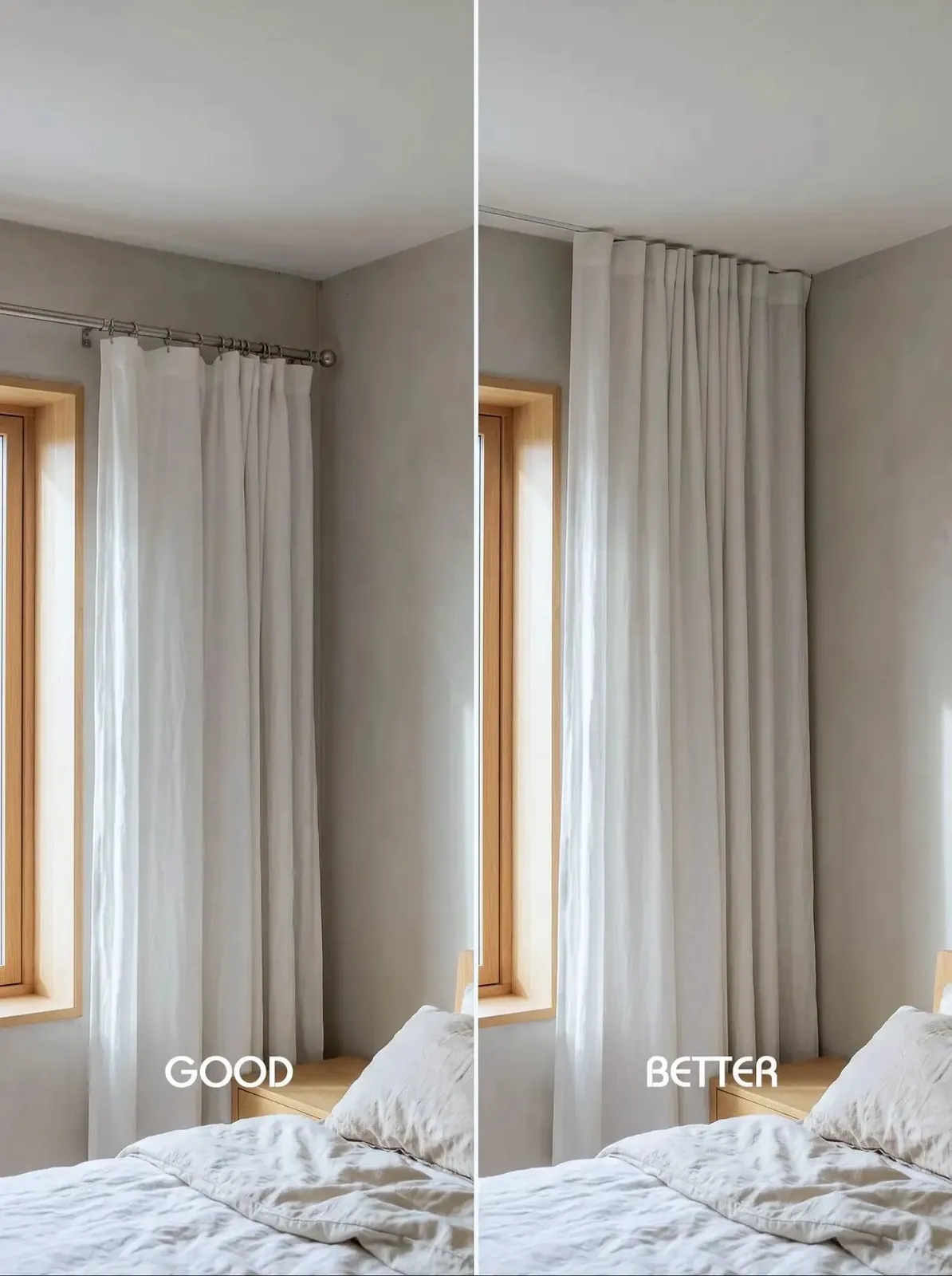
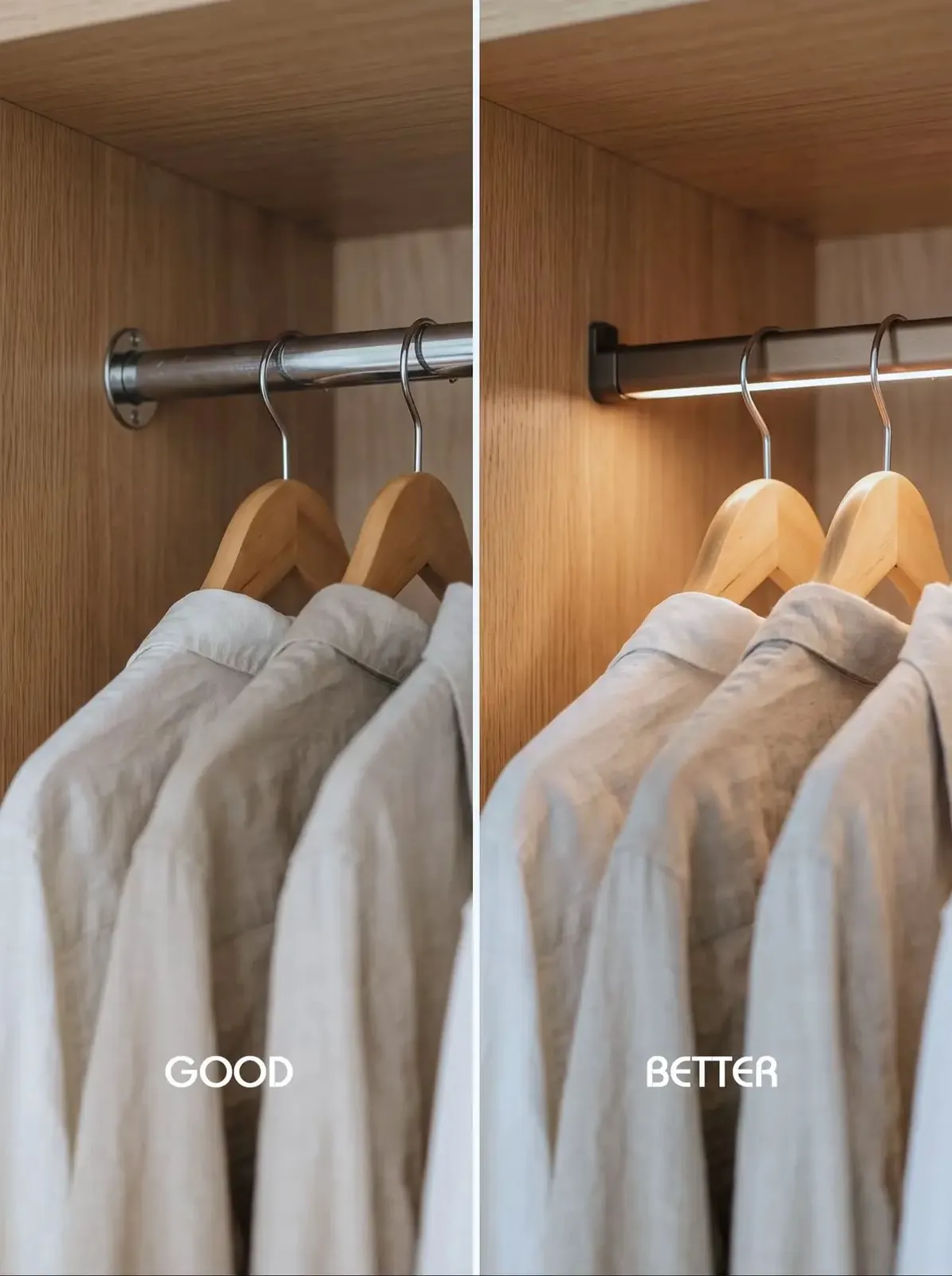
Elevating interior design small details.
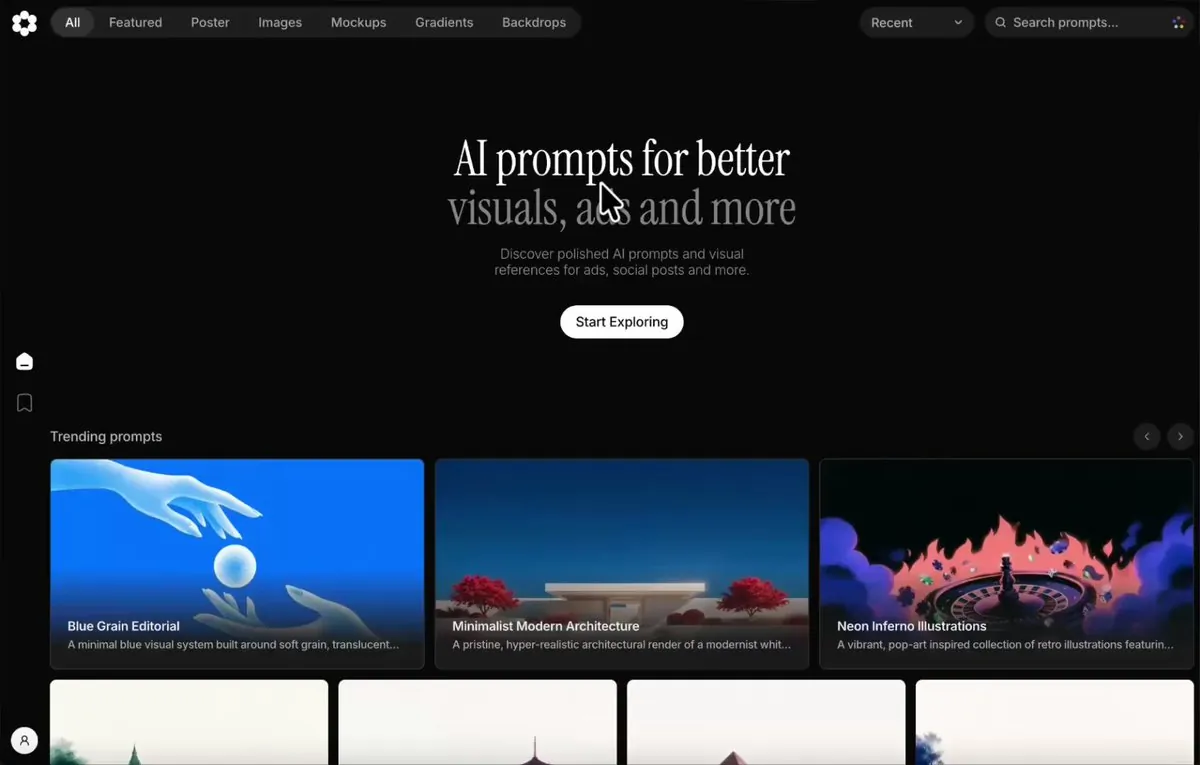
Designing with AI? This is your ultimate list 👇
1. — Web & visual design inspiration
2. — Custom backgrounds
3. — Design files for AI
4. — AI visuals & vector graphics
5. — Real app screens & user flows
6. — AI prompts for visuals & ads
7. — Prompts for animated websites
8. — Interactive React components
9. — Flexible icon library
10. — UI inspiration by category
11. — UI animations & interactions
12. — AI sitemaps & wireframes
13. — App & game icon inspiration
14. — Call-to-action examples
15. — Website footer inspiration
16. — Create custom gradients
17. — Share work with designers
Bookmark for your next project 🔖
A iconic mark with grid
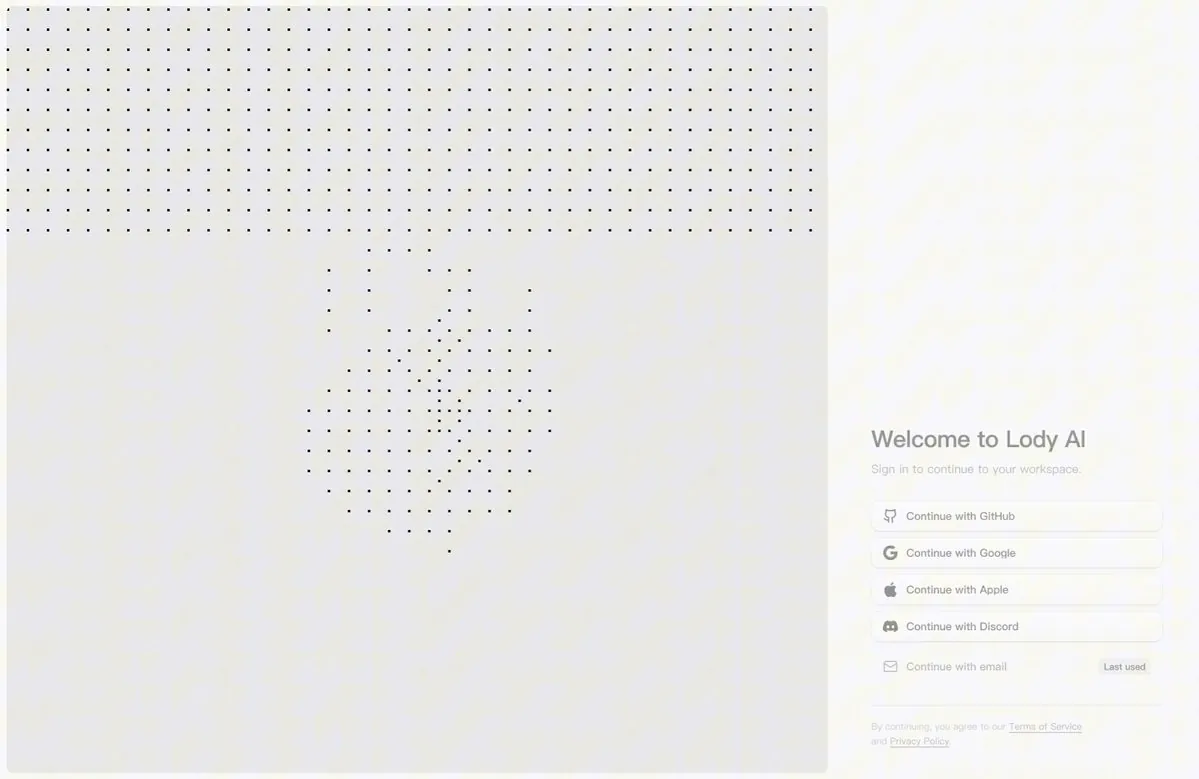
ASCII 风格越看越耐看:登录页审美积累
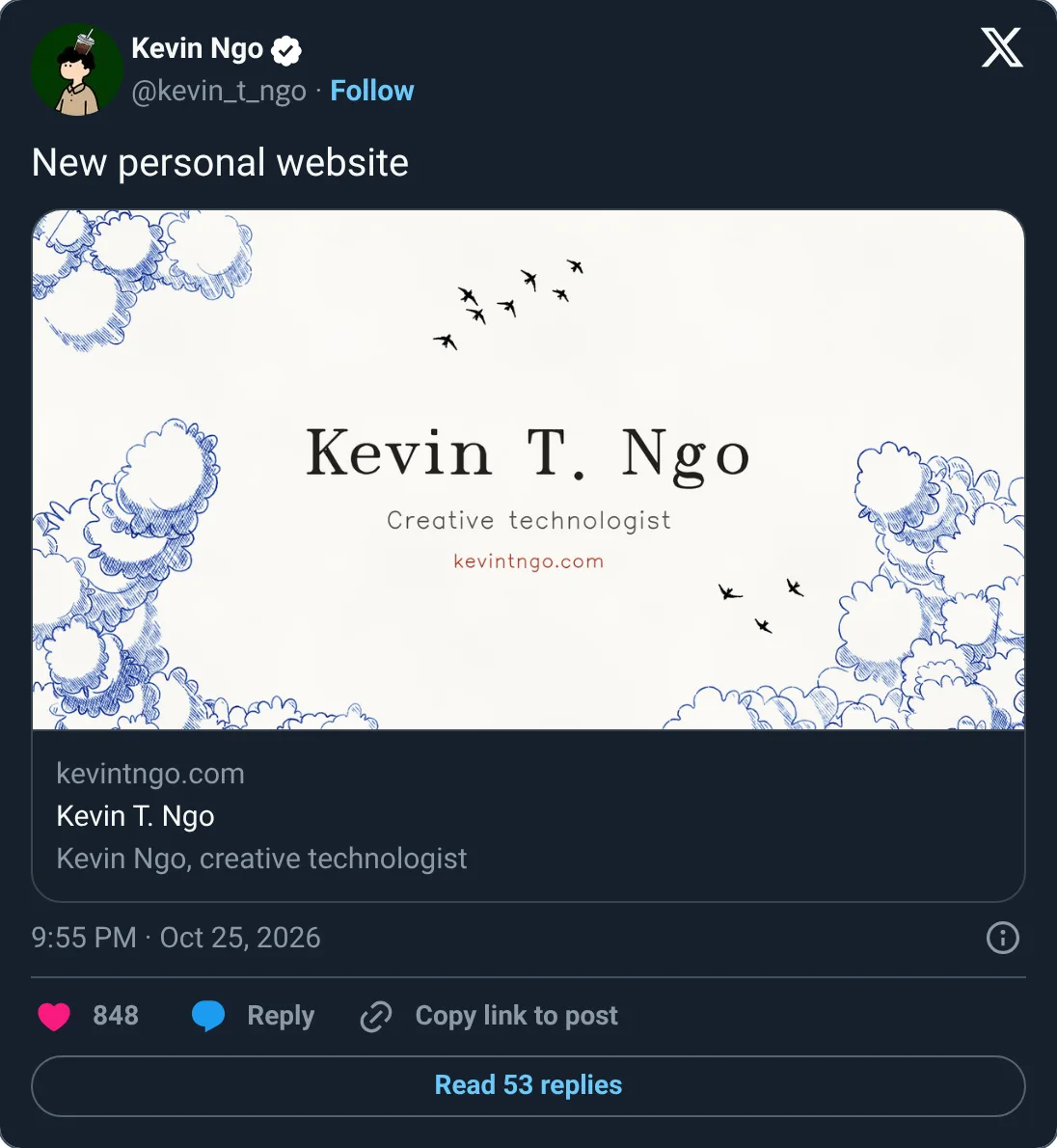
New personal website
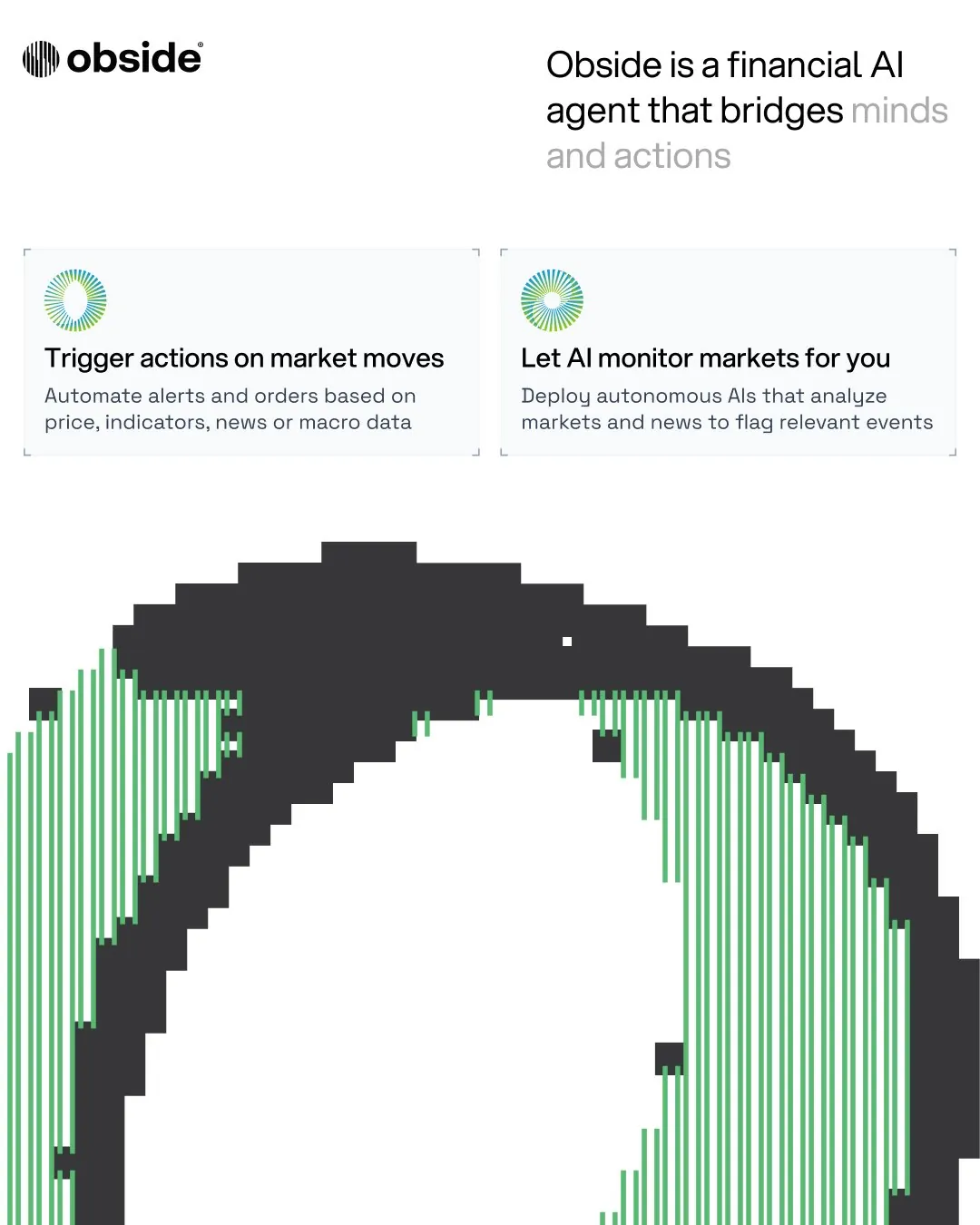
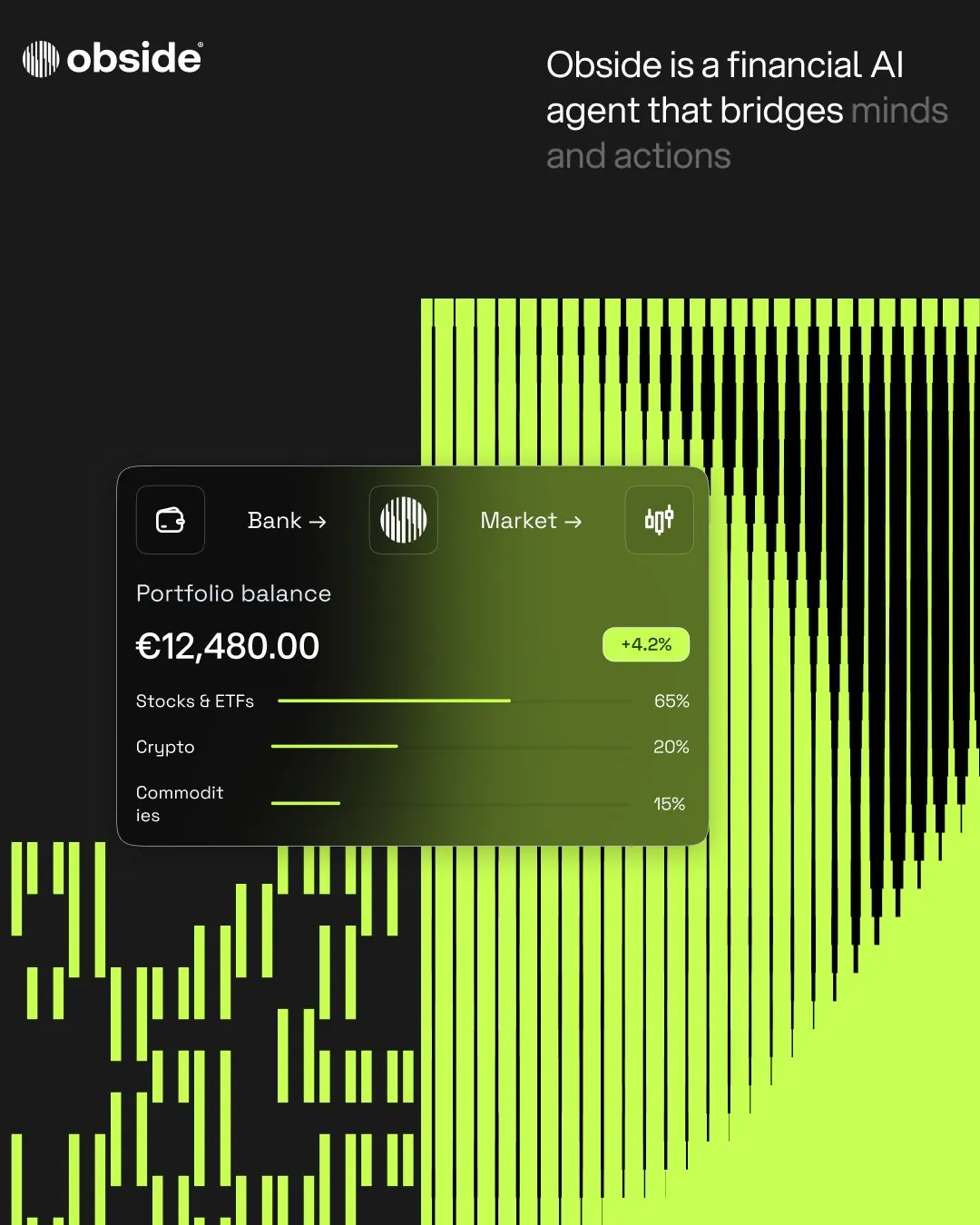
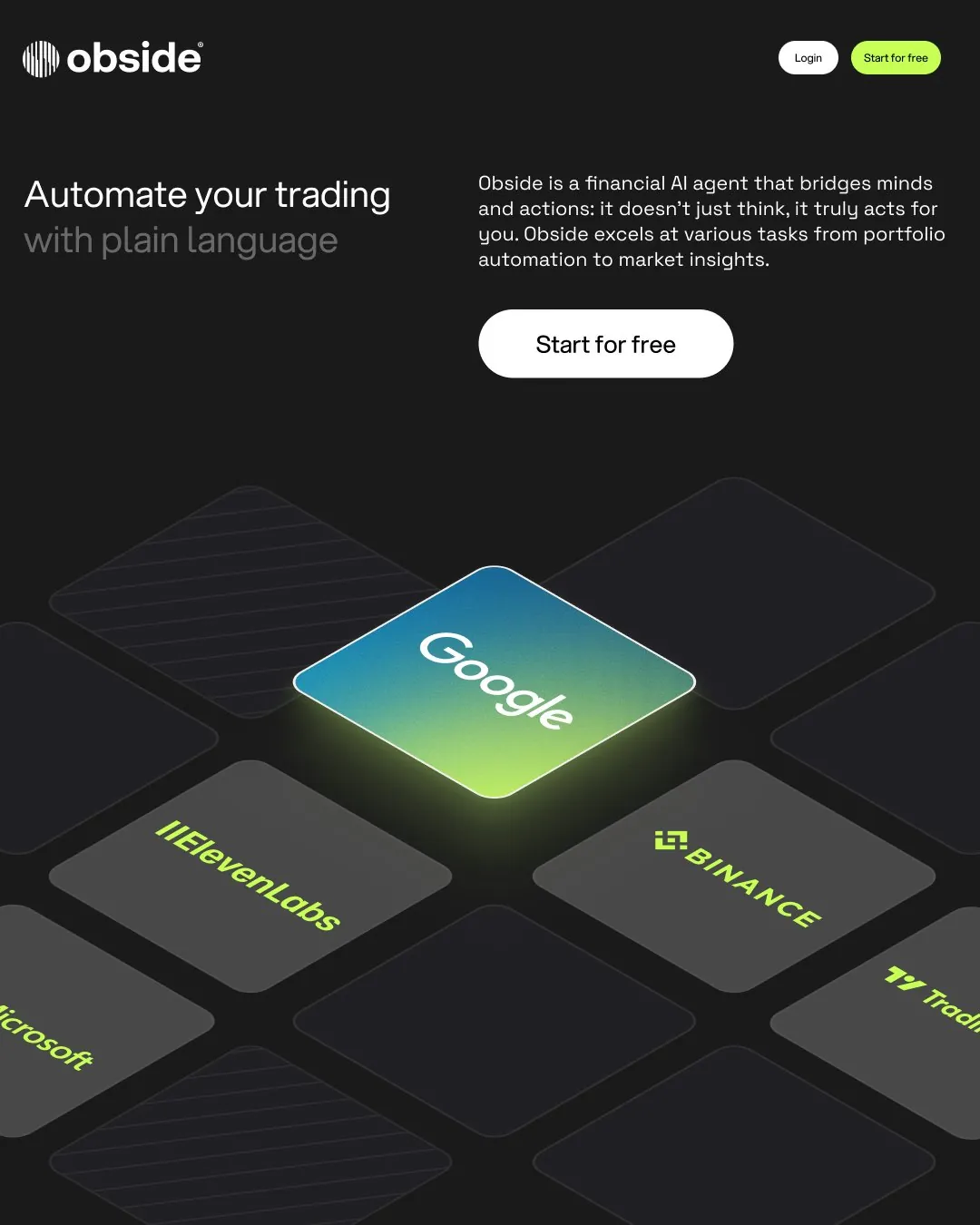
Brand identity and design system for the Obside AI.
原帖仅含媒体,无文字内容。
What am I even doing anymore?
GPT Astra 모션그래픽
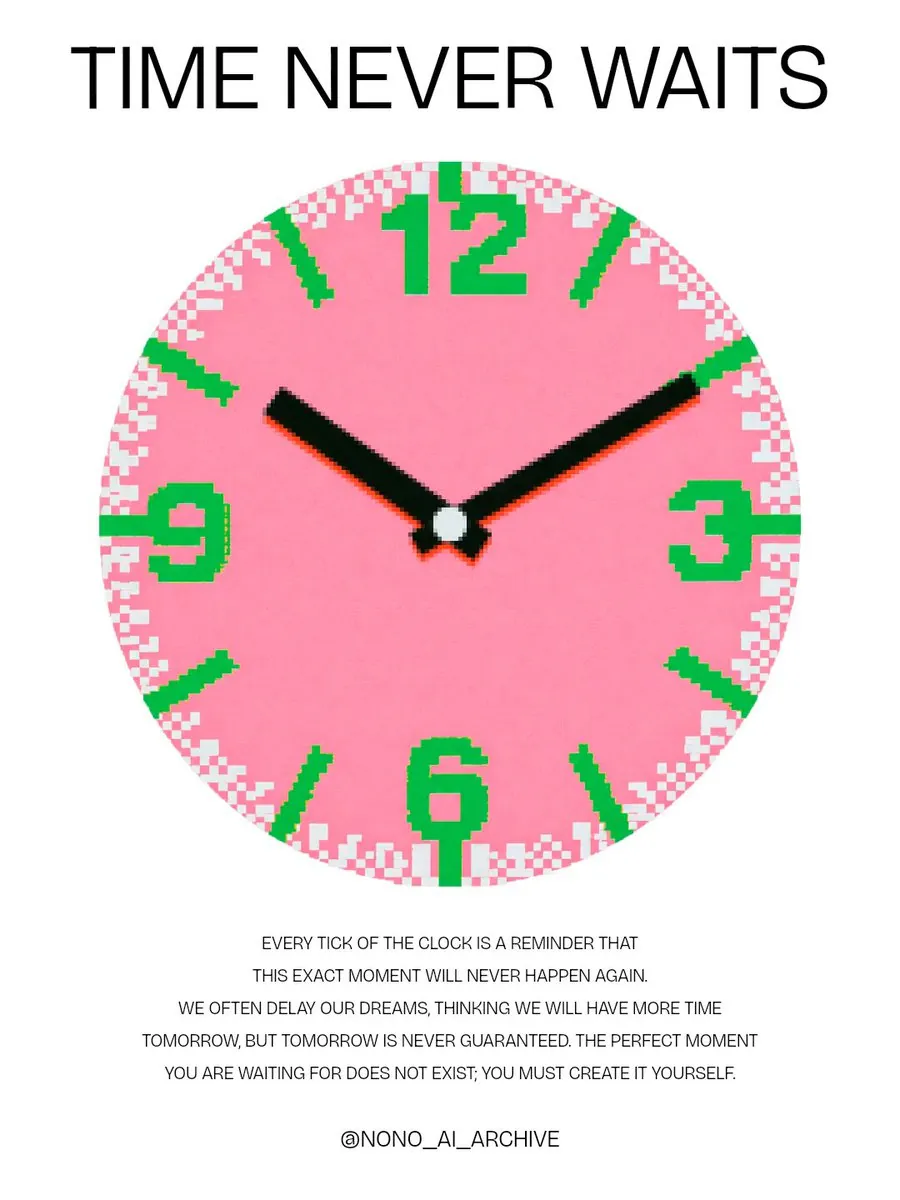
‘Time never waits’
시간은 아무도 기다려주지 않는다.
原帖仅含媒体,无文字内容。
Recent website designs for AI and SaaS startups
4 moods
原帖仅含媒体,无文字内容。
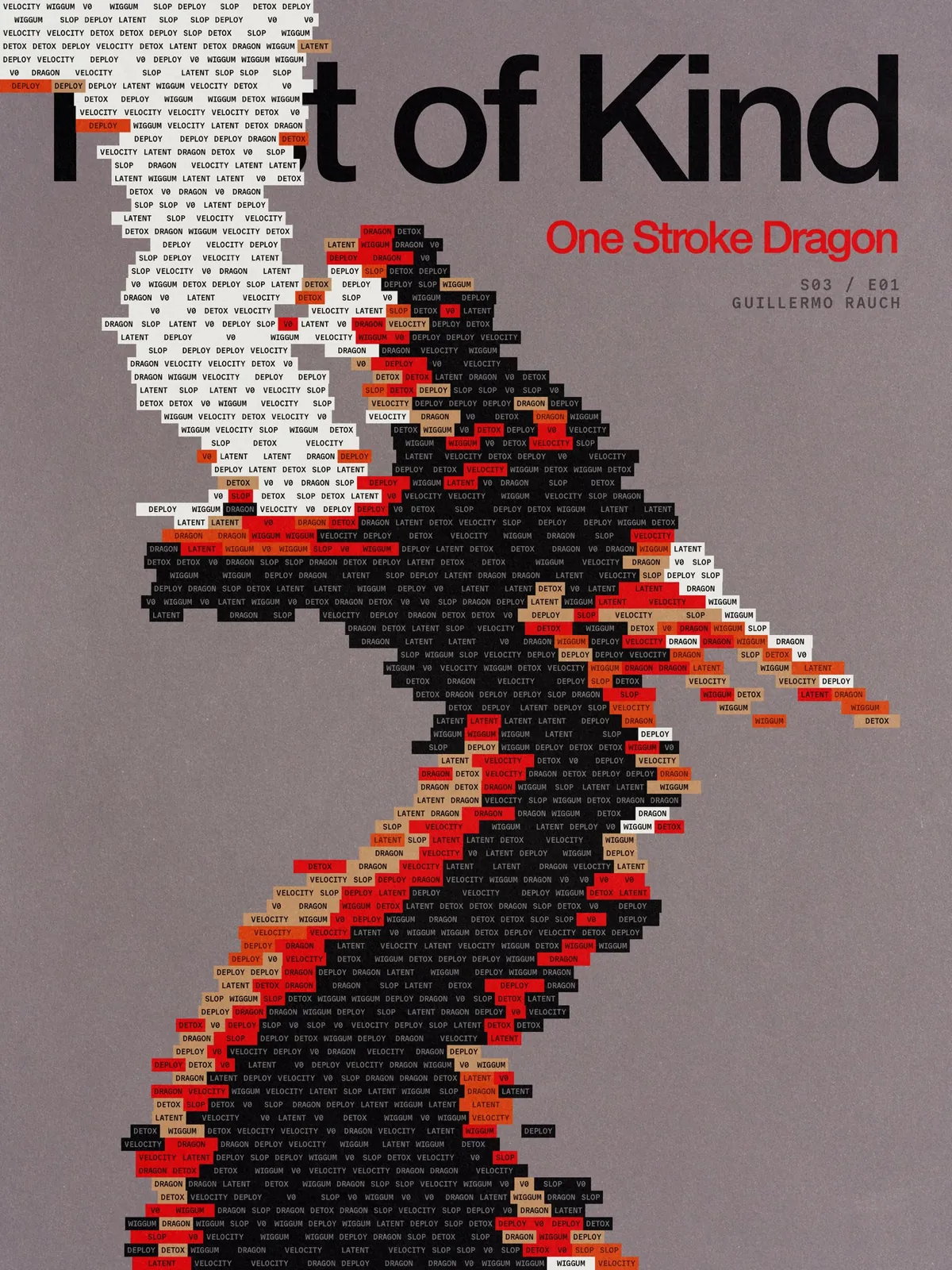
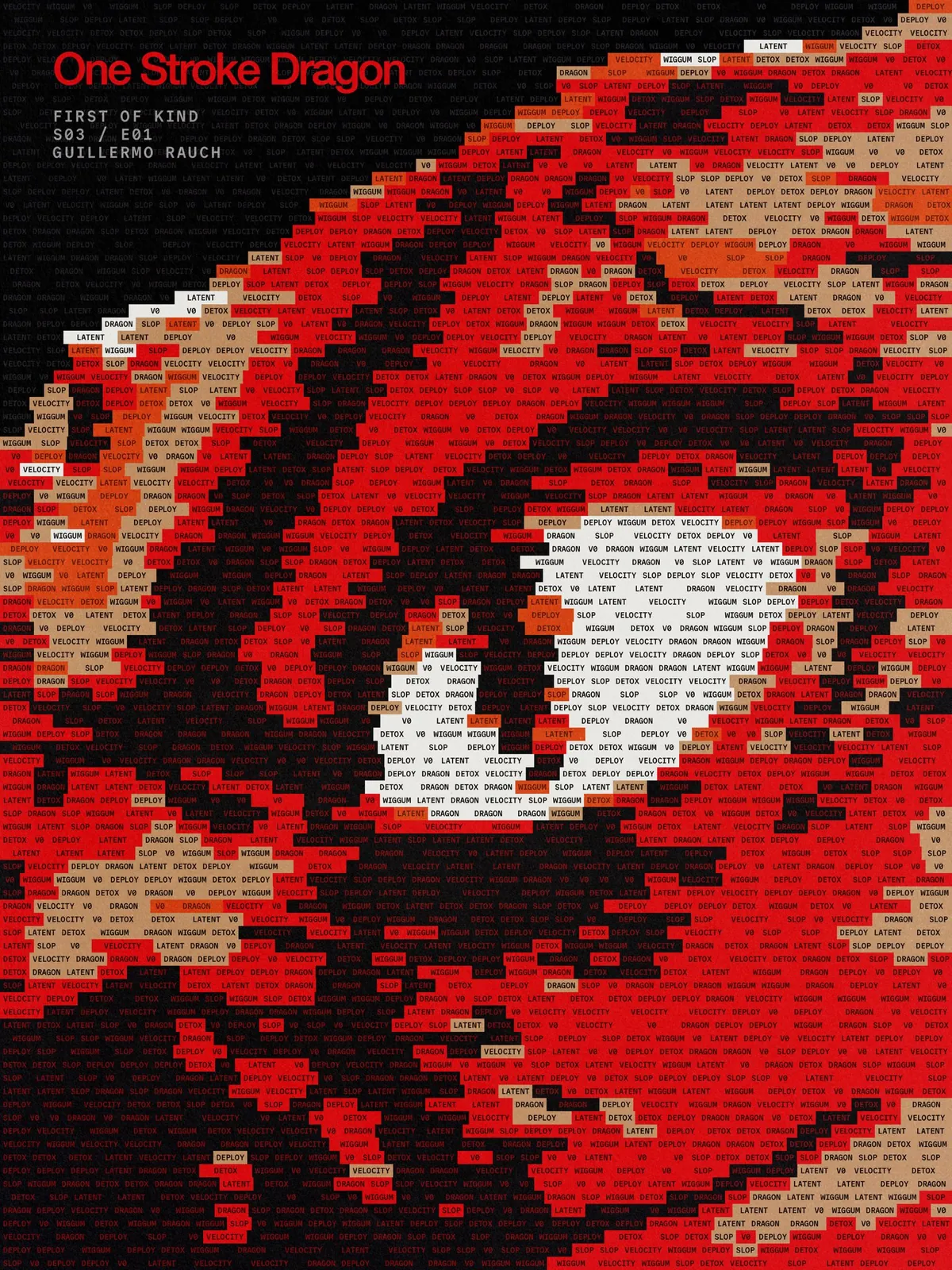
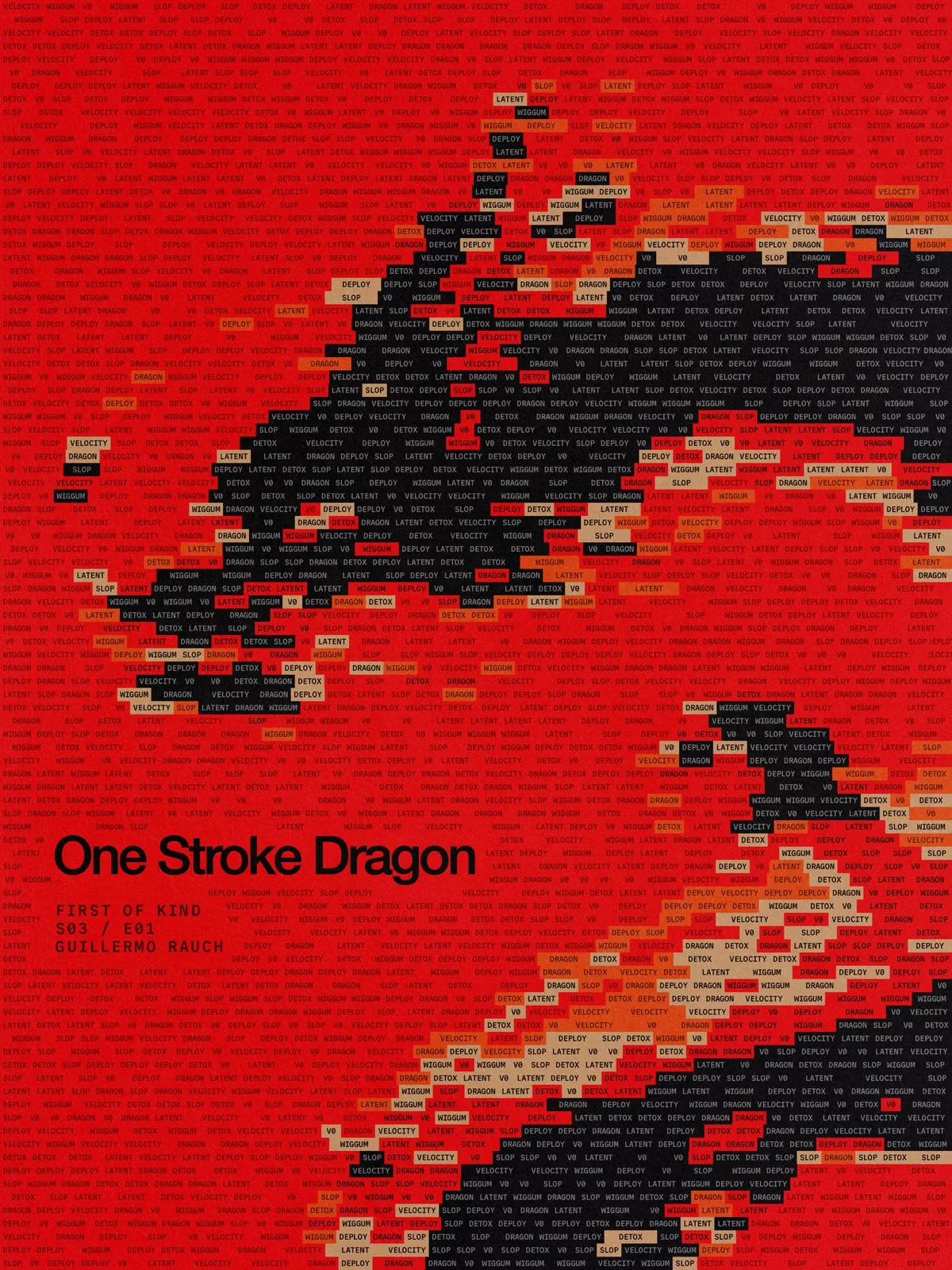
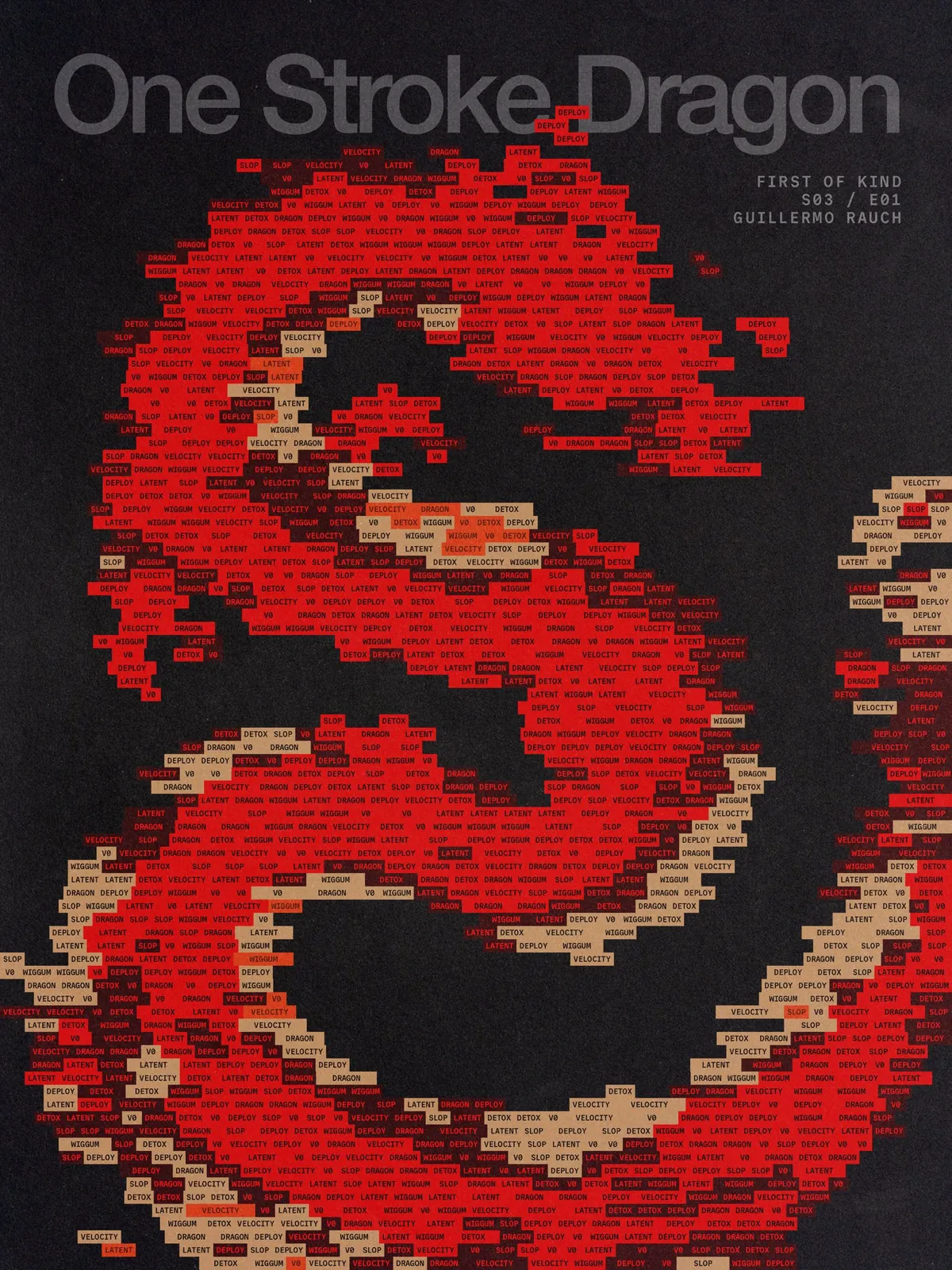
One Stroke Dragon
made some illustrations for a new branding project
Some of my favourite fonts I’ve been using lately
Save this for later 👀
Introducing
Long-term, multiplayer memory for your agents. #1 on BEAM, the largest public memory benchmark.
Install it with a single prompt. Keep your stack. Add a past.
Try it today →
🌏✈️
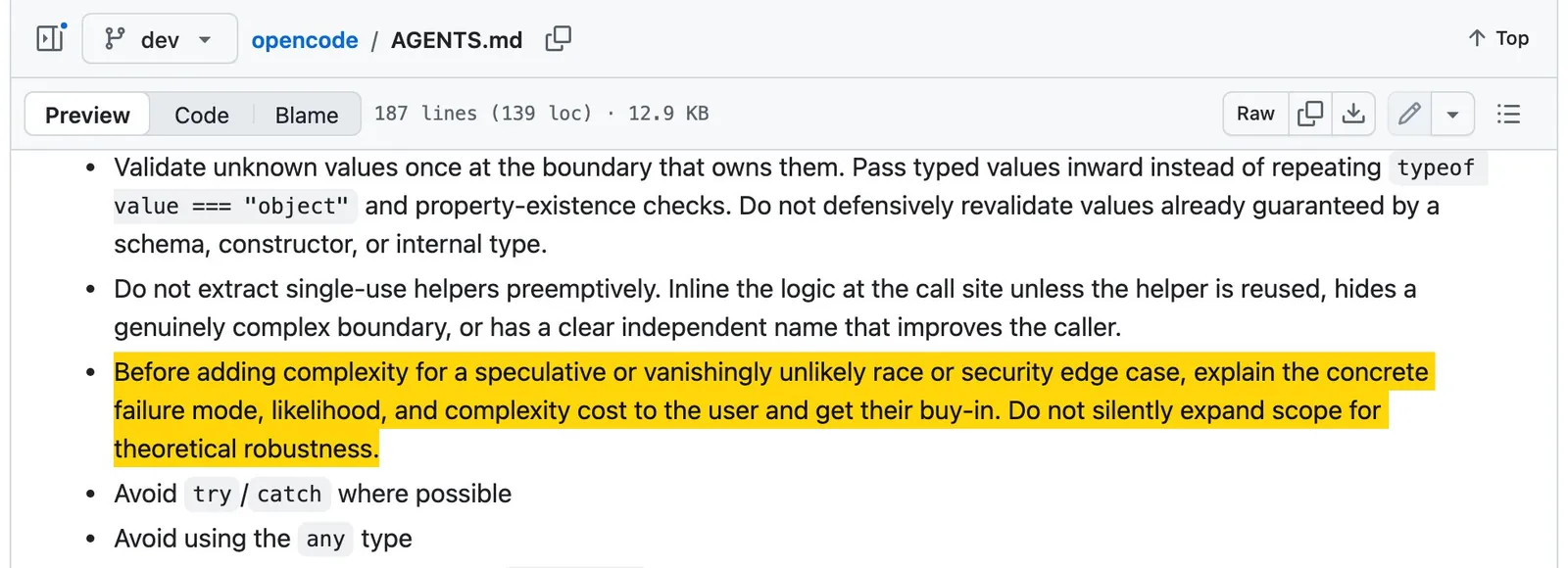
This is such a banger rule in @opencode's AGENTS.md
"Before adding complexity for a speculative or vanishingly unlikely race or security edge case, explain the concrete failure mode, likelihood, and complexity cost to the user and get their buy-in. Do not silently expand scope for theoretical robustness."